
Use the button at the bottom right of the Left Toolbar to expand/collapse the panel:
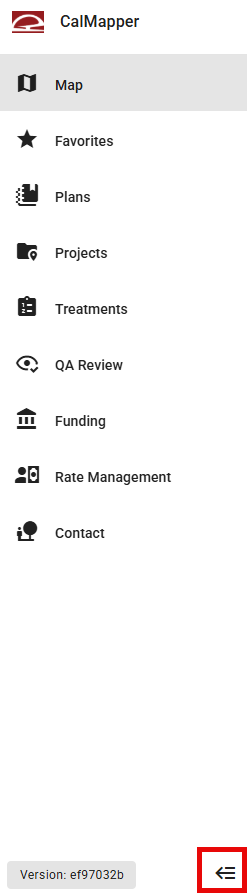
Map
Click Map to return to the map view at any time.
Favorites
Favorites allow the user to easily access items that they regularly view or edit. Click Projects, Treatments, or Work Logs to expand the table of favorites.
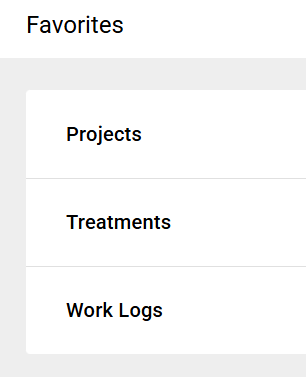
If you have not added any favorites, the table will be empty. Use the star icon available in the Projects, Treatments, and QA Review tables to add an item to your favorites.
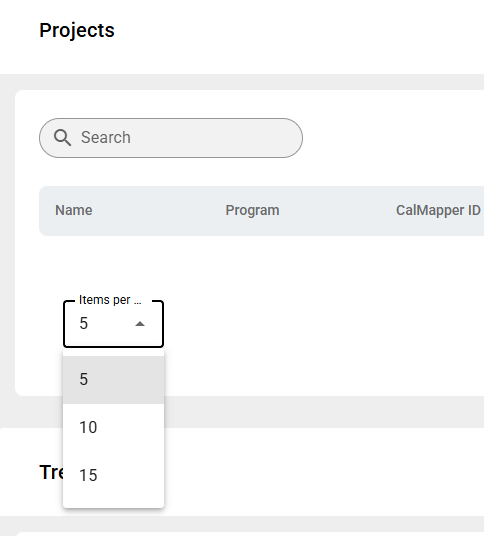
Search your favorites or use the Items dropdown to adjust the number of favorites shown.
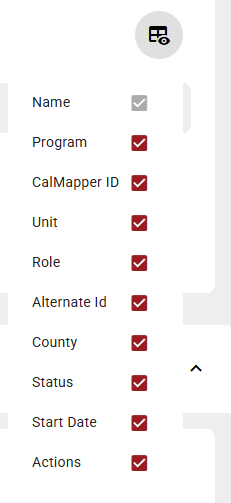
Use the spreadsheet icon in the top right to adjust the columns shown.
Plans
Projects
Treatments
QA Review
Funding
Rate Management
Contacts