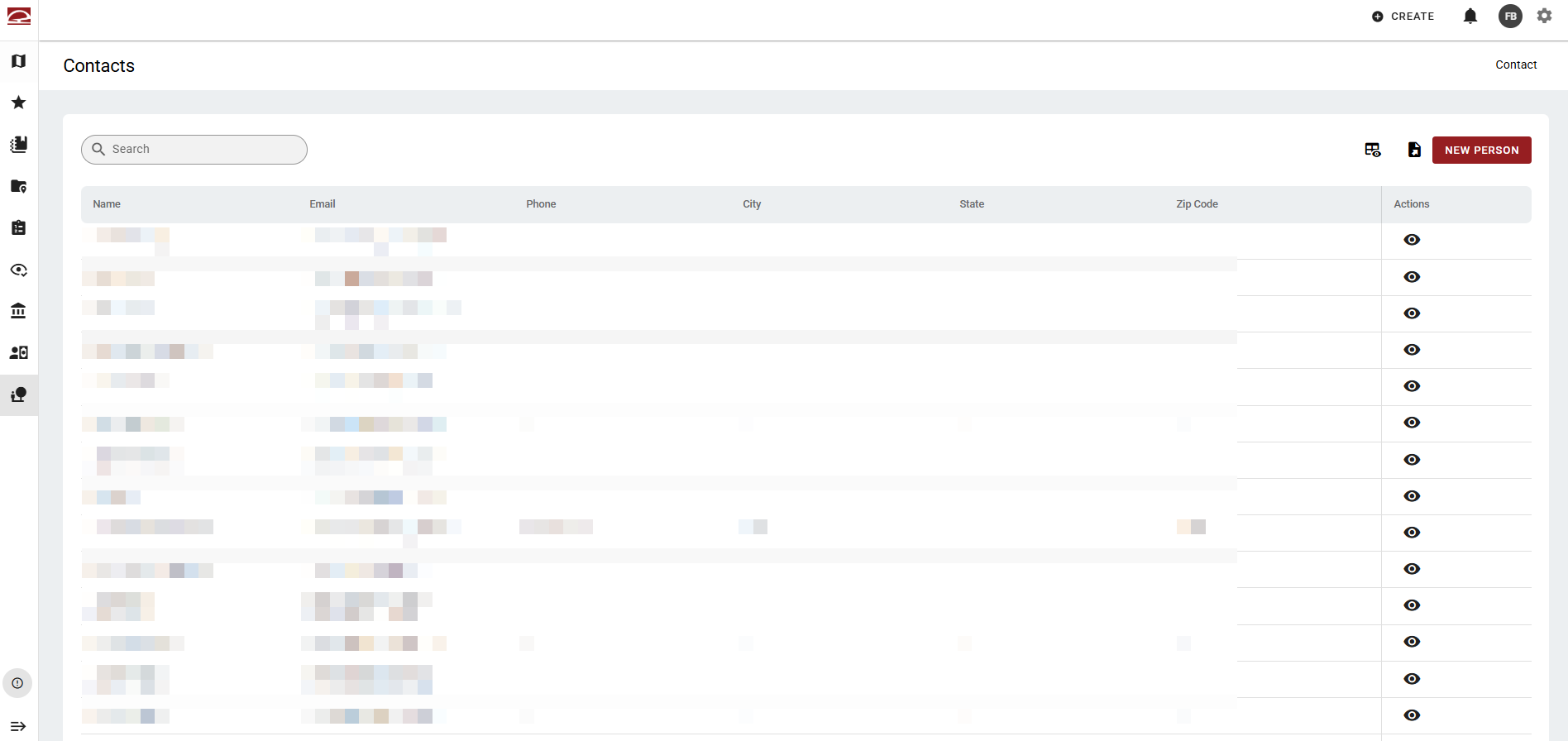
The Contacts page displays all records from the Person Manager.
Filtering and Search
A free-text search bar is available for quick lookup. Or, click a column heading to sort it in ascending or descending order.
Table
The table displays each contact with default columns. Use the spreadsheet icon in the top right to adjust the columns shown.
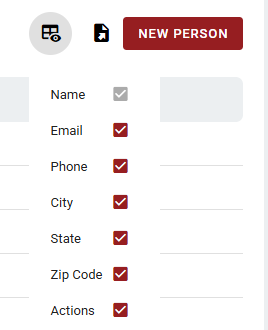
Table Actions
Each contact (row) has one action icon: a view (eye) icon to open the record. Clicking the view icon opens the Person Manager.
New Person
A prominent New Person button in the top right launches the Person Manager.
Export
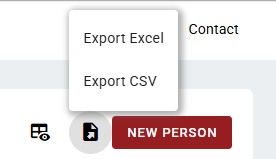
Click the Export button in the top right to export the table as an Excel or CSV file.