
The Grid View is a slide-up panel that appears at the bottom of the Map view, providing a tabular list of records associated with the current map context. It allows users to browse and navigate records without leaving the map.
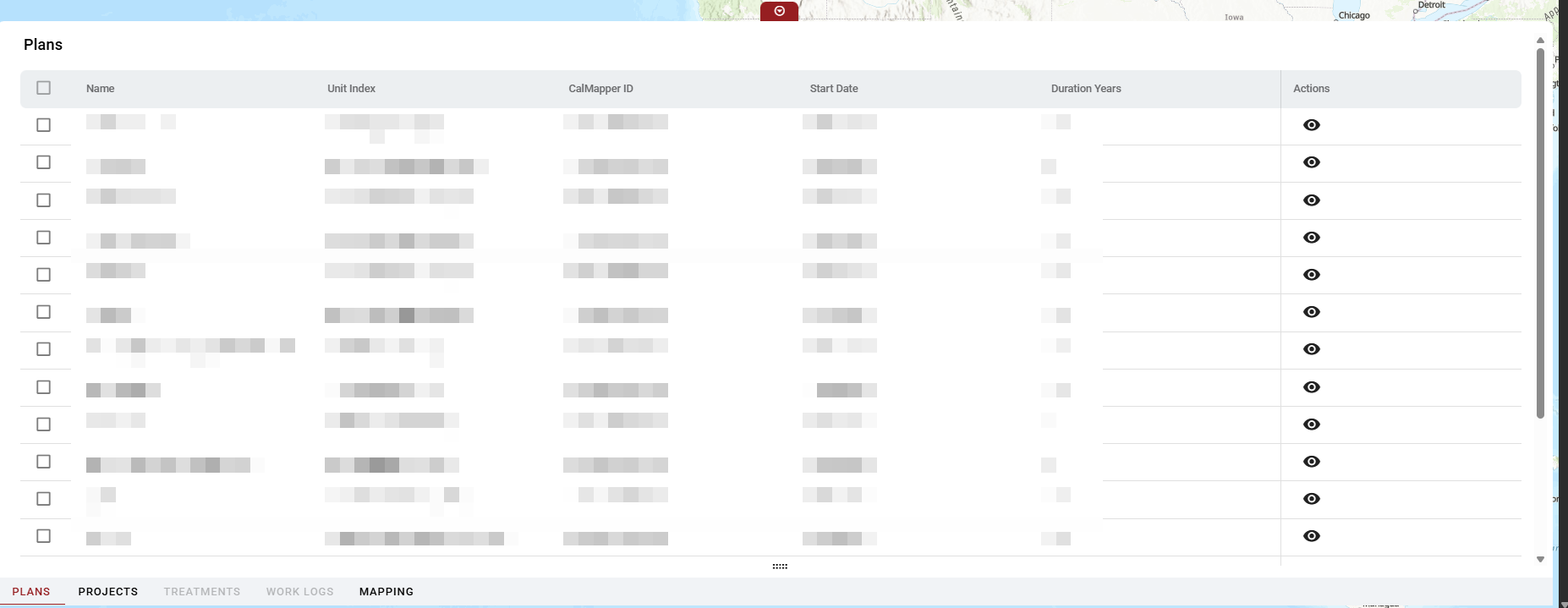
The red tab at the top of the Grid View expands and collapses the panel.
The panel has tabs across the bottom edge, allowing users to switch between different record types:
-
Plans
-
Projects
-
Treatments
-
Work Logs
-
Mapping
Each row has a checkbox on the left, enabling multi-row selection. The tabs are hierarchical and respond dynamically to the selections in the previous tabs. Example: the treatment tab will be grayed out until a project with associated treatments is selected.
The view (eye) icon opens the details card for that row.
A vertical scrollbar on the right allows the panel to scroll independently of the map.