
-
Select the Asset List panel from the top left of the Map view to view assets that meet your applied criteria across the forecast.
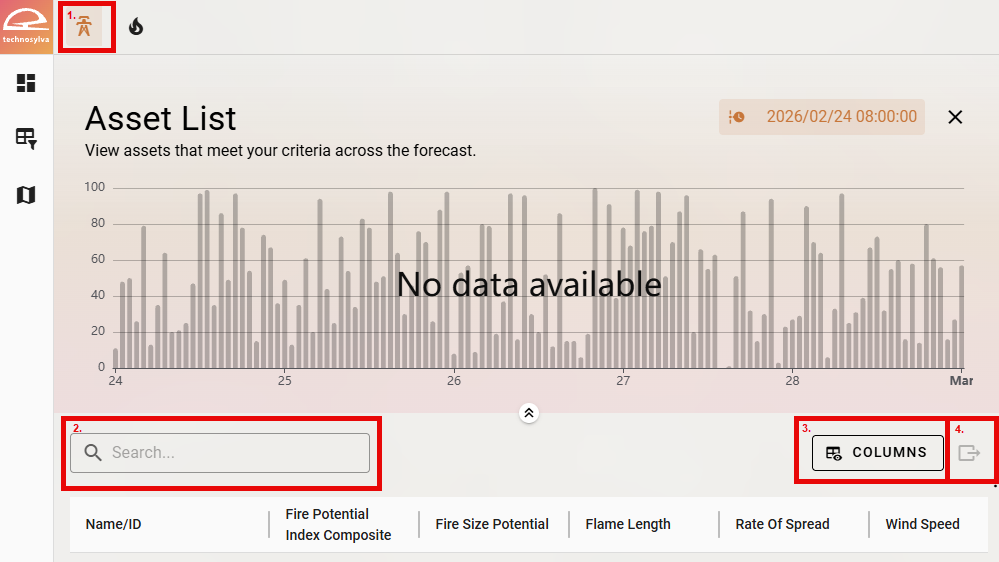
Asset List Panel -
Use the Search bar to search for a particular asset.
-
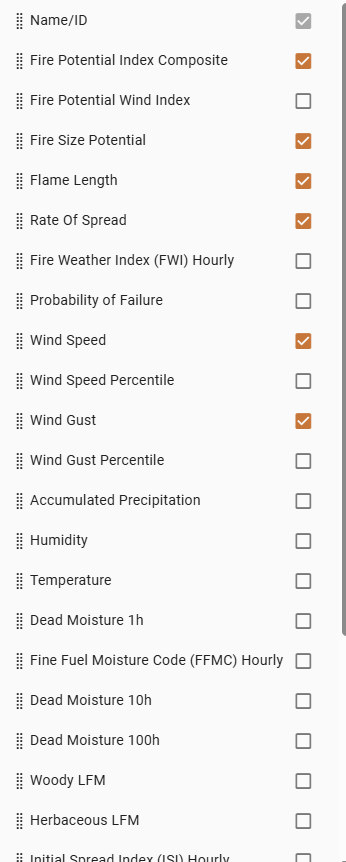
Select the Columns dropdown to adjust which metrics you would like to be visible in the Asset List table. The columns can be reordered by clicking on the dots on the left side of the panel and dragging the metrics up or down the list.
-
Use the Export button to export data as a CSV.