
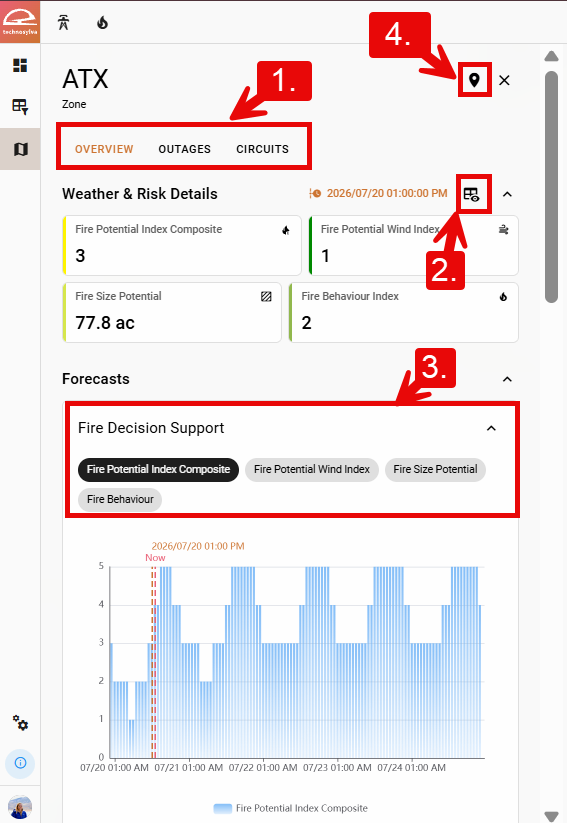
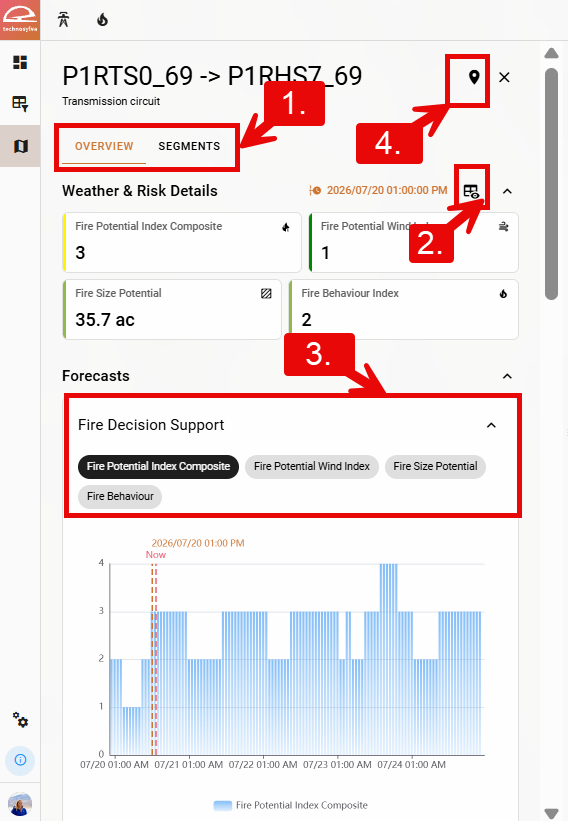
A page displaying the forecast and child assets for an individual area or asset can be opened from the Summary Dashboard, the Forecast Explorer, or the Asset List.
Depending on your organization, you may see other area names (district, service point, zone, etc.). The functionality remains the same.
-
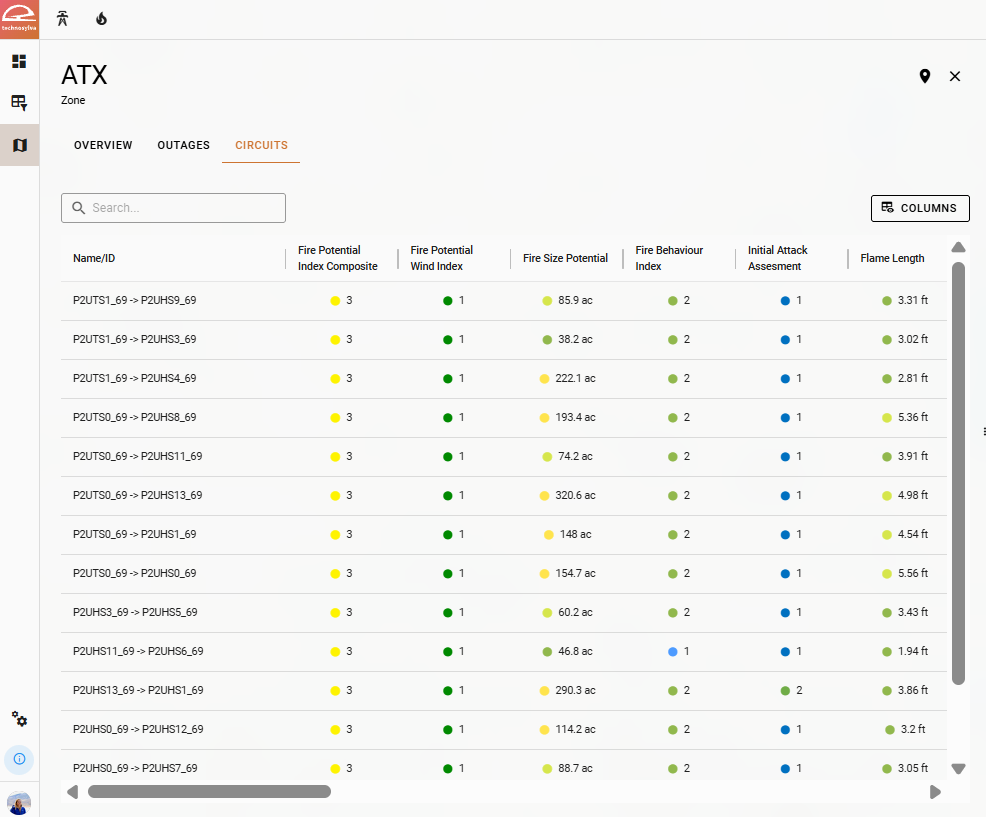
Use the top left menu bar to toggle between an Overview of the area or asset and a table with information about the sub-components of that area or asset for the specific hour of the forecast selected in the timeline.
-
Use the Column Selector button in the top right to select or reorder the metric cards to display under Weather & Risk Details.
-
For each card under Forecasts (Fire Decision Support, Risk, Weather, Fuel, and Fire Danger), select the metrics you would like to see on the graph.
-
Click the Go to Extent button in the top right to zoom to the extent of the area or asset.
For more information about the metrics displayed in the Forecast cards, visit the Technosylva Glossary.