
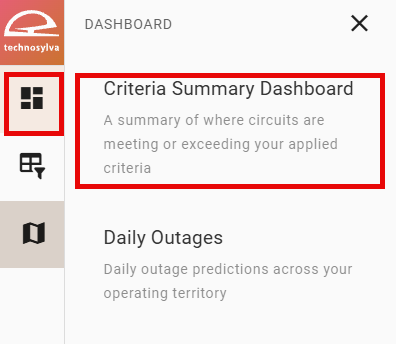
Navigate to the Summary Dashboard from the left panel by selecting the top button and choosing Criteria Summary Dashboard from the dropdown.
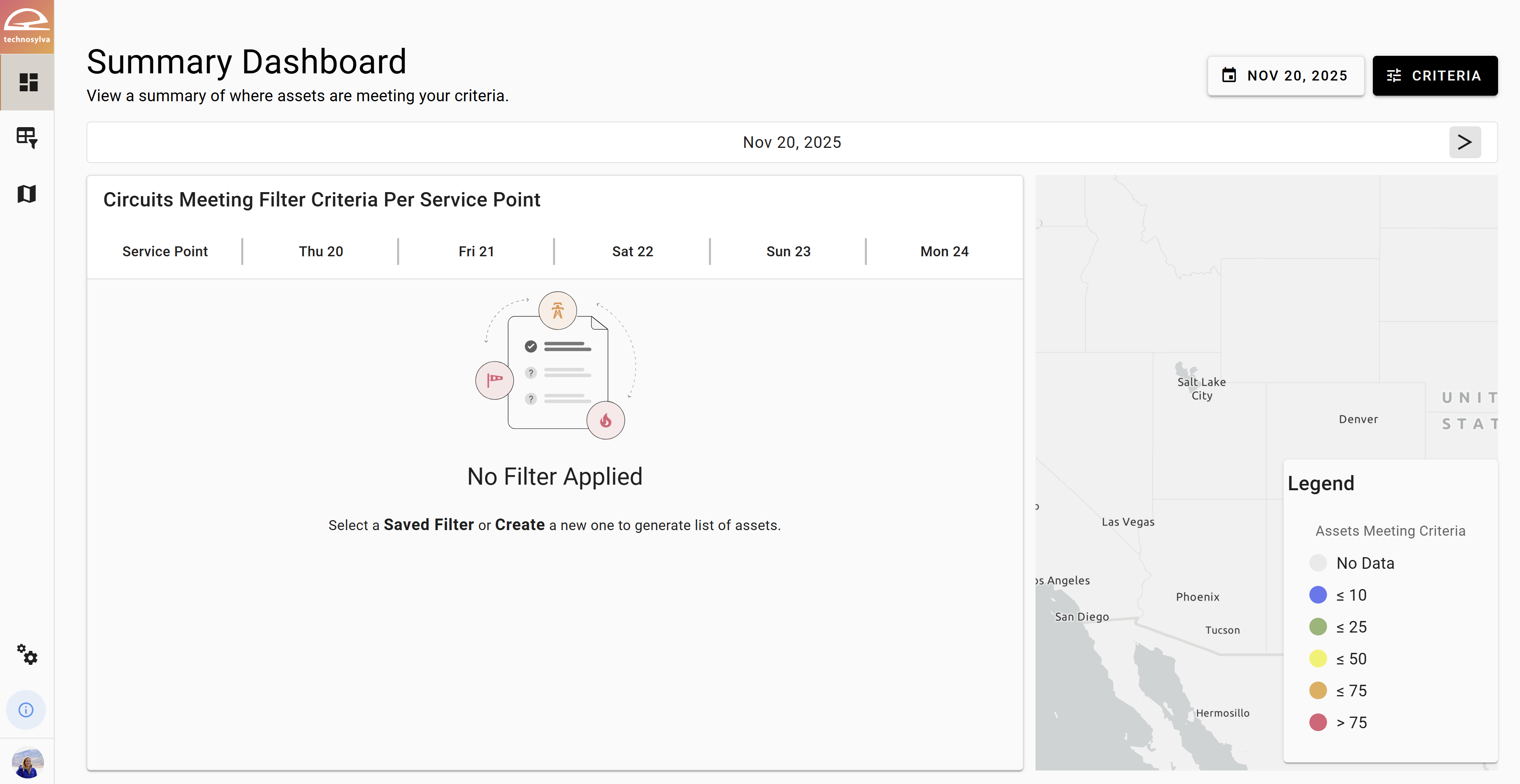
The Summary Dashboard displays by area the number of assets meeting any criteria specified using the Criteria button. If no criteria have been specified yet, the dashboard will be empty.
Once new or existing criteria have been applied, the dashboard will update to show only the assets by area that meet the criteria.
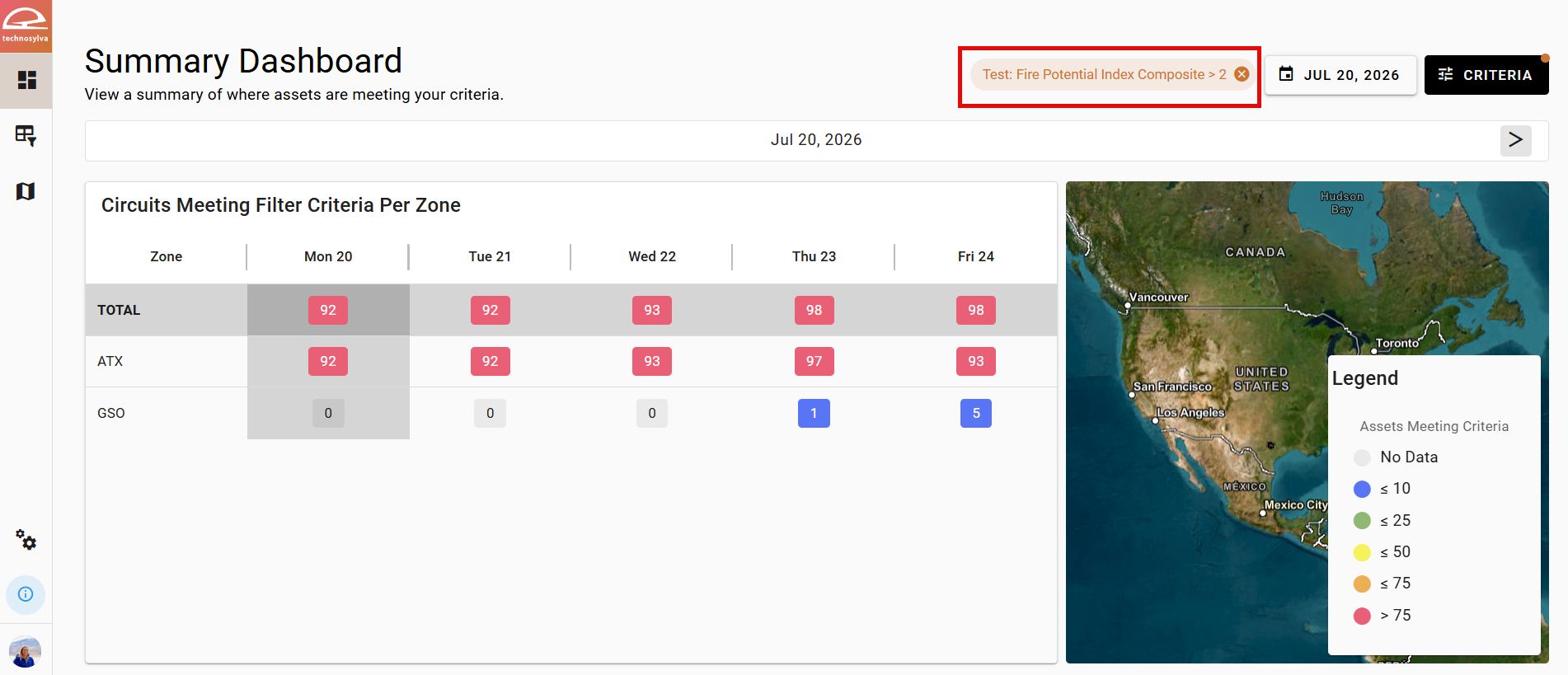
Click the left and right arrows on the date scrollbar to highlight a different date within the forecast.
Click the Area Name in the table to display additional information about that area and its Circuits.