
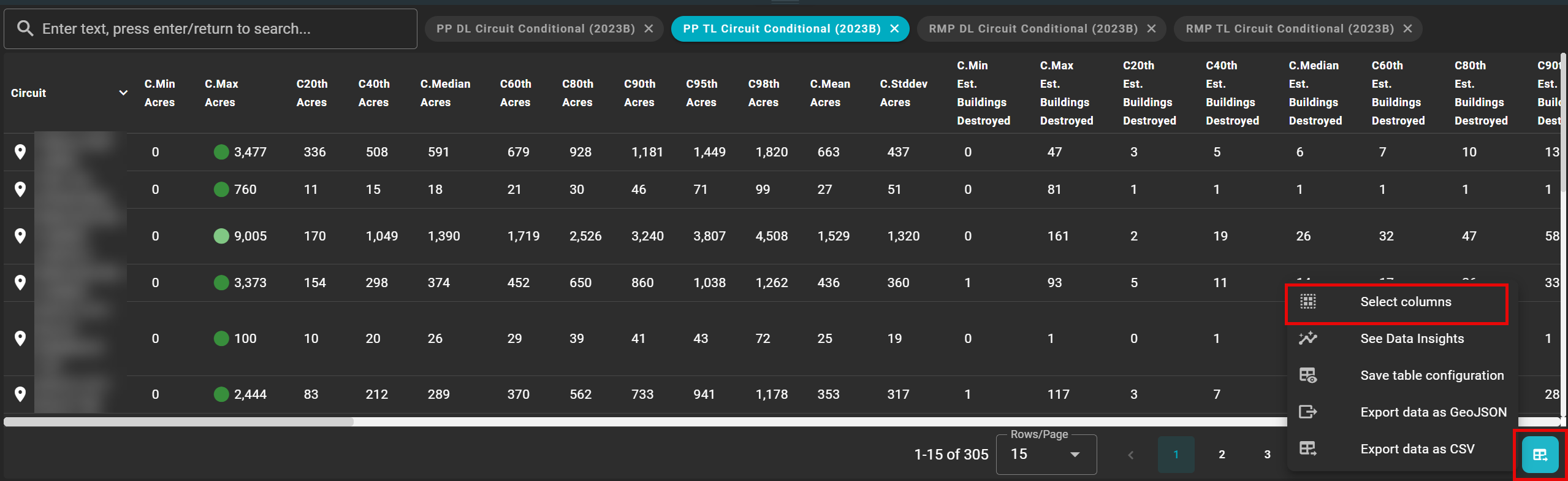
You may further filter the data by using the select columns feature under the attribute table settings.
-
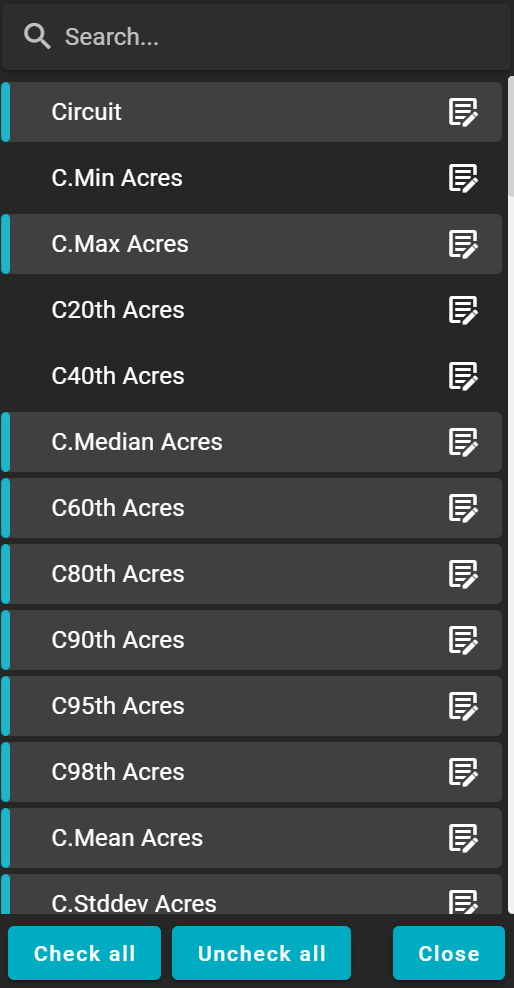
Click once on the column header to remove the data from the attribute table.
-
Selected columns will be highlighted in blue.
-
De-selected columns will be greyed out.
-
Use the search bar to search for a company-specific data column.
-
Use the notepad to open the layer attribution editor.
-
Option to change the layer name, data type, abbreviation, and display name.