
The Application Settings are indicated by the gear icon located in the top right-hand corner of the application.

Log Out
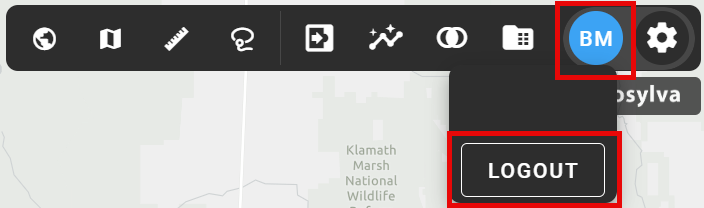
Click the name initial icon to log out.
App Settings

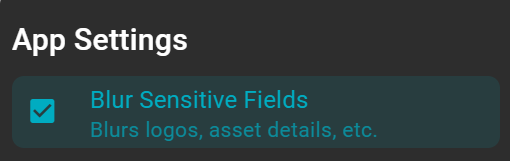
Blur Sensitive Fields
Use the Blur Sensitive Fields settings to blur company logos and asset details throughout the application.
Dark Mode, Widget Size, Point Zoom Level, and Accent Color
-
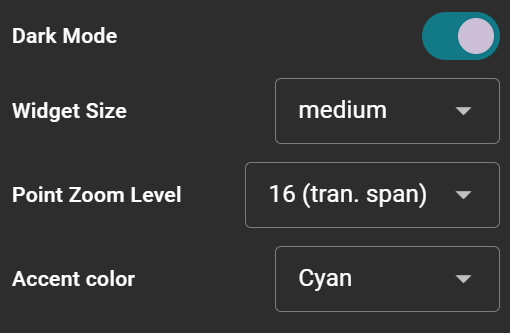
Dark Mode: adjust the map background type based on current selections and views for enhanced visibility.
-
Widget Size: change the widget size to small, medium, large, and x-large.
-
Accent Color: choose from various accent colors to be displayed throughout the application.
Component Settings
-
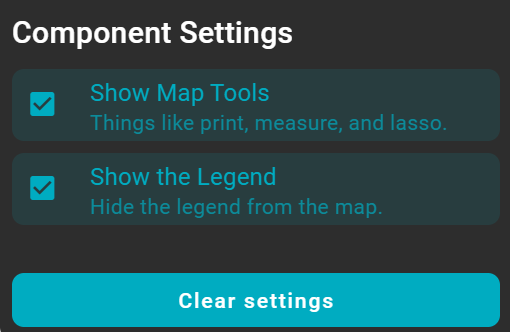
Show Map Tools: display the Map Tools on the map.
-
Show the Legend: choose to show or hide the Legend from the map.