
Getting an Account
Access to Wildfire Planning requires an account. To obtain an account, please contact your organization/agency lead.
You should have received a link to the tool during your onboarding and training sessions. Make sure to bookmark this link.
Accessing the Application
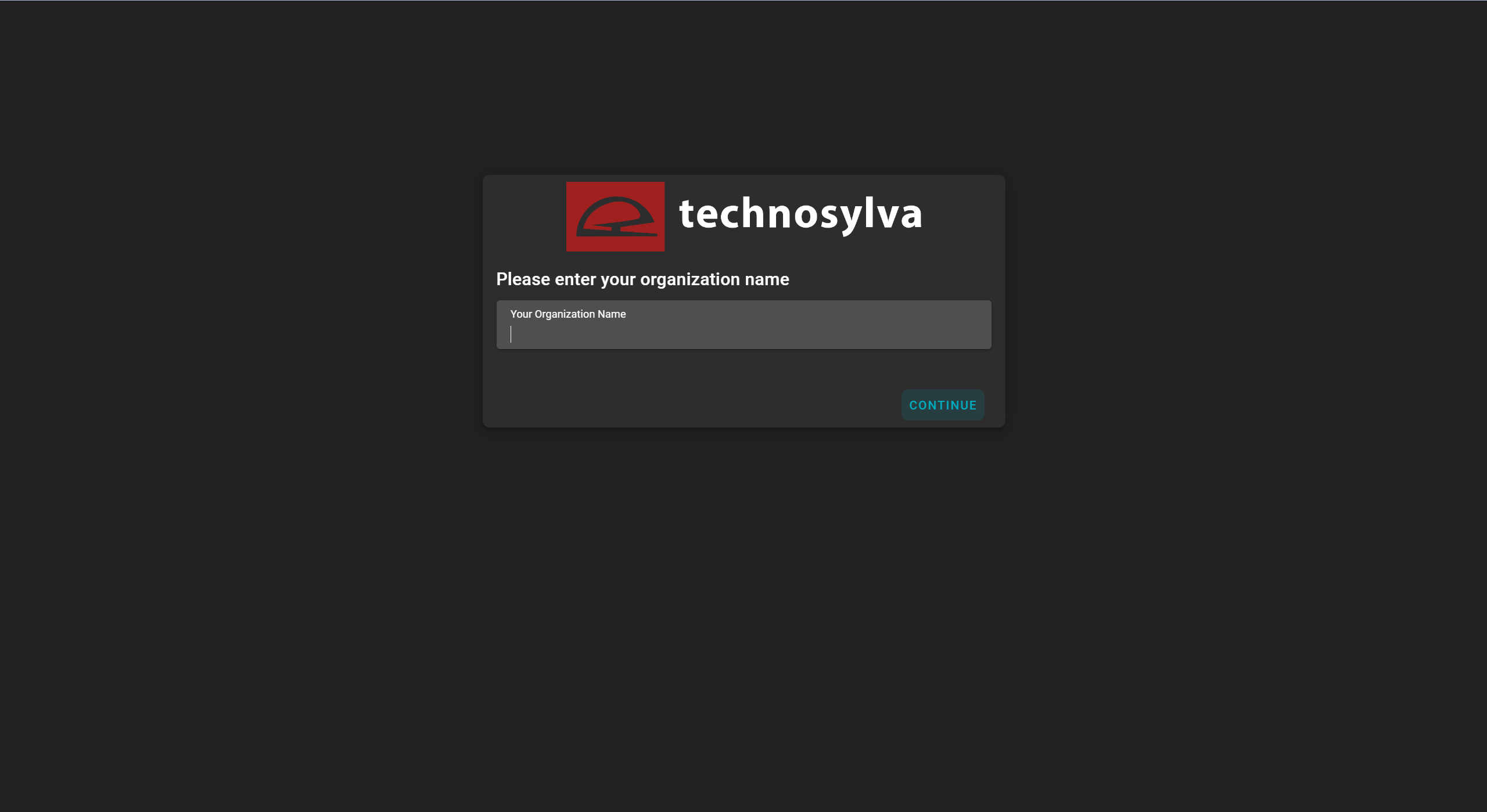
Enter the organization’s name that your account is associated with.
Click CONTINUE on the homepage to access the login page.
Logging in with a Password
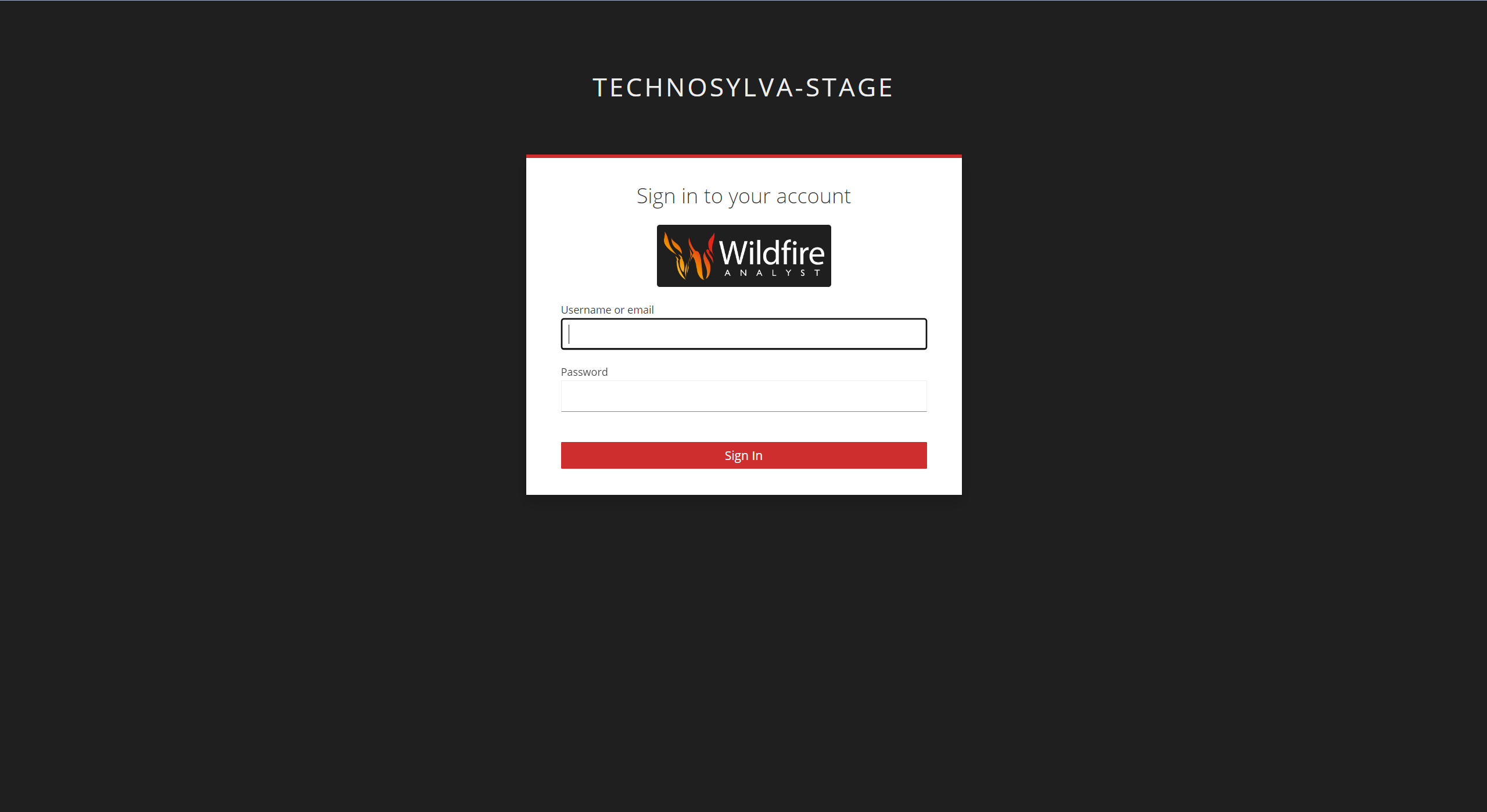
Enter the WFA Portal username/email and password for your account and click Sign In.
Logging in with Single Sign On (SSO)
If Single Sign On (SSO) is an option upon logging in, please follow your organization’s instructions to authenticate using SSO. Do not sign in with a username and password if your company is using the SSO option.