
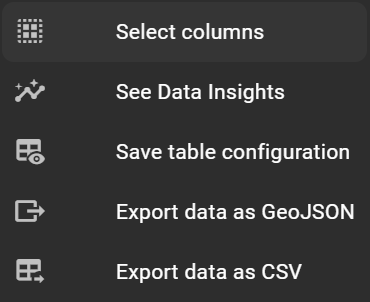
To change the attribute table’s settings, use the settings icon in the left-hand corner. These settings include:

To change the attribute table’s settings, use the settings icon in the left-hand corner. These settings include: