The Asset Table displays all assets matching the current filter state. Use the table to sort, compare, and navigate to assets.
Table Options

-
Circuit / Segment Badge: Indicates whether segments or circuits are displayed. Click to toggle between segments and circuits.
Note that the Circuit / Segment Badge is available for convenience in three places: the Asset Table, the Legend, and the Map Footer. It functions identically everywhere.
-
Metrics Menu: Show or hide metric columns.
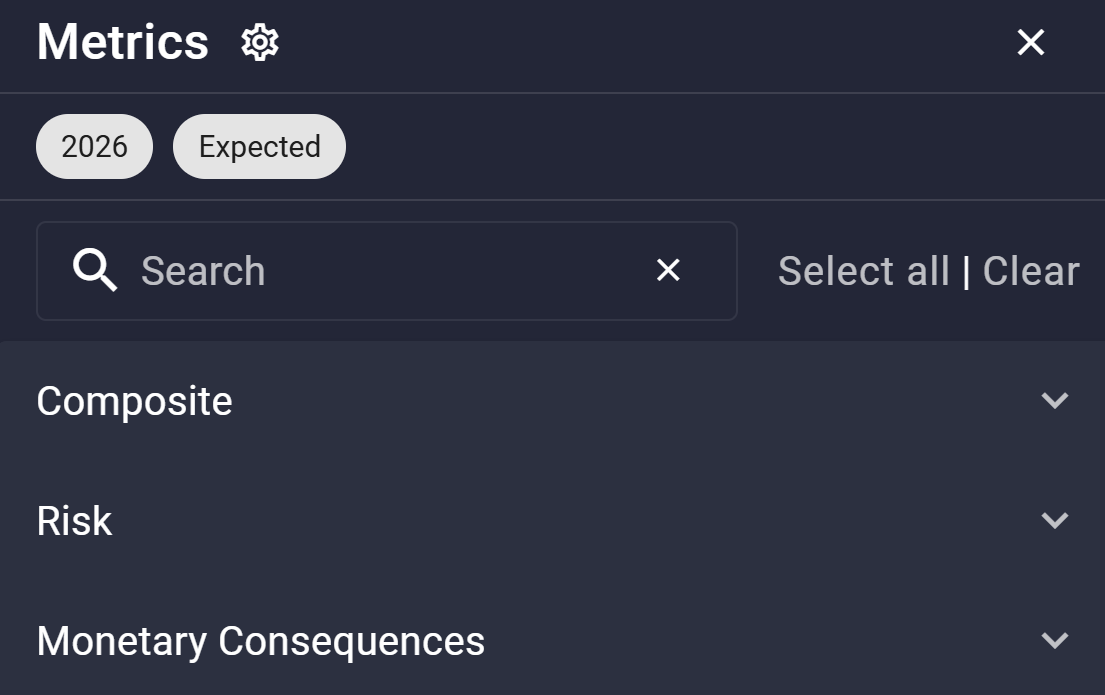
Note that there are two separate Metrics menus with distinct purposes: this one controls the columns shown in the Asset Table and allows multiple selections. The other controls the metric displayed on the Map Canvas and allows only a single selection.
-
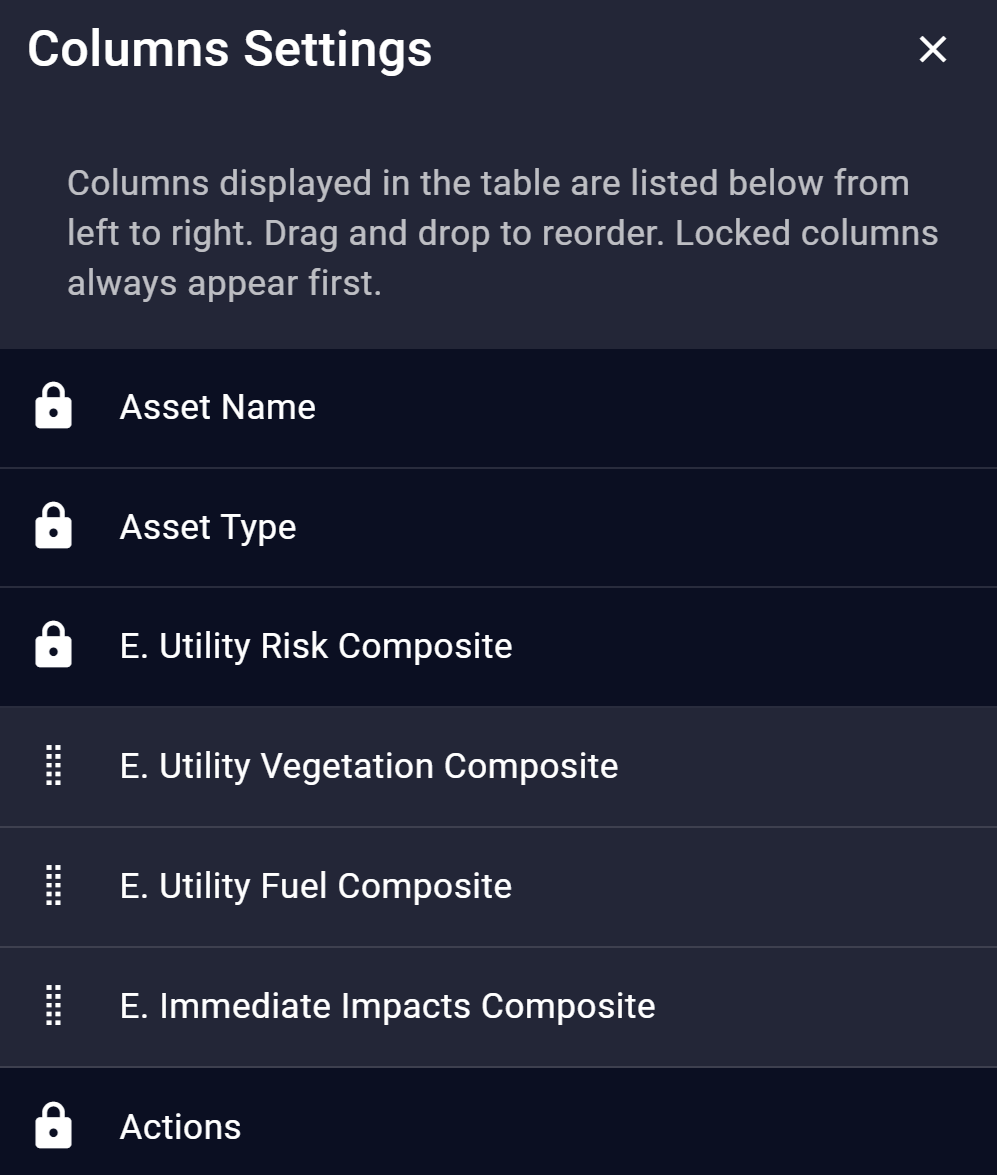
Column Settings: Drag to reorder non-locked columns.
-
Close Table (x): Closes the Asset Table. To reopen it, navigate to Layout > Table at Left or Table.
Expected ("E.") and conditional ("C.") metrics appear as separate columns when both risk types are selected in the Topbar.
The Asset Name, Asset Type, and Action columns are locked and always visible.
Column Headings
-
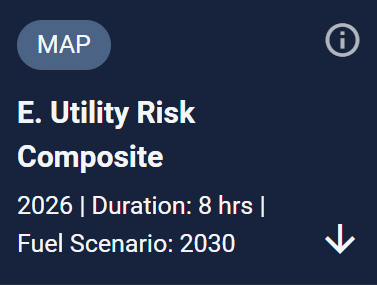
Map Badge: Indicates the metric currently shown on the Map Canvas.
-
Metrics Details: Text identifies the metric name, year, duration, and fuel scenario.
-
Sort (Arrow): Click any column header to sort ascending or descending. A directional arrow indicates the currently sorted column.
-
i: Get more information on the metric.

-
Three dots (⋯): For Risk and Monetary Consequences metrics, select the percentiles you would like to display in the Asset Table. Each selected percentile adds a column to the table.
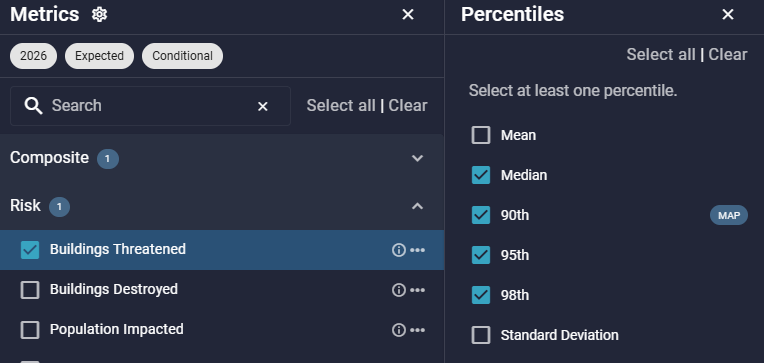
Percentiles Menu
Row Options
-
Zoom to Asset (Crosshairs): Zoom the map to the asset.