
Use the Settings menu (gear icon) to adjust display preferences.
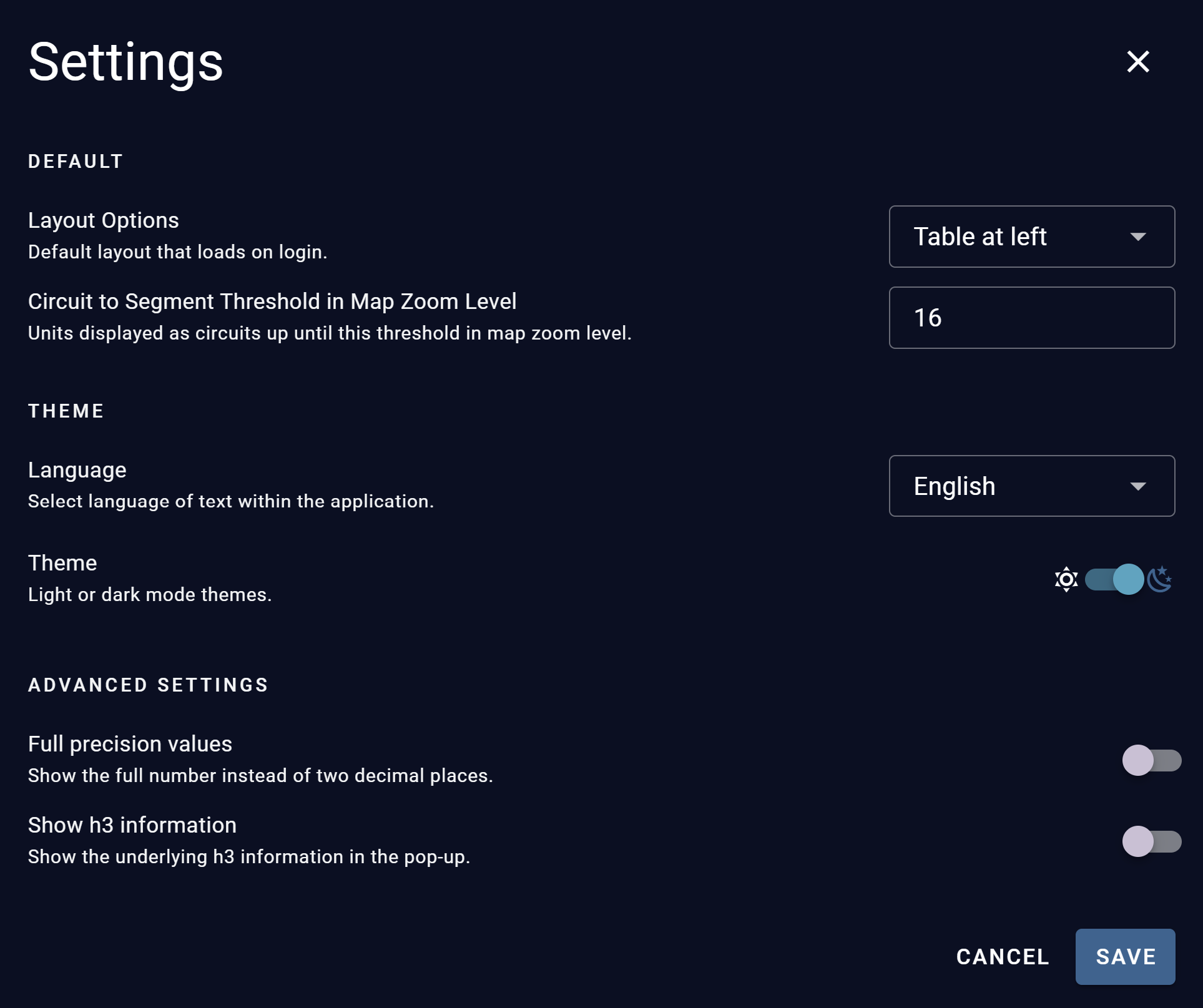
Default
-
Layout Options: Sets the layout that loads when you log in.
-
Circuit to Segment Threshold in Map Zoom Level: Sets the map zoom level at which assets change from circuits to segments. Assets display as circuits up to this zoom level. Beyond it, they display as segments. The default is 16.
Theme
-
Language: Sets the language of the text shown in the application.
-
Theme: Switches the interface between light and dark modes.
Advanced Settings
-
Full precision values: When on, values display in full instead of rounding to two decimal places. Off by default.
-
Show H3 information: When on, the map pop-up includes the underlying H3 grid information (H3 Index and coordinates). Off by default.
Select Save to apply your changes and close the menu. Select Cancel to close the menu without saving.