Open the Basemaps selector from the Map Toolbar. The Basemaps selector controls which basemap is displayed beneath incidents, resources, and other map layers. The screen has two tabs: Local and Download.
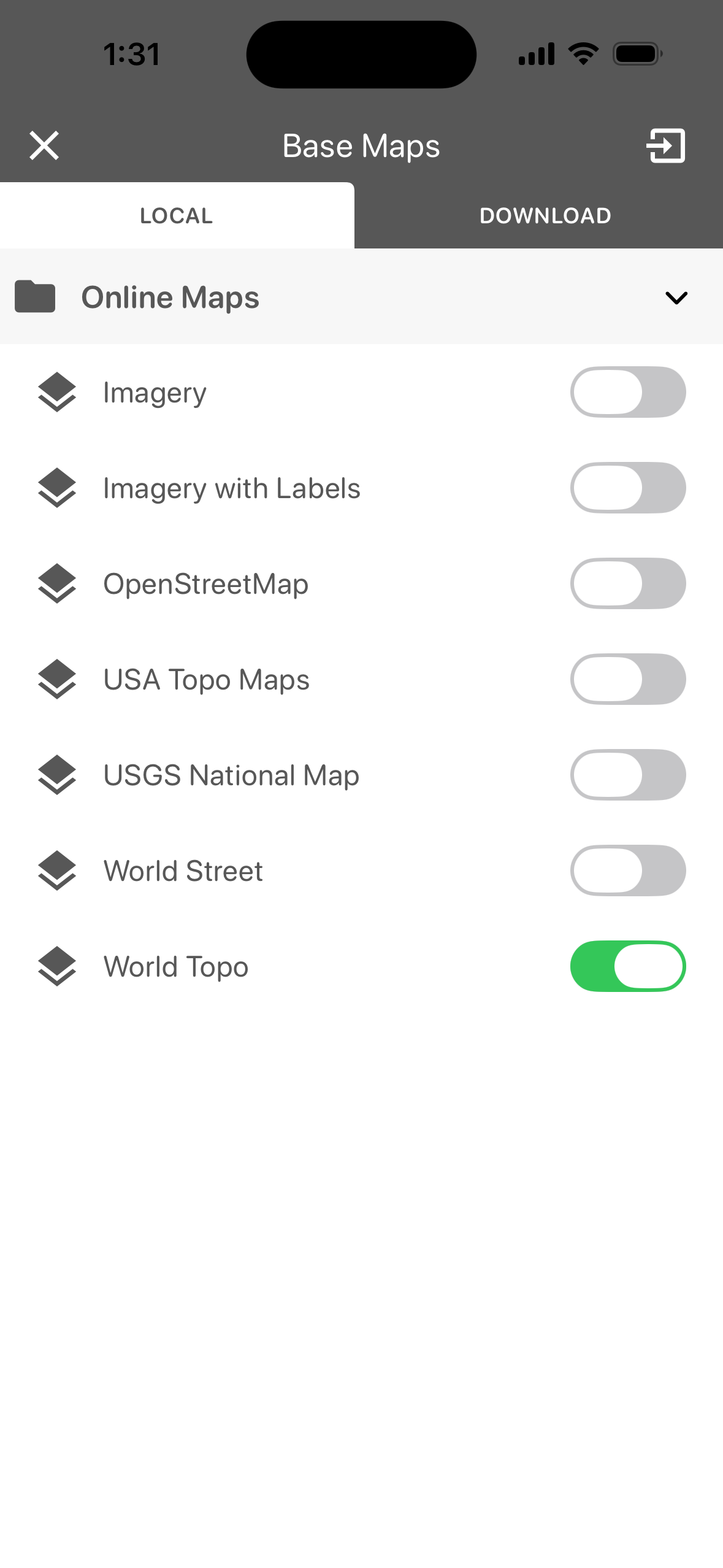
Local
The Local tab lists the basemaps available, grouped into folders. Tap a folder name to expand or collapse it.
Tap the toggle next to a basemap to display it on the map. A green toggle indicates the active basemap. Only one basemap can be active at a time. Selecting a new basemap turns off the previous one.
The Online Maps folder contains the following basemaps. These require an internet connection.
-
Imagery
-
Imagery with Labels
-
OpenStreetMap
-
USA Topo Maps
-
USGS National Map
-
World Street
-
World Topo
Download
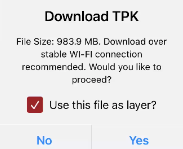
The Download tab lists the basemaps available for download, grouped into folders. Tap a folder name to expand or collapse it. Tap the download arrow next to the basemap you would like to download and click Yes. The basemap now appears on the Local tab.