
Getting an Account
Access to FireCast requires a user account. To request an account, please contact your agency lead.
If you are an administrator managing users for your organization, refer to the Users page for more information.
Accessing the Software
You can access the FireCast homepage at: www.firecast.ca/login/
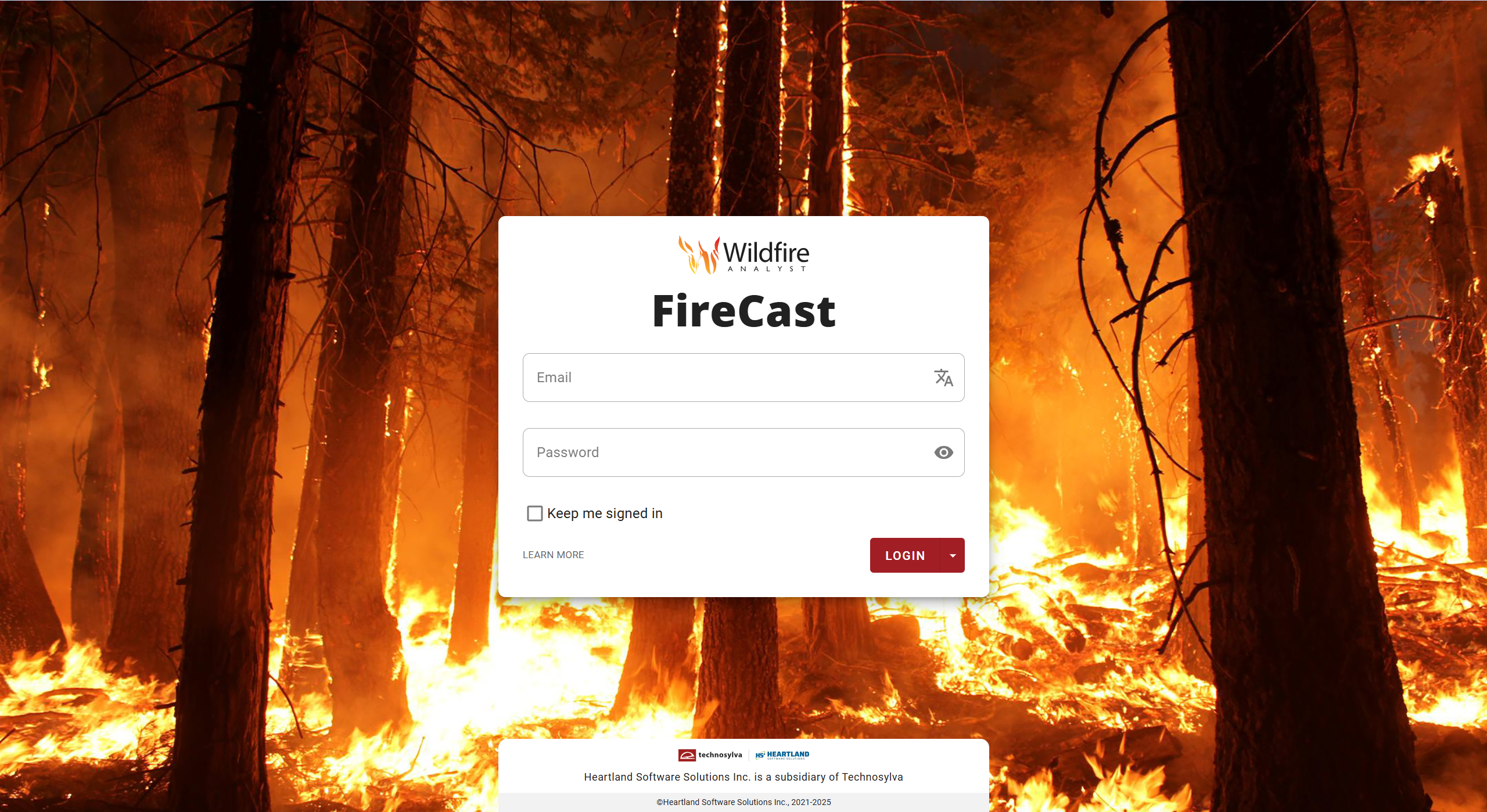
Logging In with a Password
To log in with your password:
-
Enter your username or email and your password.
-
Click the LOGIN button.
Logging In with Single Sign On (SSO)
If your agency uses Single Sign-On (SSO):
-
Go to your agency’s FireCast landing page.
-
Click the dropdown arrow next to the LOGIN button.
-
Select your agency’s SSO option and follow the prompts to complete the login process.
If your agency has enabled SSO integration, you must use the SSO process to sign in.