A drop menu appears when you click the Weather Station button.
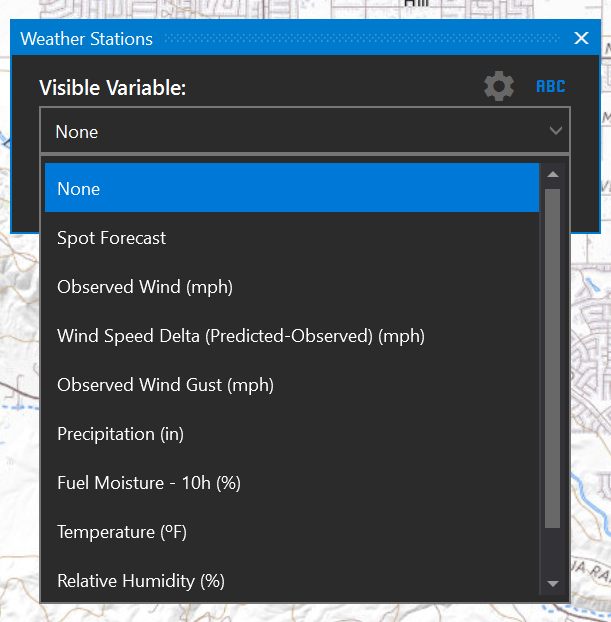
Click the Settings gear icon for a shortcut to the Settings - Weather Defaults panel.

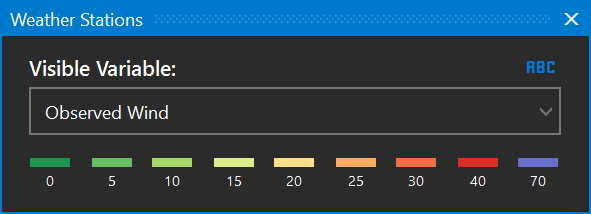
Select Observed Wind to view stations by observed wind speed and direction. The wind speed colors match those found in the Weather Forecast tool and range from dark green (low wind speed) to red (high wind speed). Arrows show the direction the wind was blowing at the observed time.
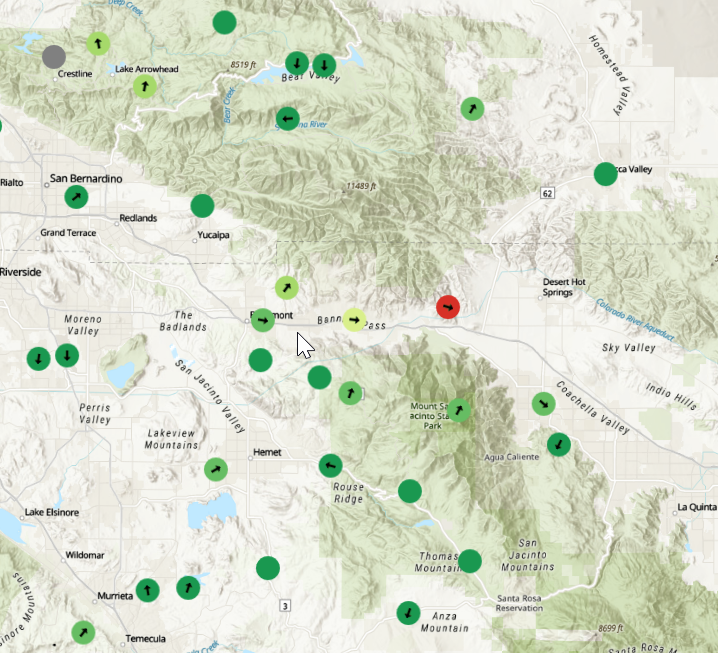
Click on the arrows to view more information about the weather station. Use the timeline to view observed wind speed and direction for other times in the forecast.
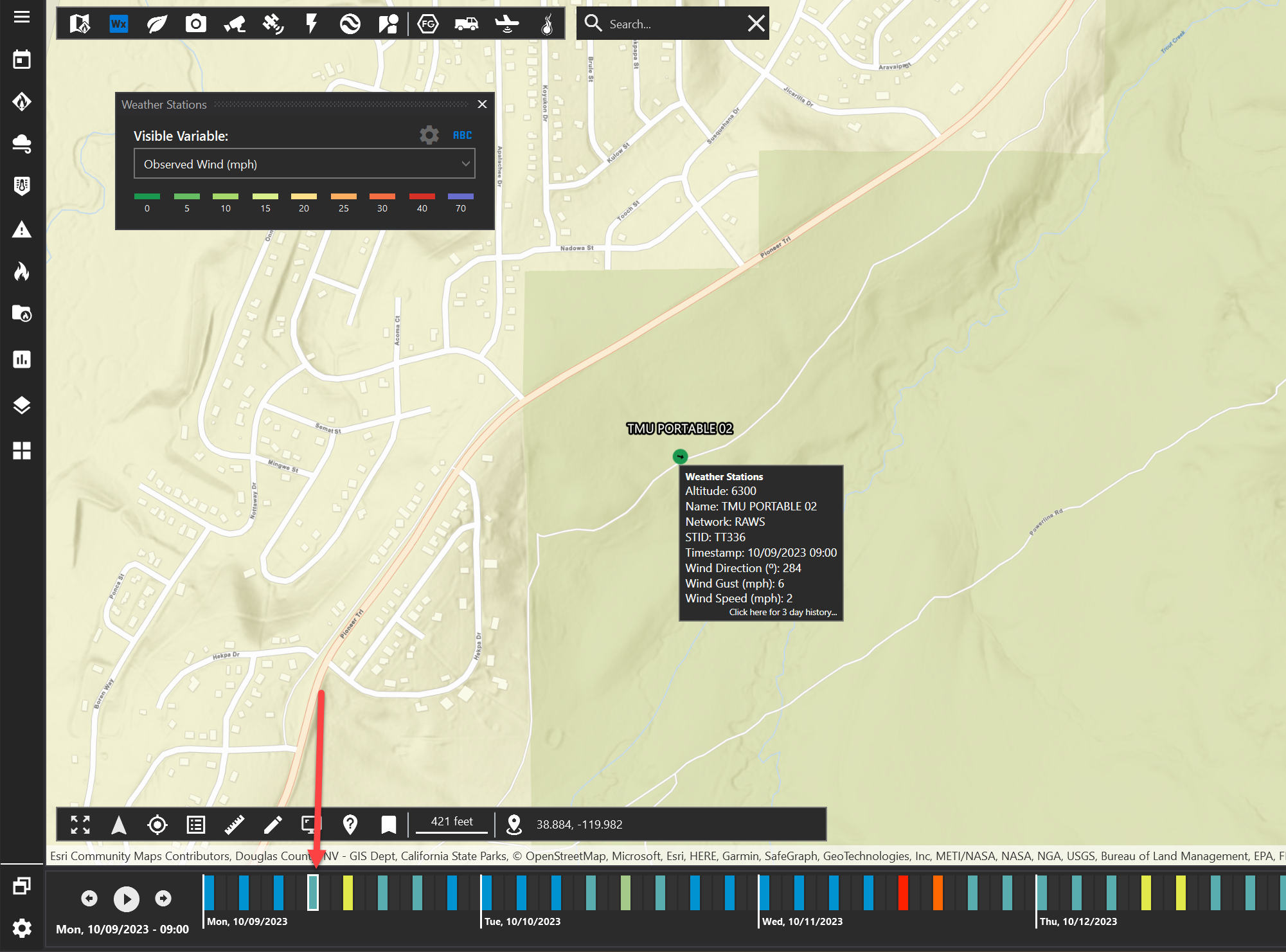
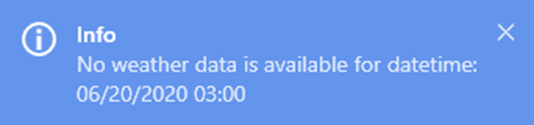
Note: you can only view this information for dates and times that occur in the past. A notification will appear in the bottom right indicating that observed data is not available if you select a time in the future.
Wind Speed Delta
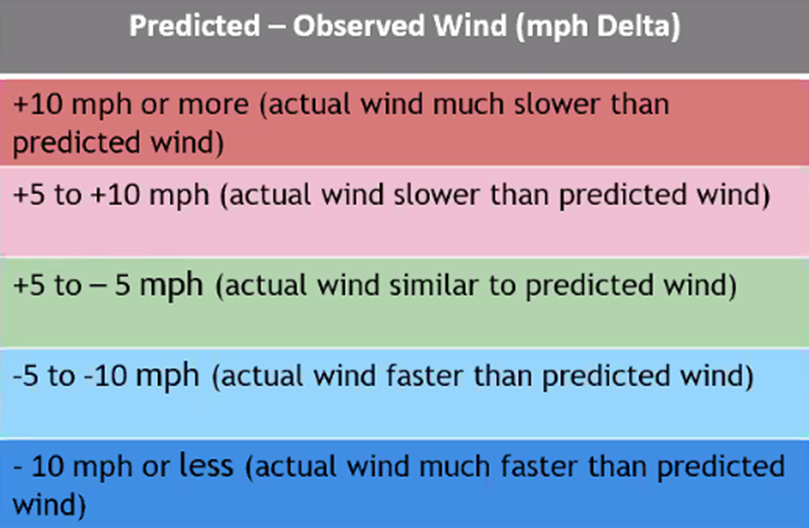
Select Wind Speed Delta to view weather stations color coded by the Predicted Wind Speed minus the Observed Wind Speed.
The color coding matches the colors used in the FireRisk Identify tool Weather Data grid.
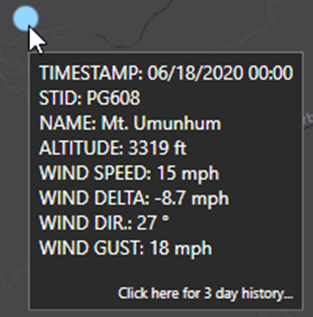
Click on a weather station feature to see more information about that station.
Click anywhere on the info popup to open a web browser and view historical information for that station.