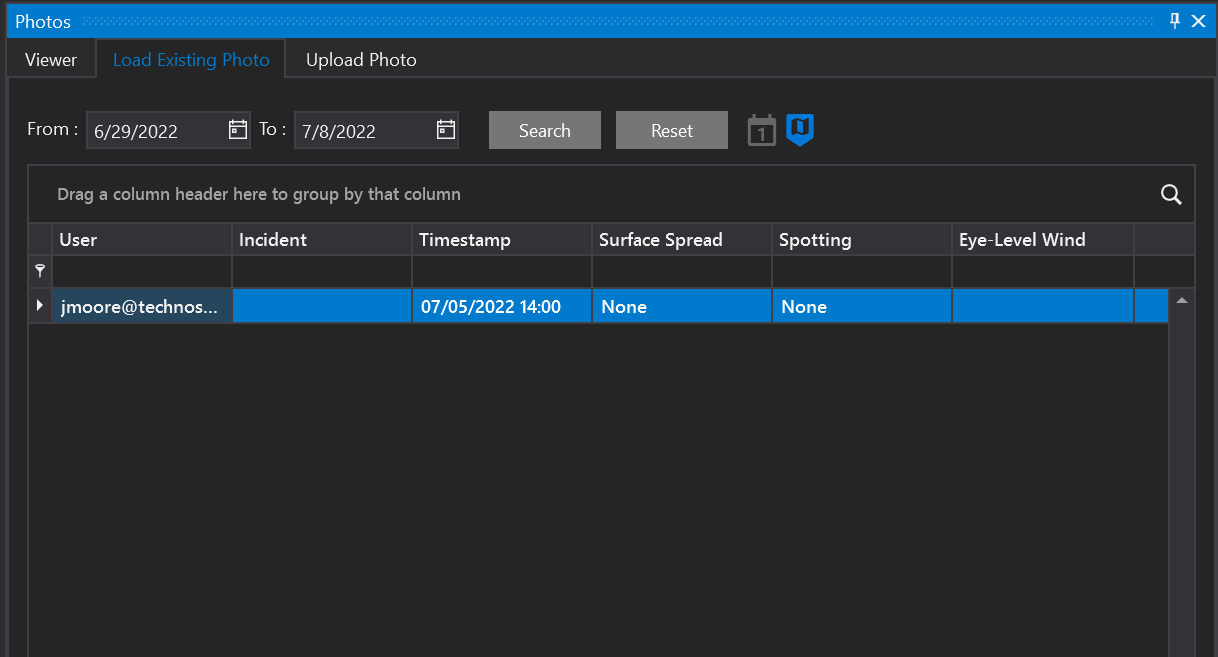
Toggle the Mobile Photos button on to see any mobile photos taken in the selected forecast. Mobile photos taken using the FireSim Mobile application will appear in desktop with a mobile photo icon on the map. You may also view the photos on the Load Existing Photo tab.
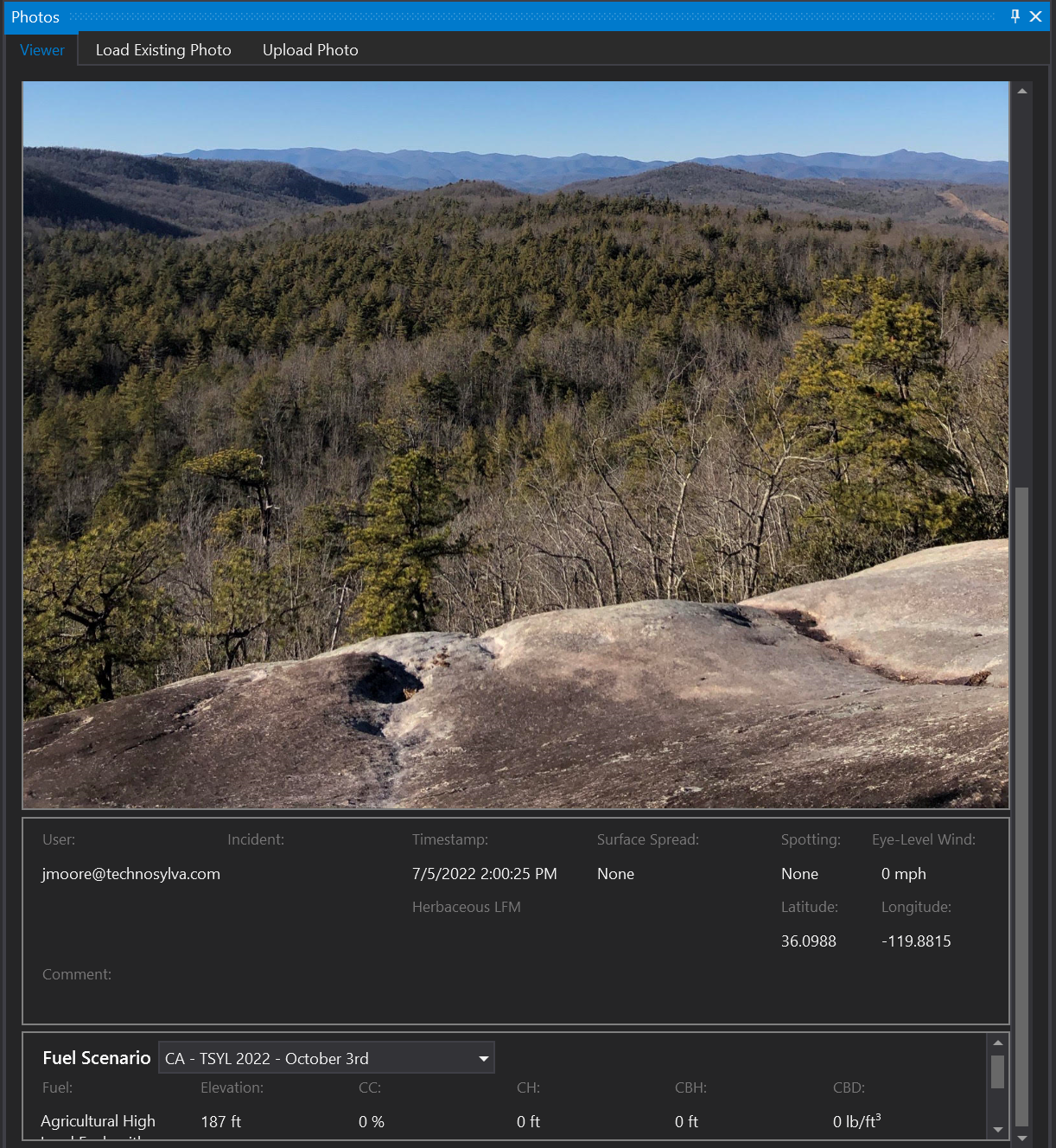
Click the Load Existing Photo tab to see all photos available for the loaded forecast. Double-click a row to see that photo.
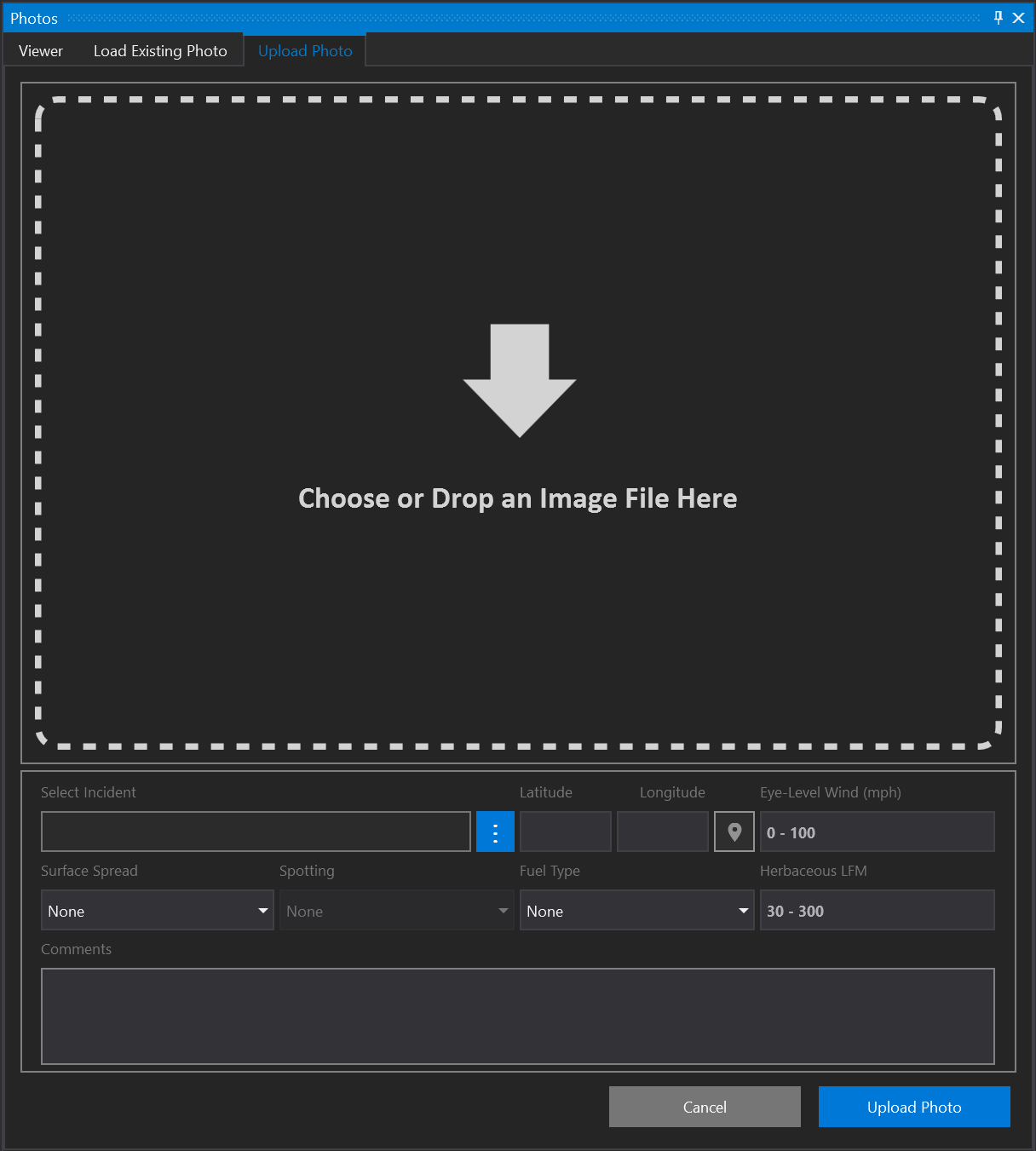
Upload a photo on your local drive by using the Upload Photo tab. Choose or drop an image in the dotted square line as shown below.