

Toggle lightning layer to view lighting strike locations on the map.
The lightning panel will appear on the right. The panel will show you all available lightning strikes for the time frame selected.
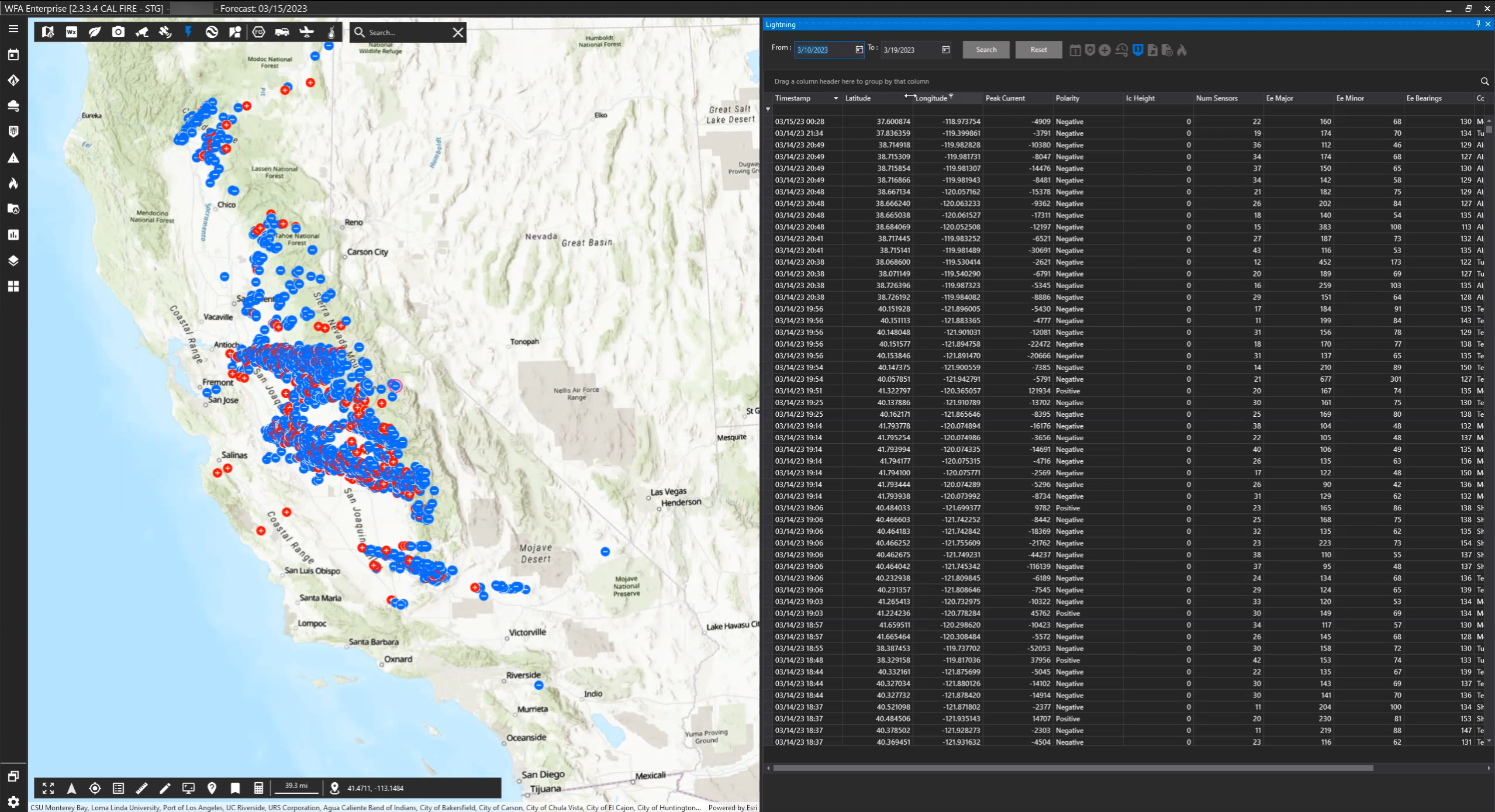
Search
You may search for lightning strikes within a particular range of time by using the calendar tool and clicking Search. By default, the application will select the date range from 5 days before your loaded forecast. To revert the date range to default, click Reset.

Filters
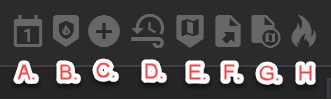
A: Filter today's incidents
B: Filter the lightning list by the Areas of Interest selected in the Settings menu.
C. Show positive lightning strikes
D: Use the real time/timeline toggle to view lighting relative to the time on the timeline.
E: Lightning filtered on the map
F: Export lightning data to .xlsx
G: Export lightning data to .kmz
H: Select lightning as ignitions to run a simulation