Click this tool to open a Street View window and click Start Identify to enable the tool.
Then click on a road on the map. The Google Street View for that location will appear in the new window (if location is valid for Street View). You may need to zoom in to ensure you click on a road.
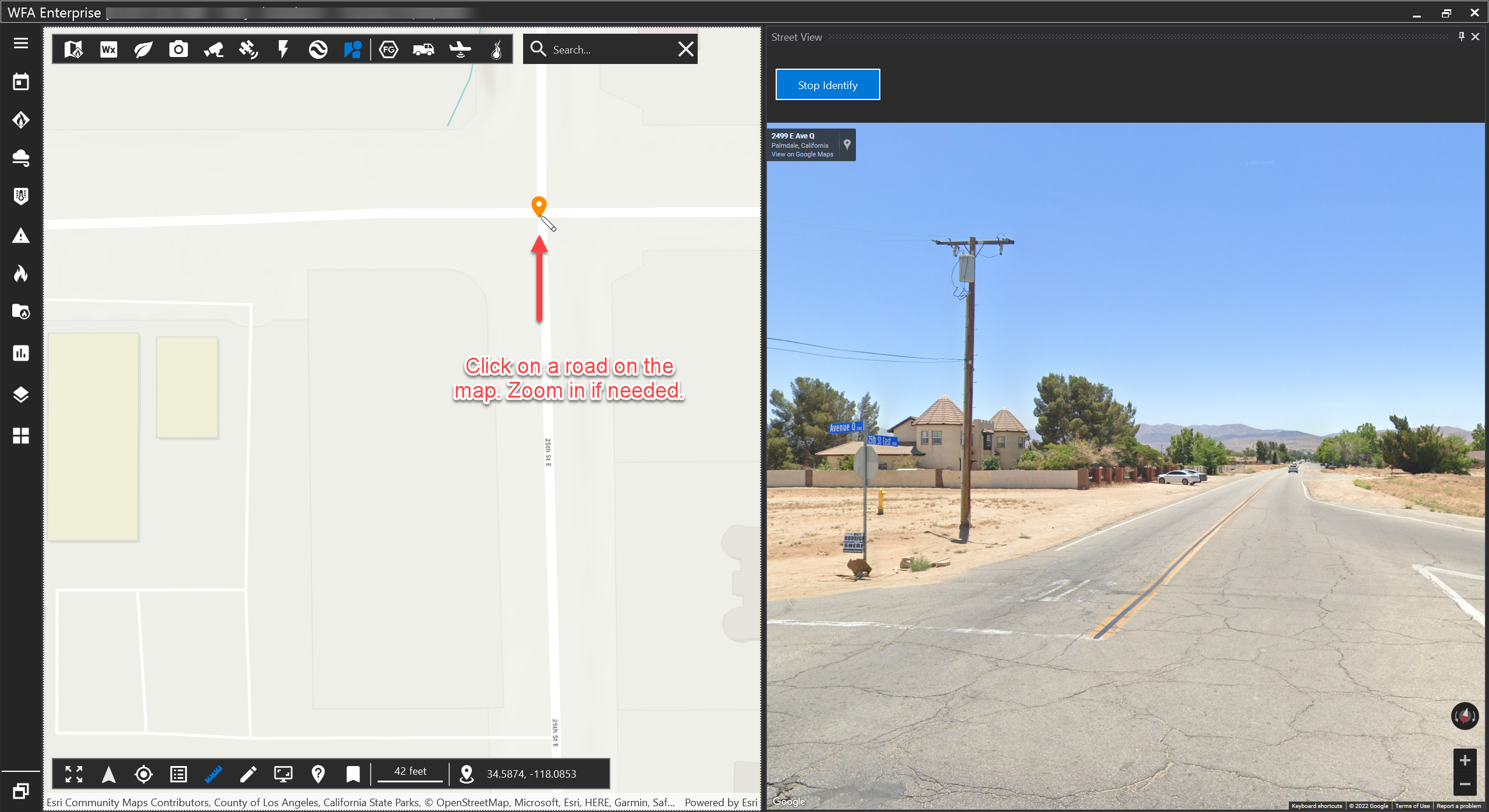
Click Stop Identify to disable the tool and navigate the map without triggering another ID.