
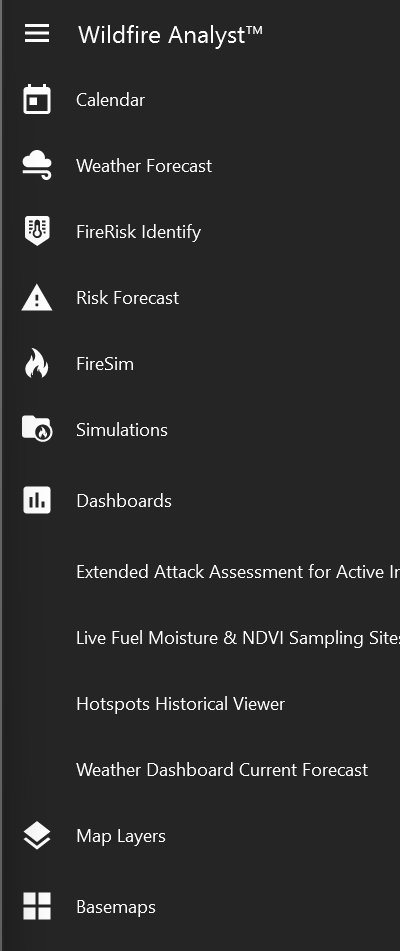
The Main Toolbar is where you will find the core FireRisk and FireSim tools. This toolbar is located on the left-hand side of the application in a vertical menu. It can be expanded by clicking the icon with three horizontal lines at the top of the toolbar.
Main Toolbar tools (top to bottom):