

Coordinates are displayed when your mouse navigates around the map.
Change Coordinates Format
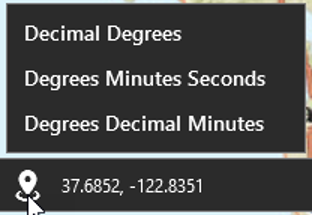
You can change how these coordinates are displayed by clicking the Coordinates button.
Coordinate unit options are:
-
Decimal Degrees (default)
-
Degrees Minutes Seconds
-
Degrees Decimal Minutes
Copy Coordinates
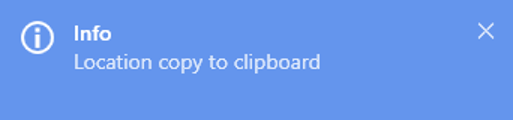
You can also copy coordinates to the clipboard by clicking a location on the map and pressing CTRL + T on your keyboard.
A notification will appear when the coordinates have been copied.
You can then paste the information into a text document.