

Several dashboards are included in Wildfire Analyst. These may include: Asset Risk, Weather, LFM Stations, Hotspots, FireSim Use, Risk by Unit, or Incidents by Unit. Select a dashboard and a new panel will open with information pertaining to the dashboard selected. It may take a few minutes for all of the information to load.
Dashboard Timeline
Most dashboards include a timeline selector at the top and a unit/county selector to filter the data.

Click and drag the timeline end bars to filter the dashboard to a particular time period.
Resize Dashboard Sections
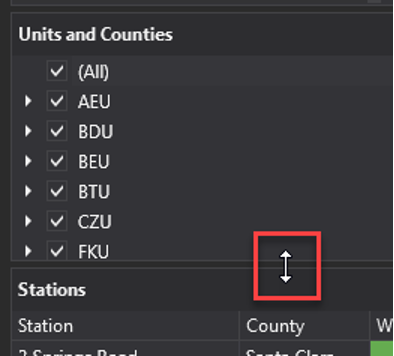
Dashboard sections can be resized by clicking and dragging the edges of each section.
Export Data
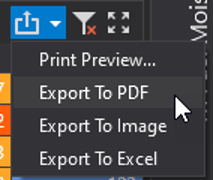
Use the tools in the upper right of each dashboard section to export data, manage filters, or maximize the section.