Viewing Map Layers
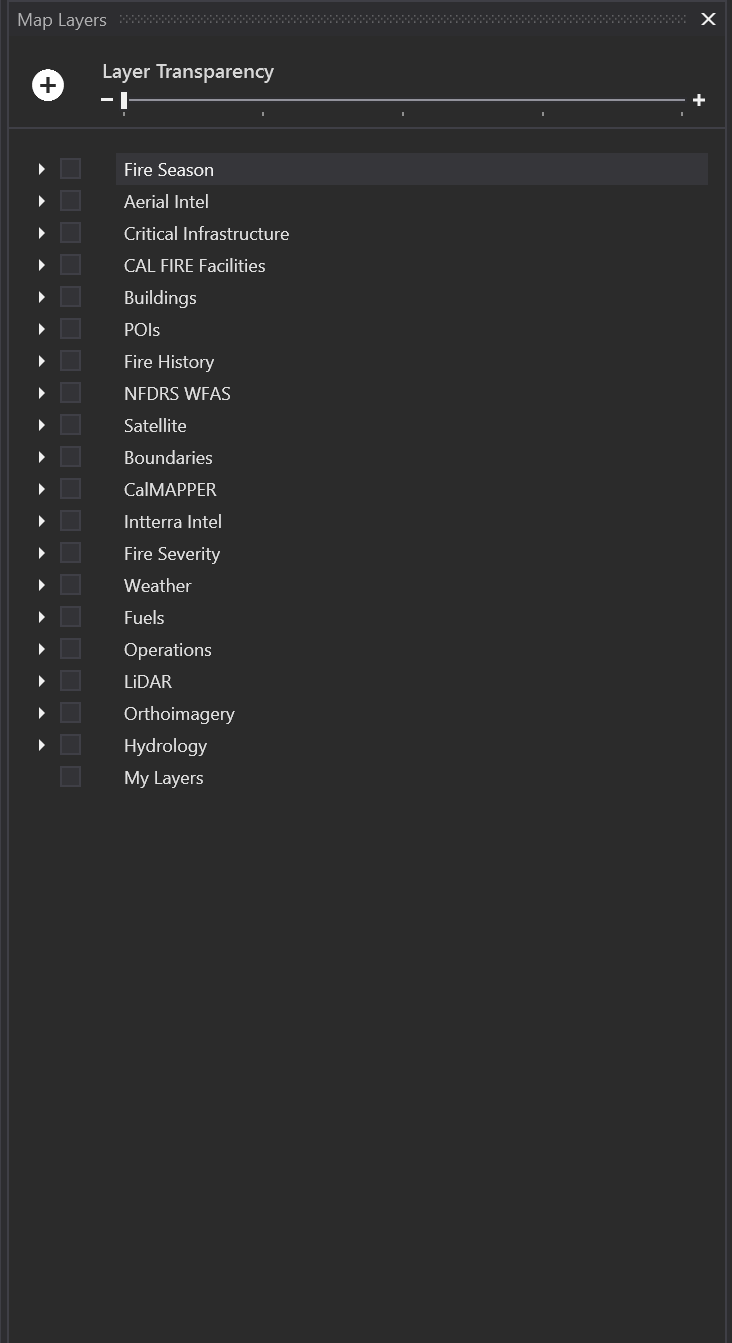
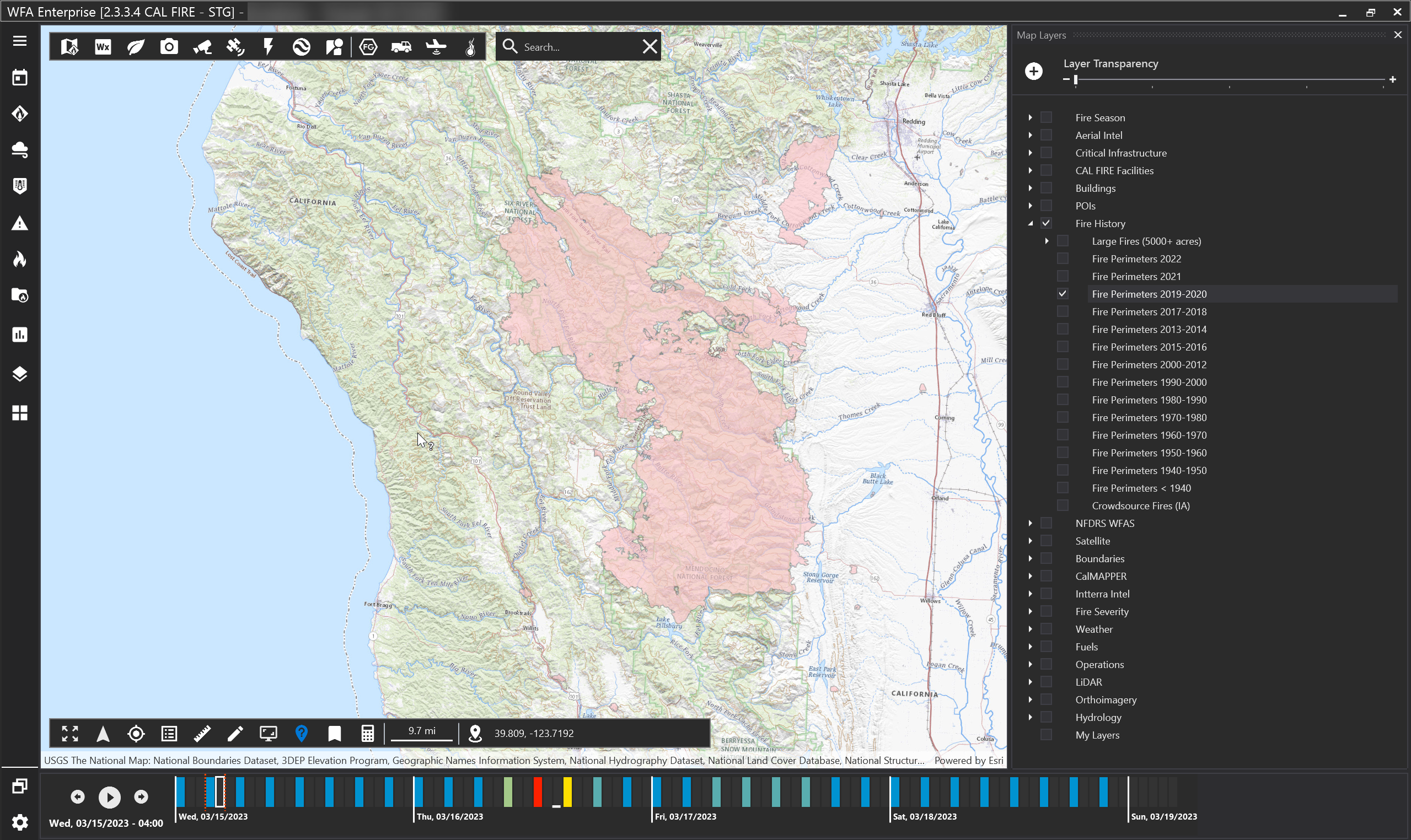
This tool contains reference layers and the ability to add a user defined map layers. Map layers have been grouped for easy navigation.
-
Check the box next to the reference layer to view that layer on the map.
-
Hold your SHIFT key and click a group box to turn on all layers within that group.
-
Use the transparency slider at the top of the box to adjust transparency for all reference layers.
-
Layer names that have dark gray text cannot be viewed at the current map resolution. Try zooming the map in closer to activate these layers.
-
Use the identify tool for more information on the layer (located on the map tool bar on the bottom left hand side).
Note: Reference layers may vary by version and client.
Adding a local layer
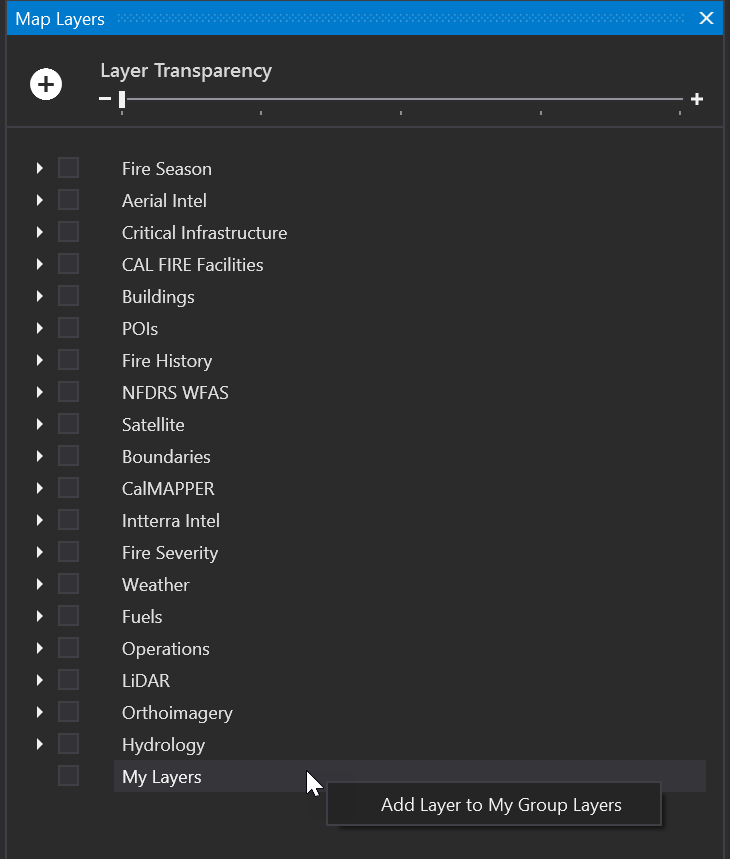
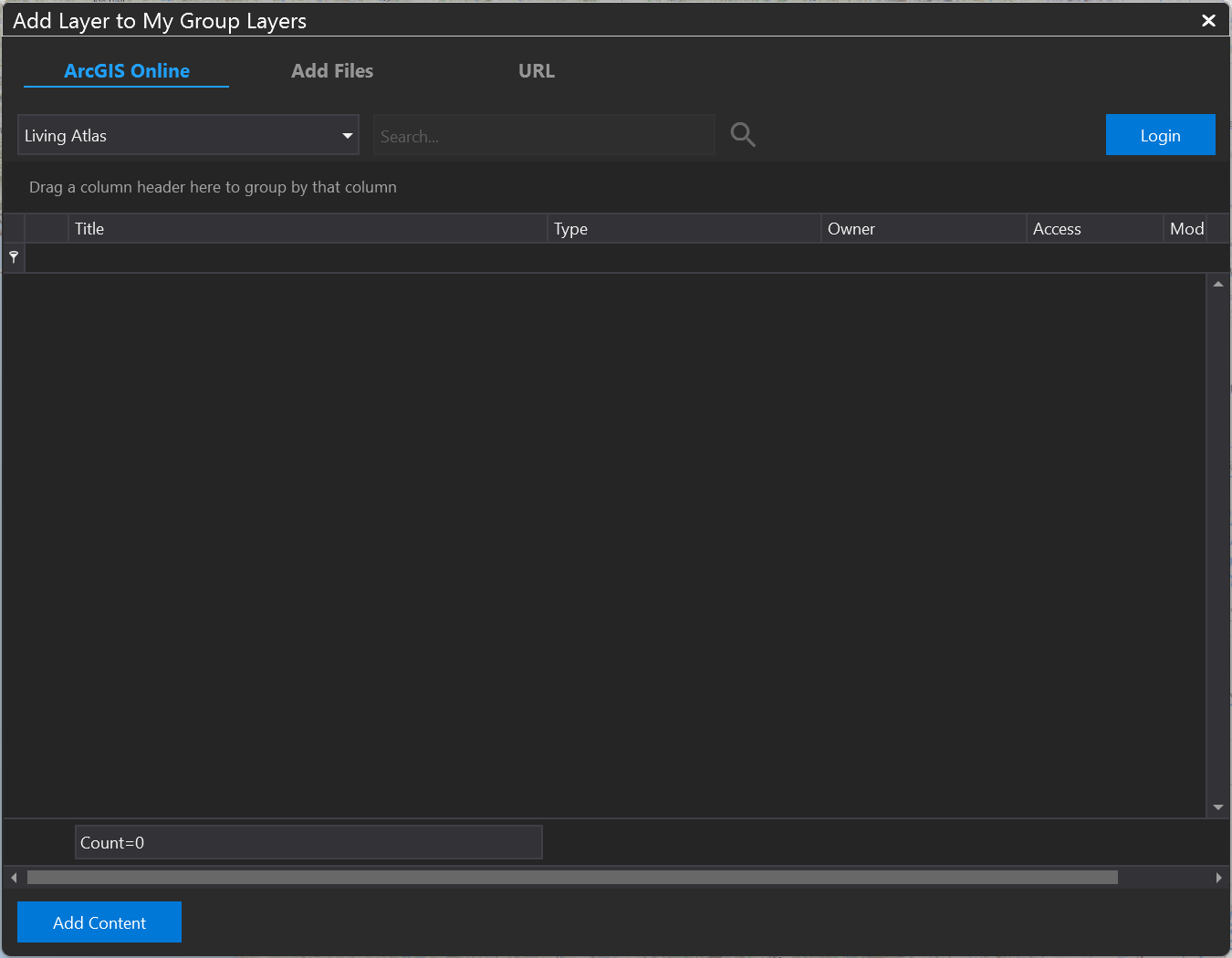
To add in a layer, right click My Layers.
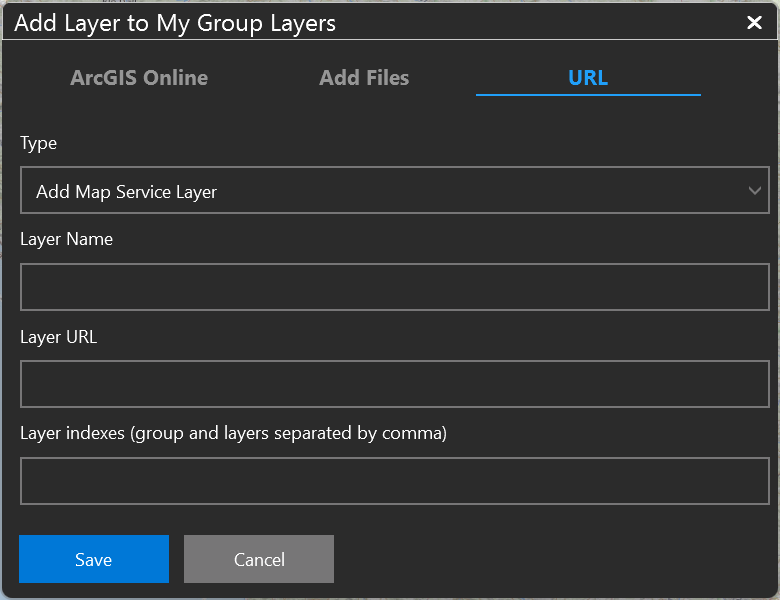
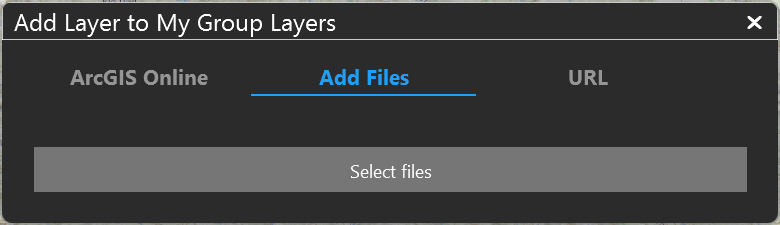
You may add in a layer by:
Logging into ArcGIS Online
Add files directly from your computer (KML, KMZ, Shapefile, TPK, and SLPK formats are supported).
URL