
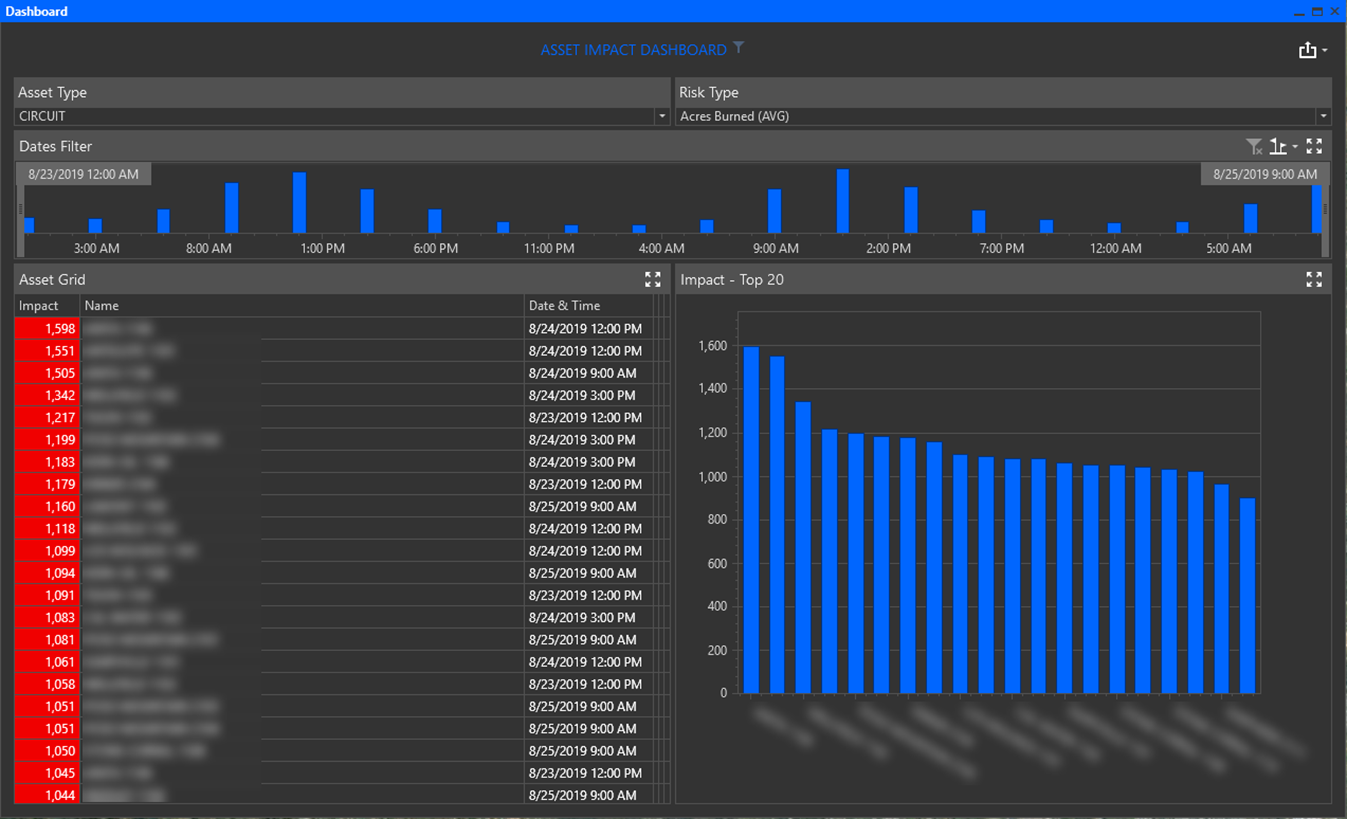
Click the Asset Impact Dashboard button to open a dashboard displaying the top assets and impacts for different asset and risk types.
Note: Asset Impact Dashboard may not be available in all versions and may include different Assets and Risk Types
-
Click the Asset Type drop menu to select an asset type to view in the dashboard.
-
Select the Risk Type for the asset selected.
-
Use the Time Sliders to filter returned information by a range of days/times. Note: only dates for the current forecast are available.
-
Export Information by using the Export tool available in the top right of the dashboard.