

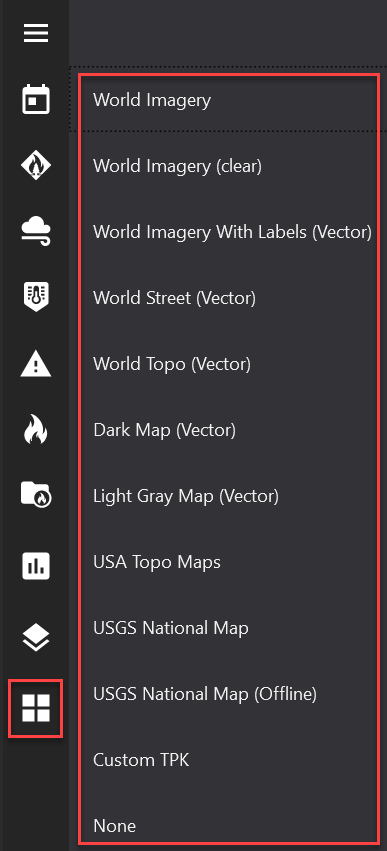
Click the Base Maps button to select a new base map. A variety of base map options exist, including the ability to use a custom tile package file (TPK). If you are operating FireRisk in an environment with low internet bandwidth, switching to a local TPK file will make loading the maps much faster.
Adding a TPK to FireRisk
-
Open the Settings tool

-
Click the file select icon next to Default Basemap TPK
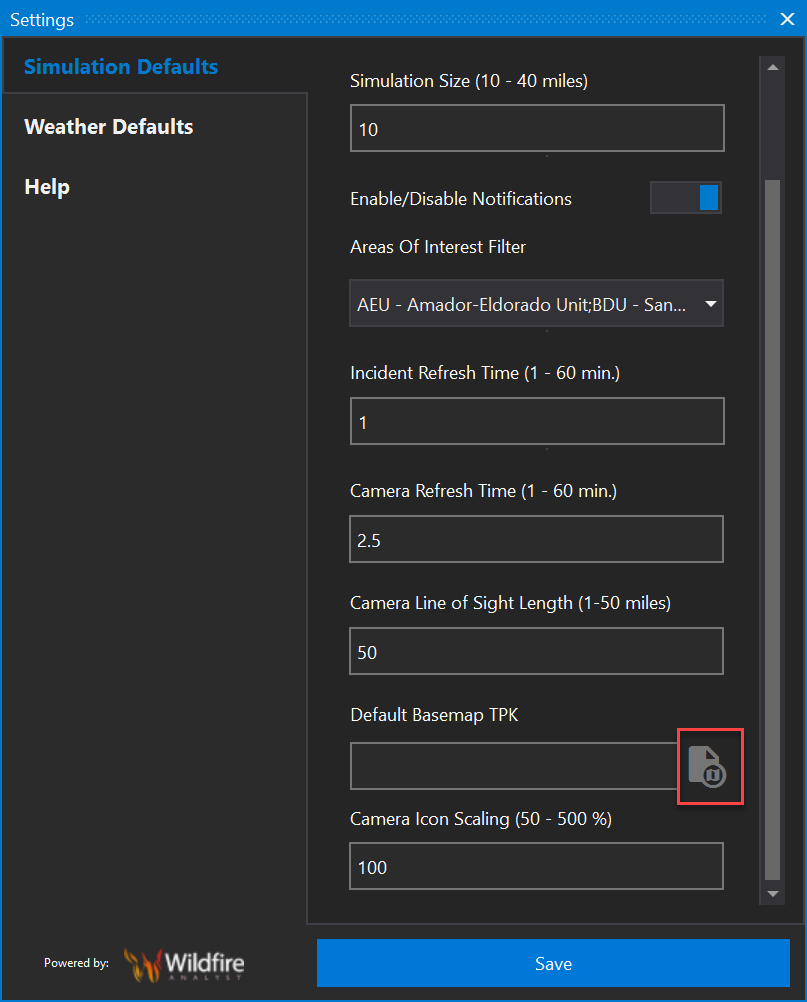
3. Navigate to and select your local TPK file
4. Click Save
5. Select Custom Tpk from the Base Maps menu