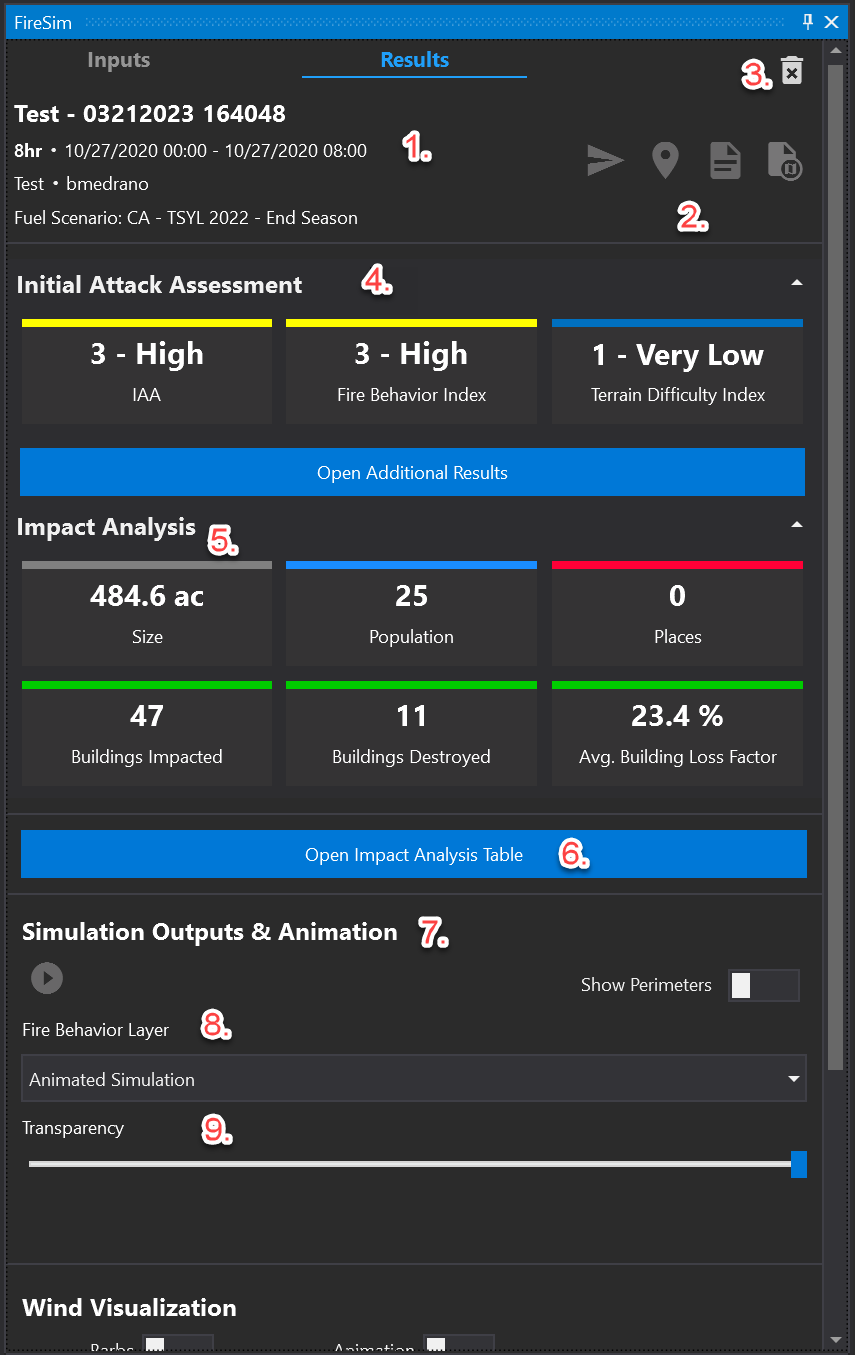
The Results tab has several information sections:
-
Name and start/end time
-
Results tools (from left to right): Center results on map, export results to a PDF report, export results to KML file. Note, additional tools may be available for your organization.
-
Clear current simulation
-
Initial Attack Assessment
-
Impact Analysis summary showing size of the fire (acres), Initial Attack Index (IAA), buildings impacted, and population impacted. Note, additional impacts may be available for your organization.
-
Button to open the detailed impact analysis table
-
Tool for animating the simulation on the map
-
Tool for viewing fire behavior outputs rather than the default simulation burning front display
-
Tool for setting transparency of simulation display on the basemap
-
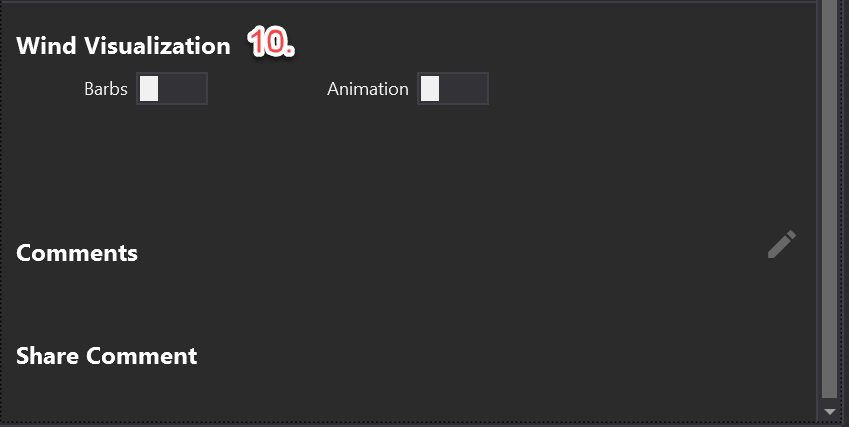
Switches for wind visualization are available at the bottom of the panel.