This functionality is not yet available to all customers. For questions about these capabilities, please contact your Customer Success representative.
Updating the status of a simulation can be accomplished using either the Load Existing Simulation Panel or the simulation’s FireSim window. The simulation will update everywhere regardless of the method chosen.
Update the Status of a Simulation from the Load Existing Simulation Panel
-
Open the Load Existing Simulation Panel.
-
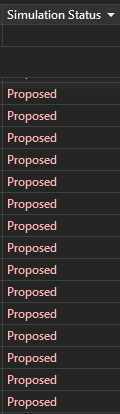
To view the current status of a simulation, scroll right to the Simulation Status column.
-
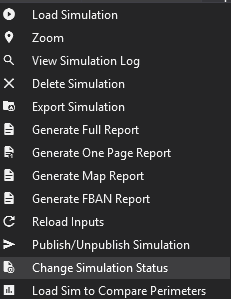
Right-click the simulation you would like to change and click Change Simulation Status.
-
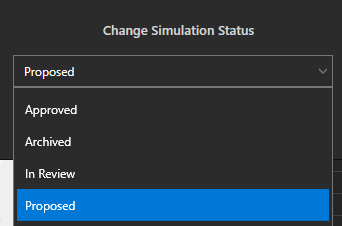
Select the desired status from the dropdown and click OK.
Update the Status of a Simulation from the FireSim Window
-
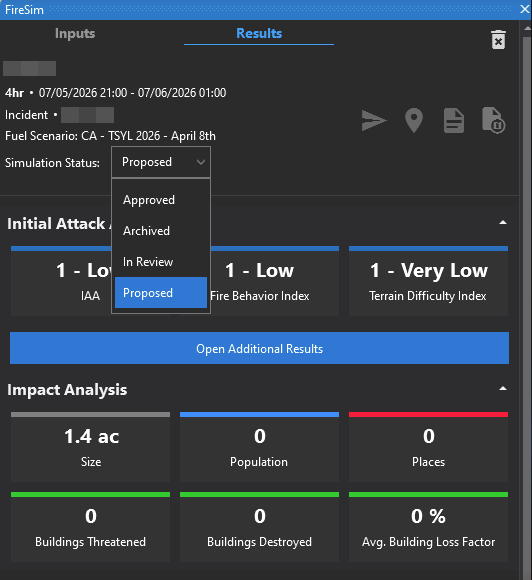
From the FireSim window for the selected simulation, navigate to the Results tab.
-
Using the Simulation Status dropdown, select the desired status.