The Point Groups tab is where you create and manage saved sets of point locations. Click Add Point Group to create a new group. Point groups can then be selected under Spatial Selection in the New Request form.
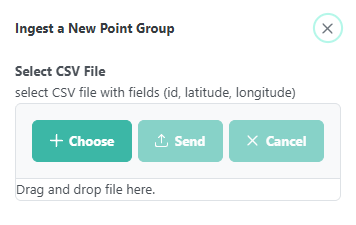
Point groups are uploaded as a CSV file with three columns: id, latitude, and longitude. Click Choose to browse for the file, or drag and drop it into the upload area. Click Send to upload, or Cancel to close without uploading.
Point queries return data from the grid cell containing each point. Spatial statistics are not available for point queries, and output is limited to CSV.