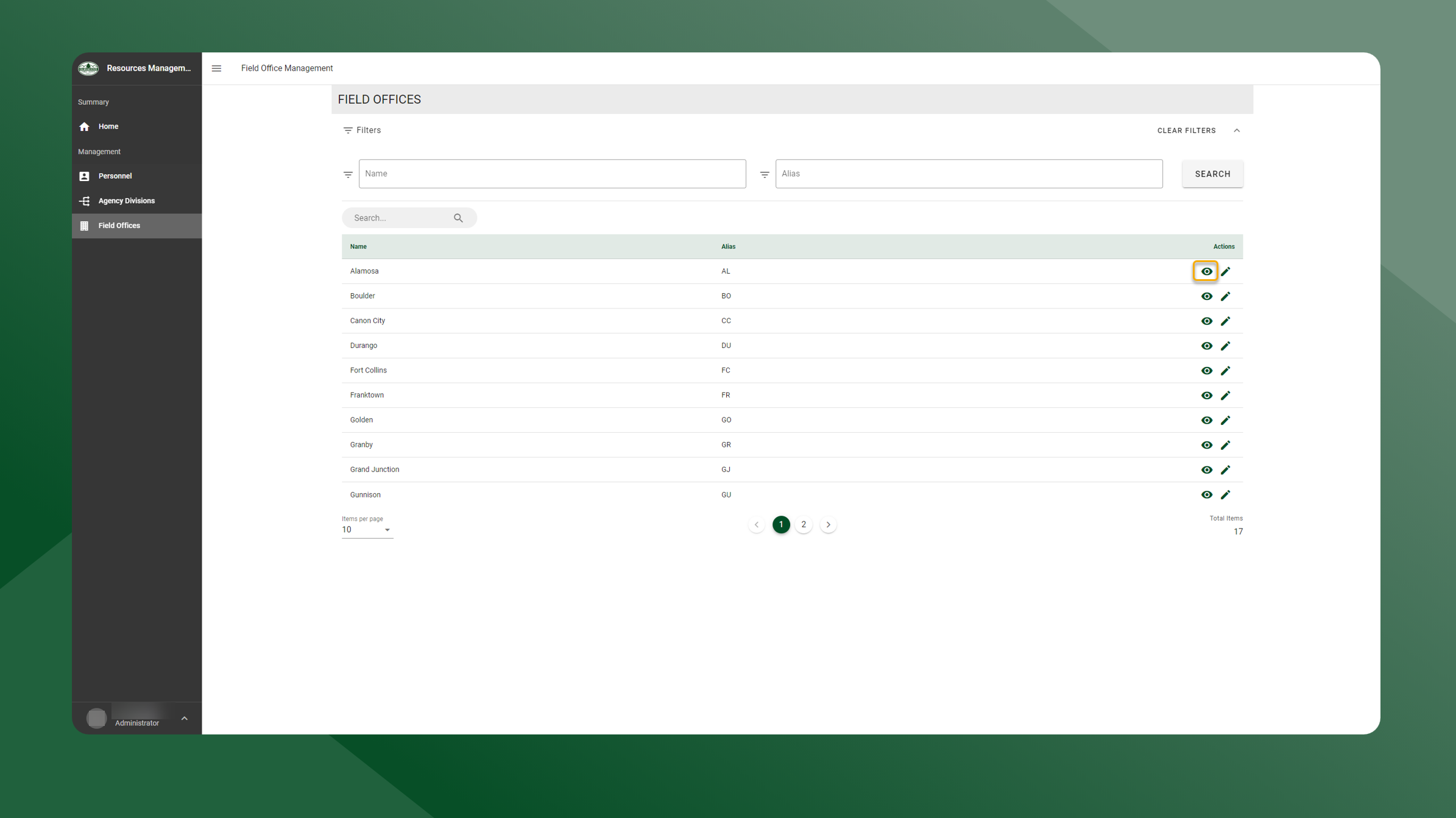
To edit a Field Office, follow the steps outlined below:
-
Open the Resources Manager application.
-
Select Field Offices from the left sidebar navigation.
-
Click the
icon next to the Field Office you want to view.
-
The Summary screen for the selected Field Offices will appear.