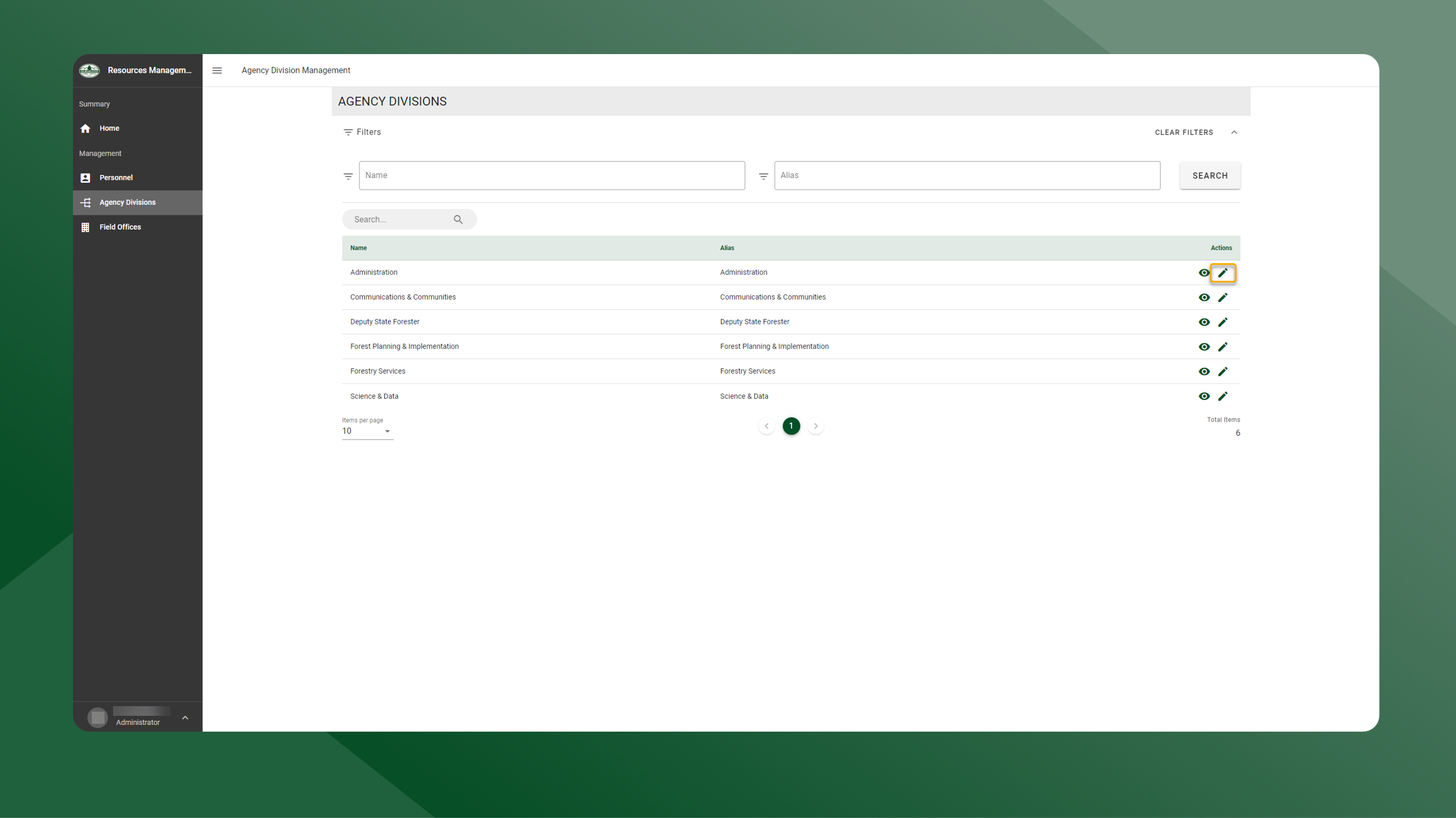
To edit an Agency Division, follow the steps outlined below:
-
Open the Resources Manager application.
-
Select Agency Divisions from the left sidebar navigation.
-
Click the
icon next to the report you want to edit.
-
Make any necessary changes
-
Click Save to apply the changes made.