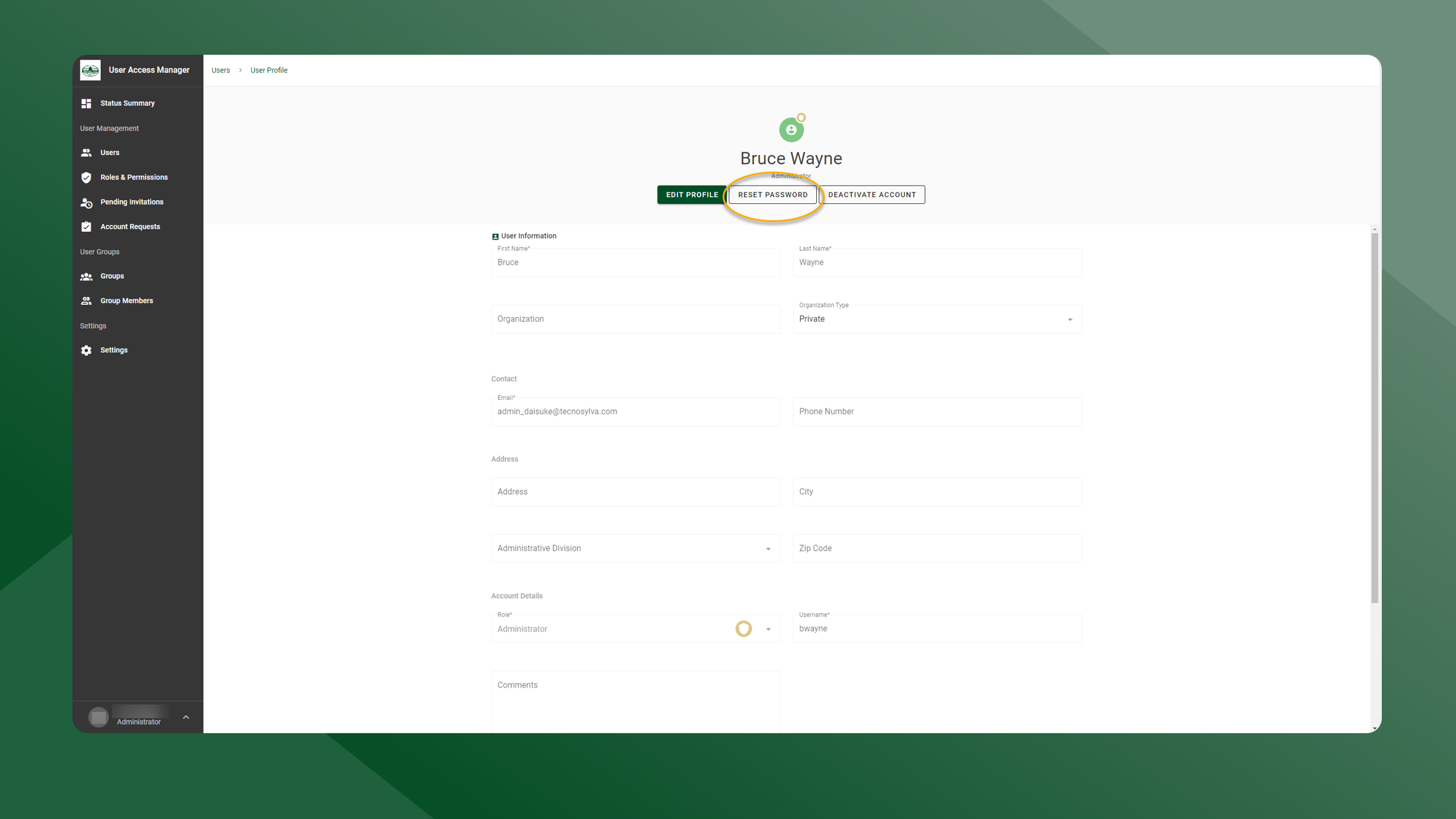
Administrators of the Colorado Forest Atlas have the ability to reset a user’s password. This will send a “Reset User Password” email and link to a user so that they can reset their password.
To reset a user’s password for them, follow these steps:
-
Open the User Manager application.
-
Open the User List by selecting Users in the left sidebar navigation.
-
Click the
icon next to the user whose password needs to be reset.
-
Click the Reset Password button.
-
You will be prompted to confirm the password reset, click OK to confirm.
-
The user will then receive an email with a link to reset their password.