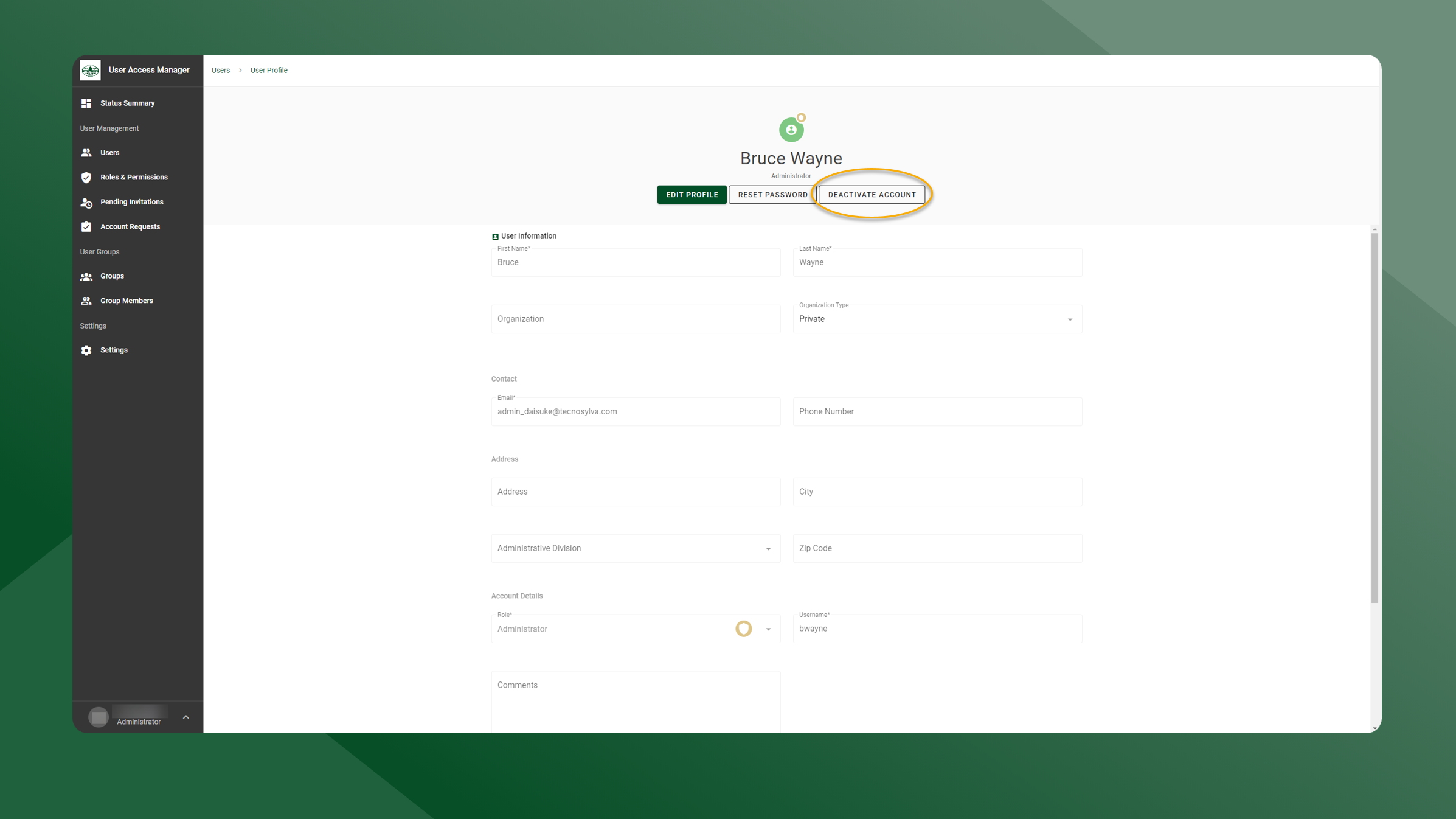
Deactivating a user’s account will keep the user’s account in the system but will no longer allow them to login or access any applications that require a login.
To deactivate a user account, follow these steps:
-
Open the User Manager application.
-
Open the User List by selecting Users in the left sidebar navigation.
-
Click the
icon next to the user whose profile you would like to deactivate.
-
Click Deactivate Account.
-
The user account has been deactivated.