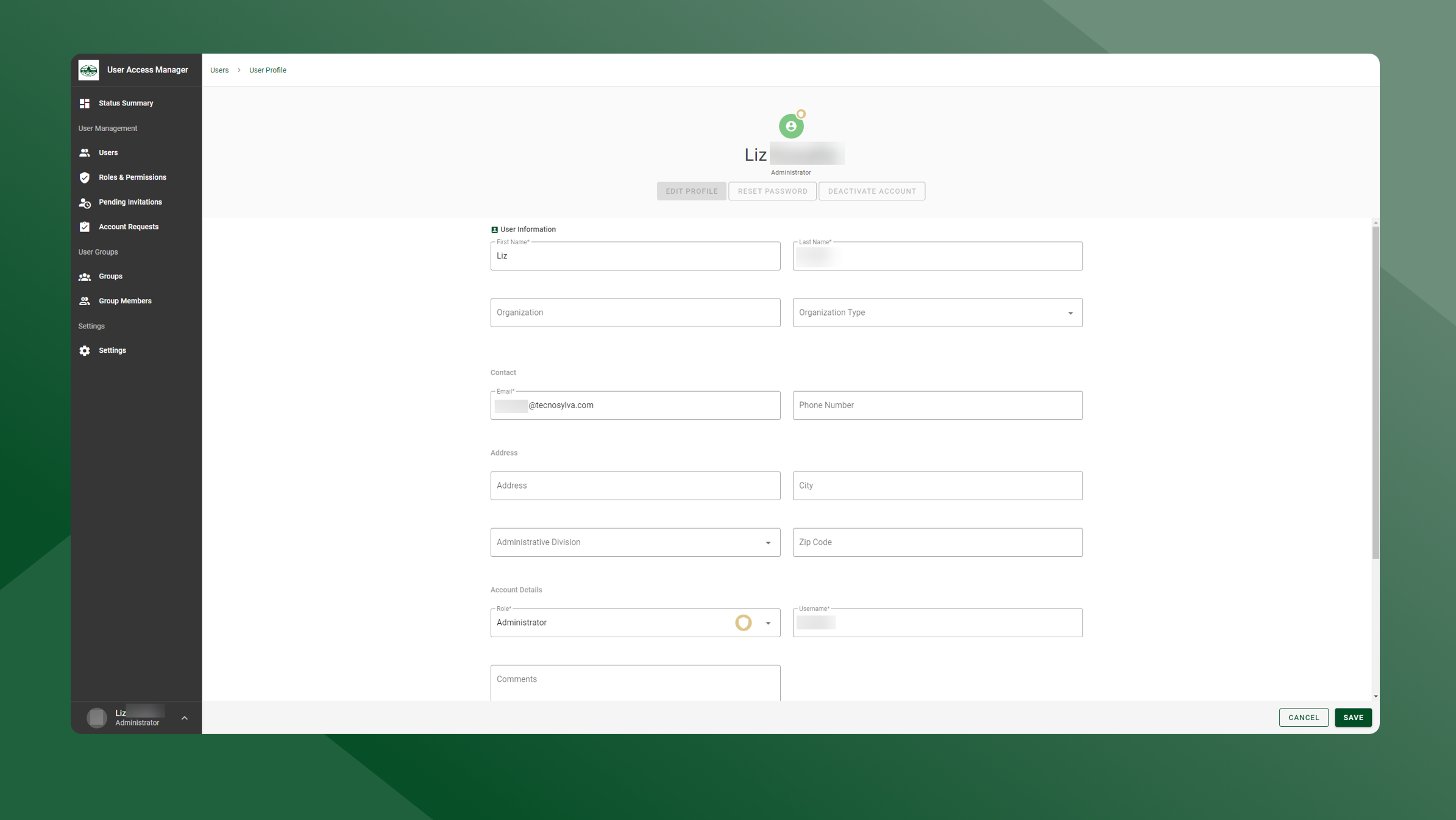
To edit a user’s information, follow these steps:
-
Open the User Manager application.
-
Open the User List by selecting Users in the left sidebar navigation.
-
Click the
icon next to the user whose profile you would like to view/edit.
-
Click the Edit to enter editing mode.
-
To save any changes that have been made, click Save.
-
To cancel any applied changes, click Cancel.
-