
WFA FireSim Mobile offers the ability to create new simulations from an existing simulations’ ignition location. This is useful if you want to run multiple simulations with the same ignition location but use different parameters such as duration.
To use an existing simulation’s ignition location to create a new simulation, follow the steps below:
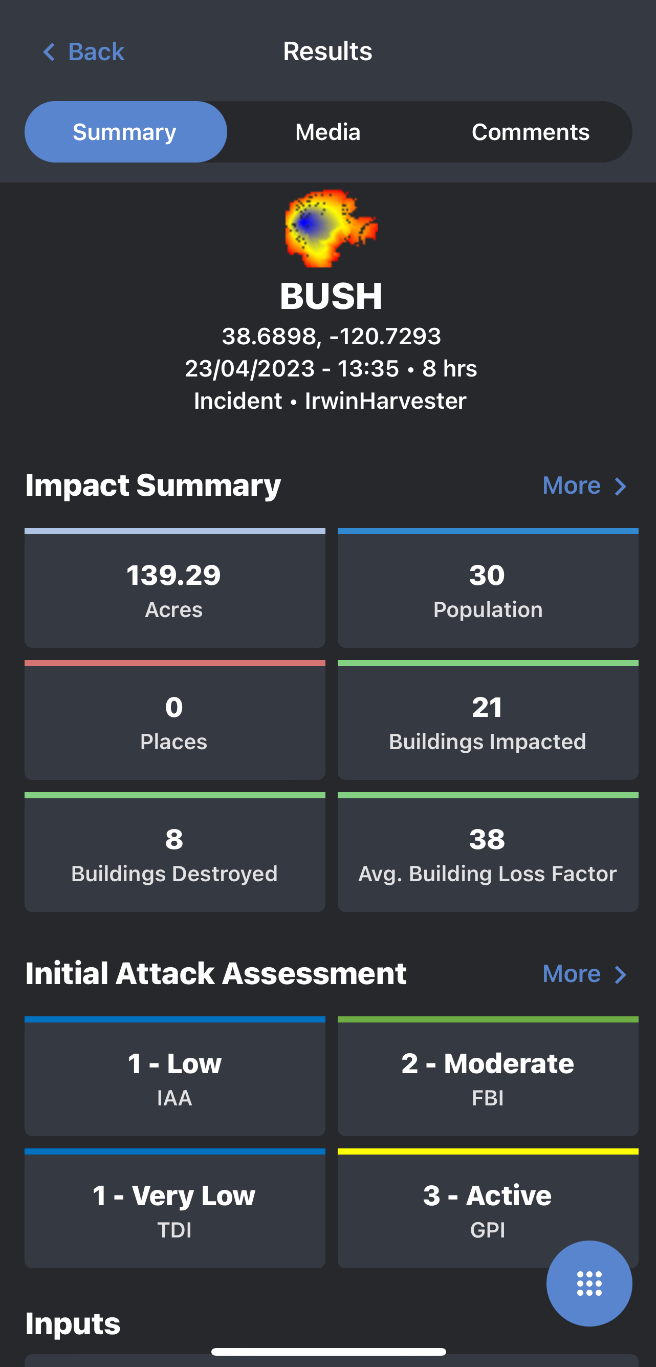
1. Open the existing simulation you want to use or modify from the “Simulations” tab.
2. Go to the “Results” tab.
3. Tap the blue floating action button located in the bottom right-hand corner of the screen.
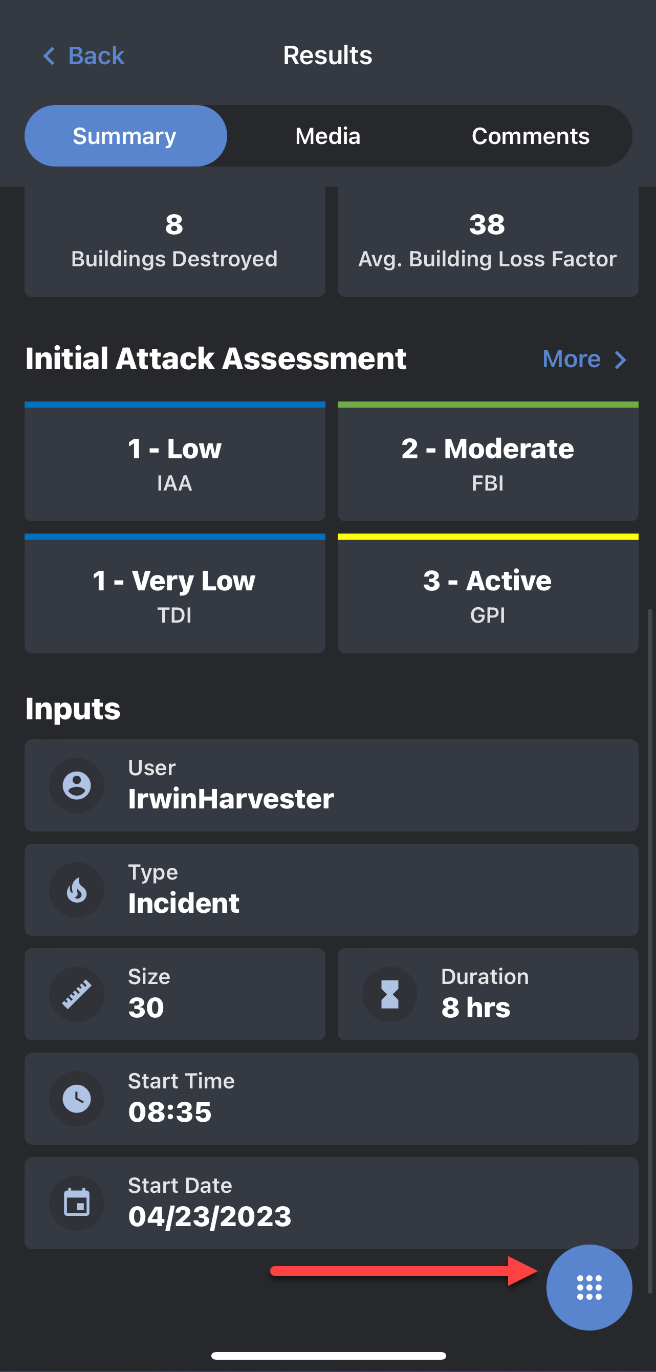
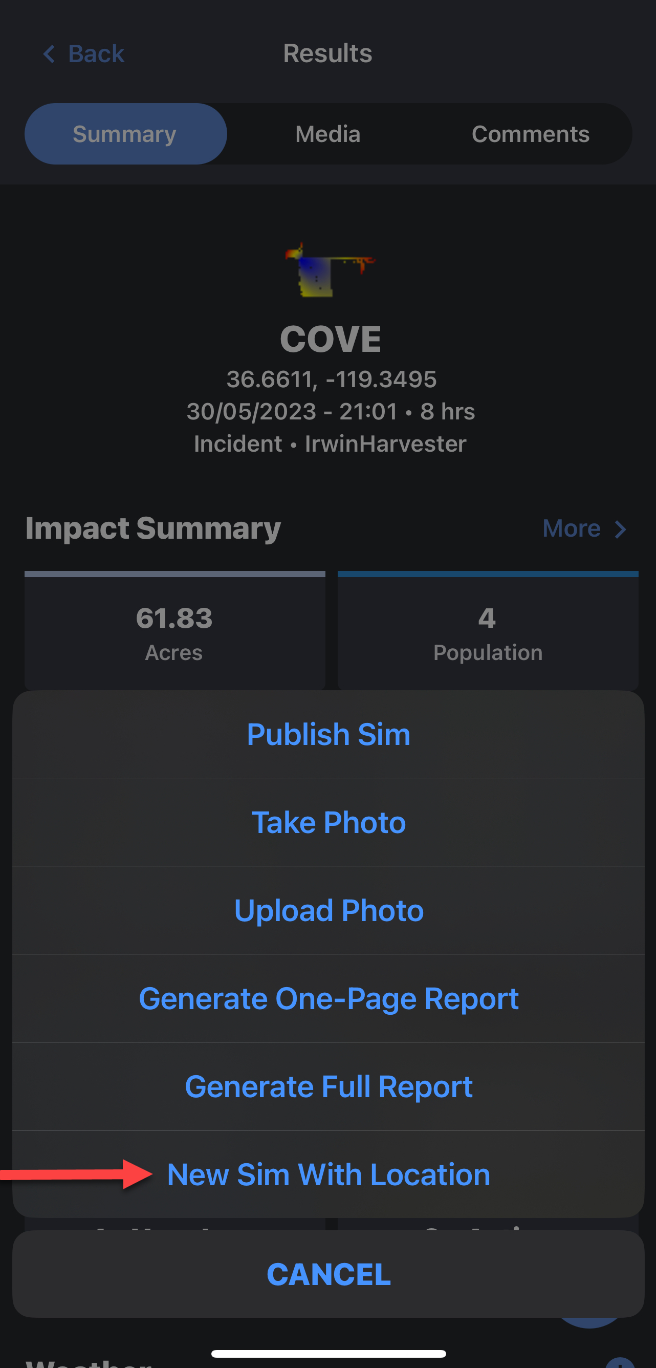
4. Select the “New Sim with Location” option.
-
You will be directed to the map screen where it will show the ignition located and give you the option to modify this location before continuing.
-
Tap the “Create New Simulation from Location” button.
-
You will be directed to the “New Simulation” attributes panel where you can make changes to the different parameters.
5. Once you have made any needed changes to the simulation attributes, tap on the “Run Simulation” button located at the bottom of the “New Simulation” attributes panel.
6. Once your simulation has been completed, it will automatically load on the map.