
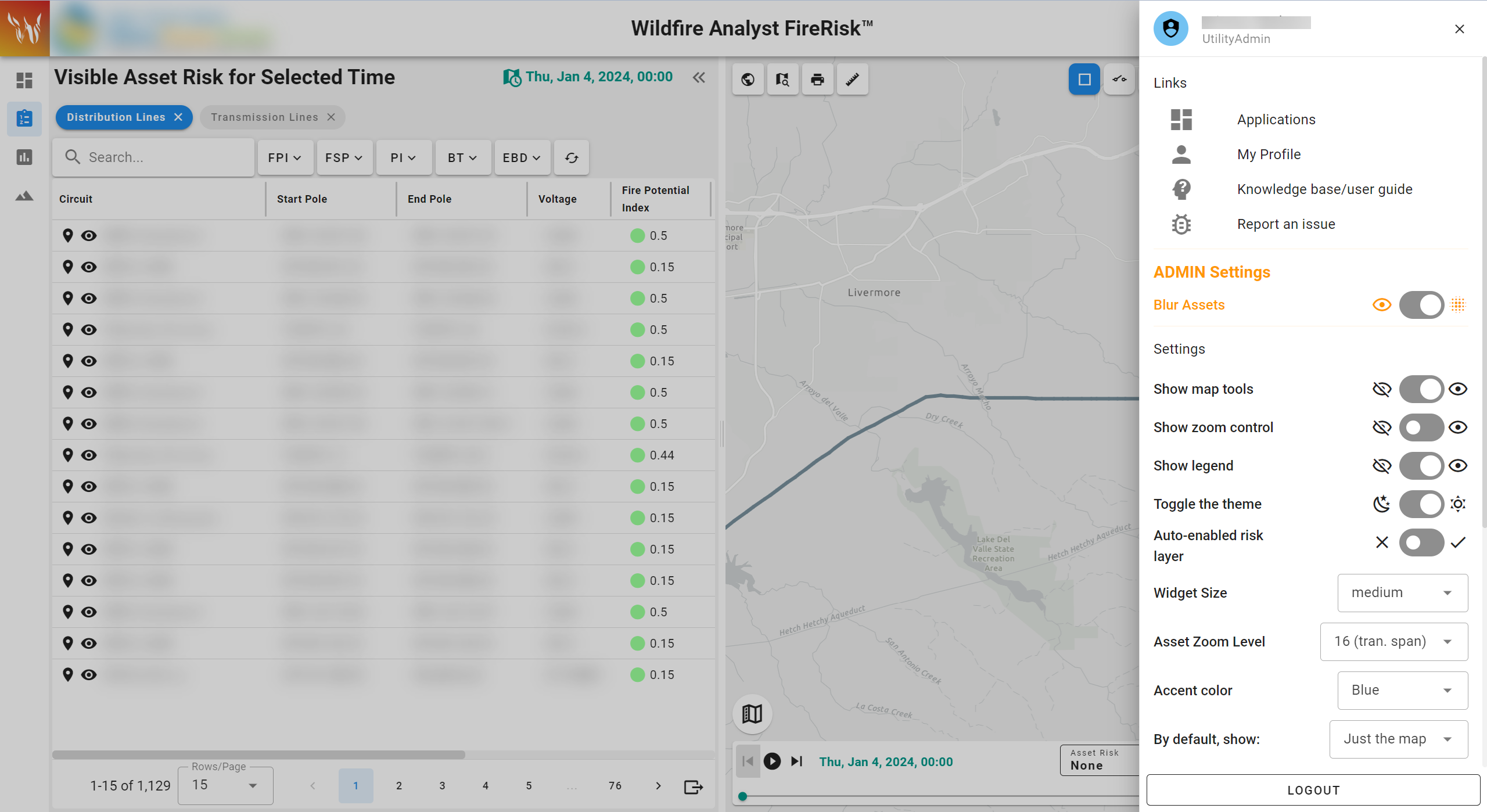
The settings panel is accessible by clicking your profile icon in the top app bar.
The settings panel contains links to your profile, applications page, this knowledge base, and a link to report an issue in your custom Technosylva Jira Service Desk.
It also contains access to the application settings including:
-
Show/hide map tools
-
Show/hide zoom tools
-
Show/hide legend
-
Change the application theme - light or dark mode
-
Change the size of the tools on the map
-
Change the scale of the Asset Zoom feature
-
Change the accent colors within the app for color-sensitive groups
-
Select your default view upon loading the application: Asset list, just the map, or dashboard view