
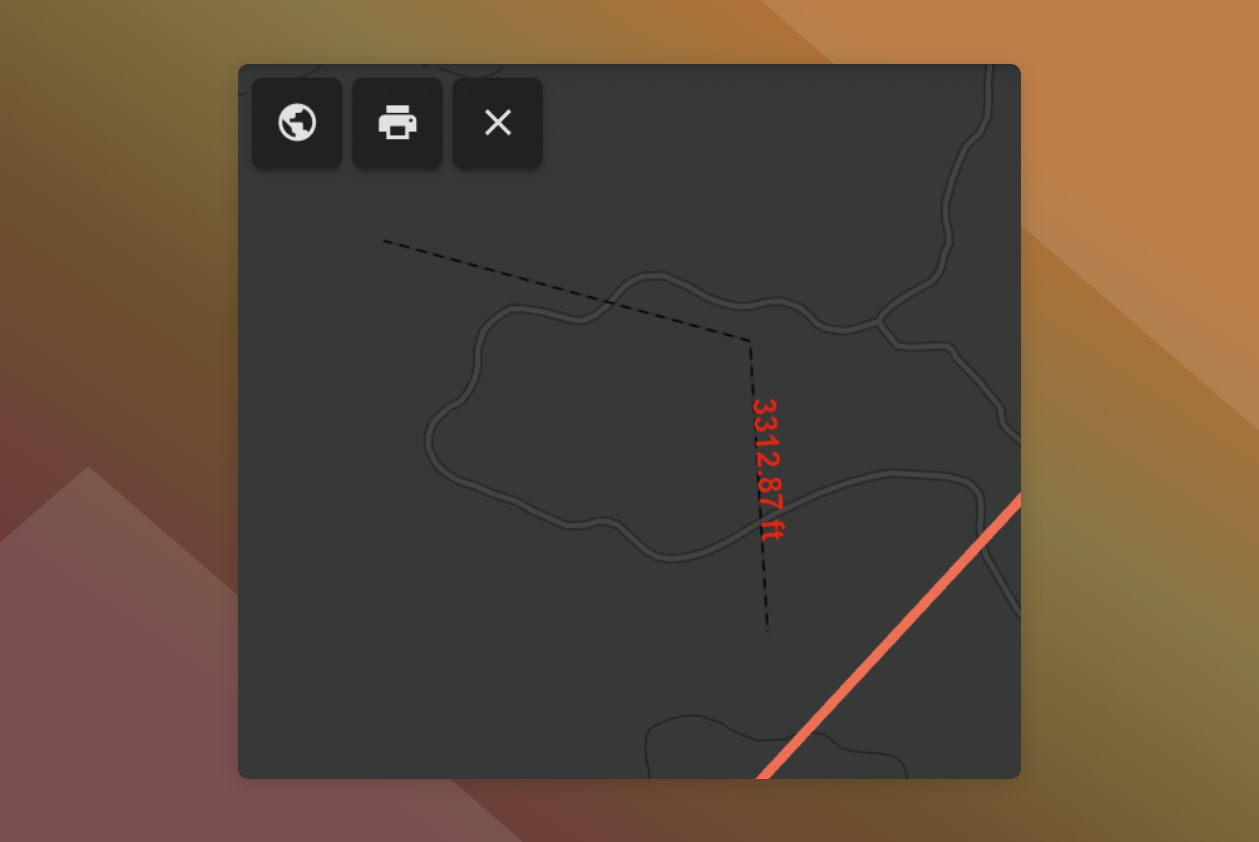
The measure tool gives you the ability to quickly measure distance on the map.
To measure:
-
Click
on the map to activate the measure tool
-
Click on the map to add points and begin measuring
-
Double click to complete the measurement
The distance will be displayed on the map.
The measurement will remain on the map until you click .