
Settings for mobile are accessed via the Settings tab in the bottom navigation bar. Mobile settings are more limited than those available in the web interface.
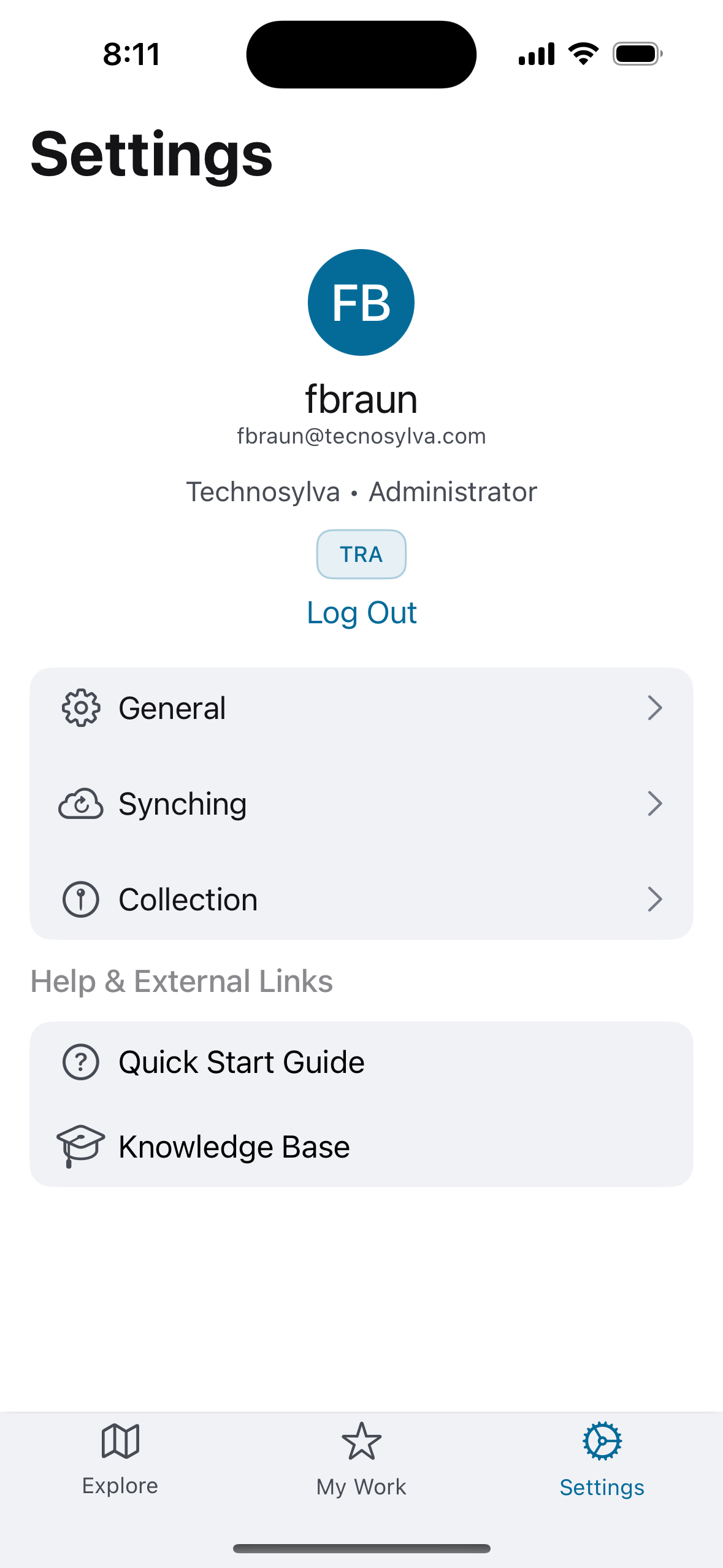
The top of the screen displays your account name, email address, organization, role, and current environment (e.g. TRA). A Log Out link appears below the account information.
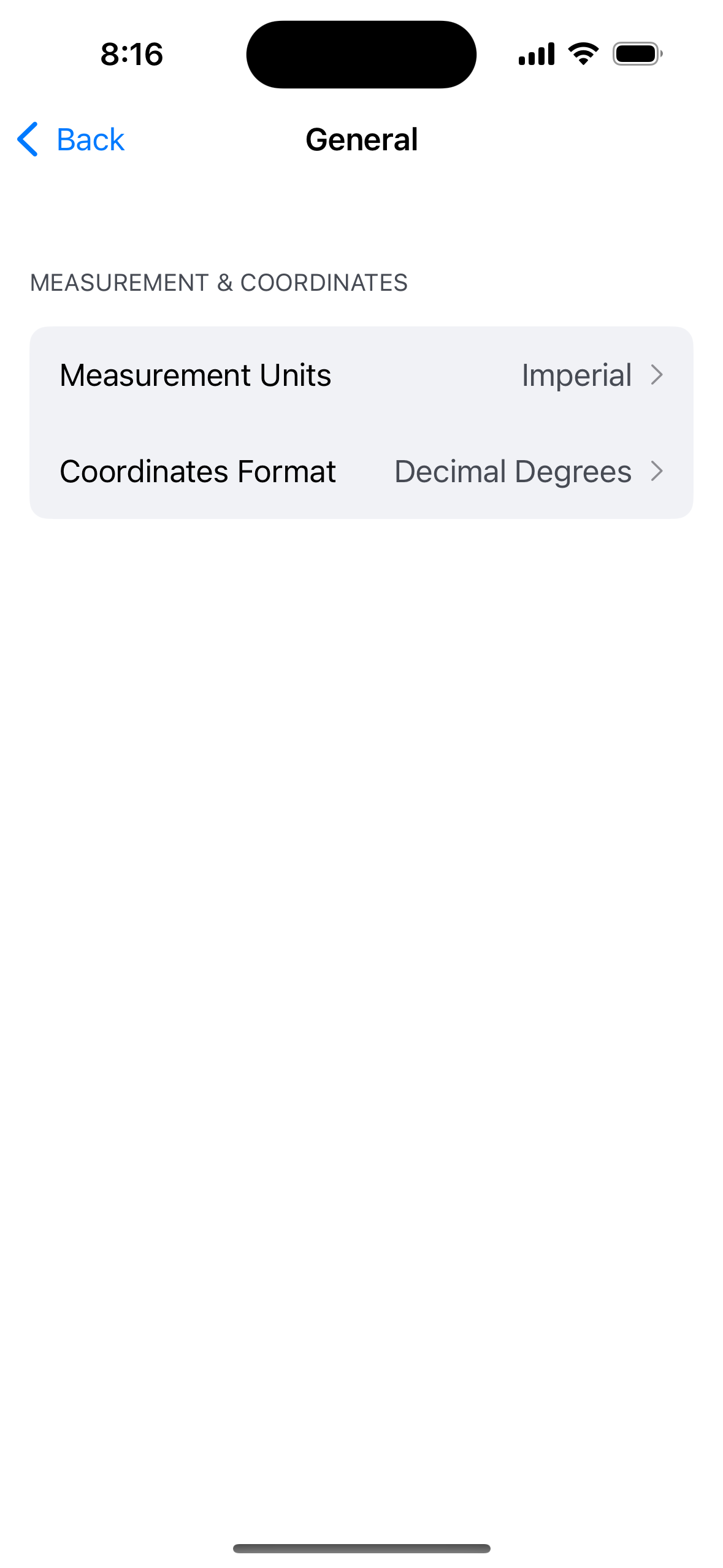
General
-
Measurement Units: Sets the unit system used throughout the app (e.g. Imperial).
-
Coordinates Format: Sets the coordinate format (e.g. Decimal Degrees).
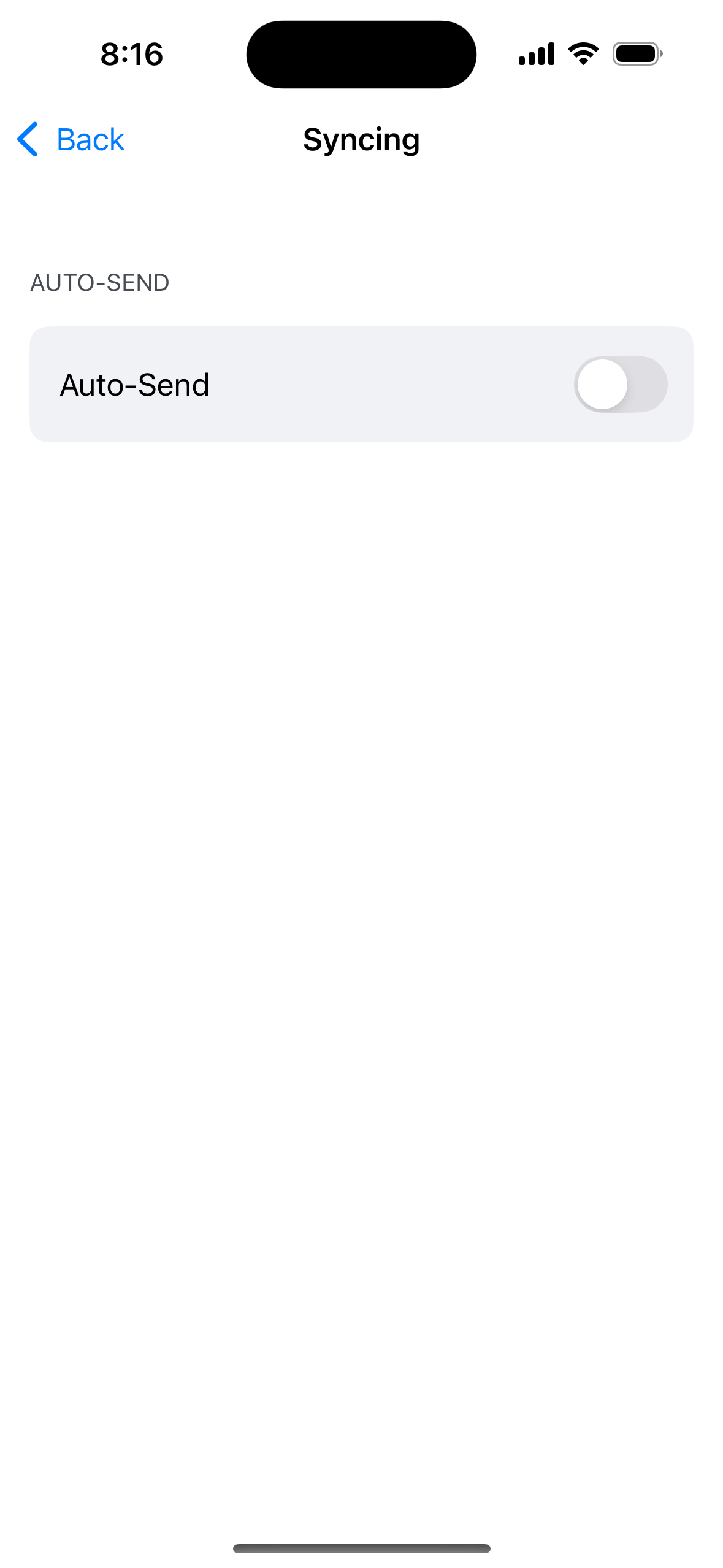
Syncing
-
Auto-Send: When enabled, the app automatically sends unsynced records to the server shortly after they are saved. When disabled, records must be sent manually via the My Edits panel. Defaults to Off.
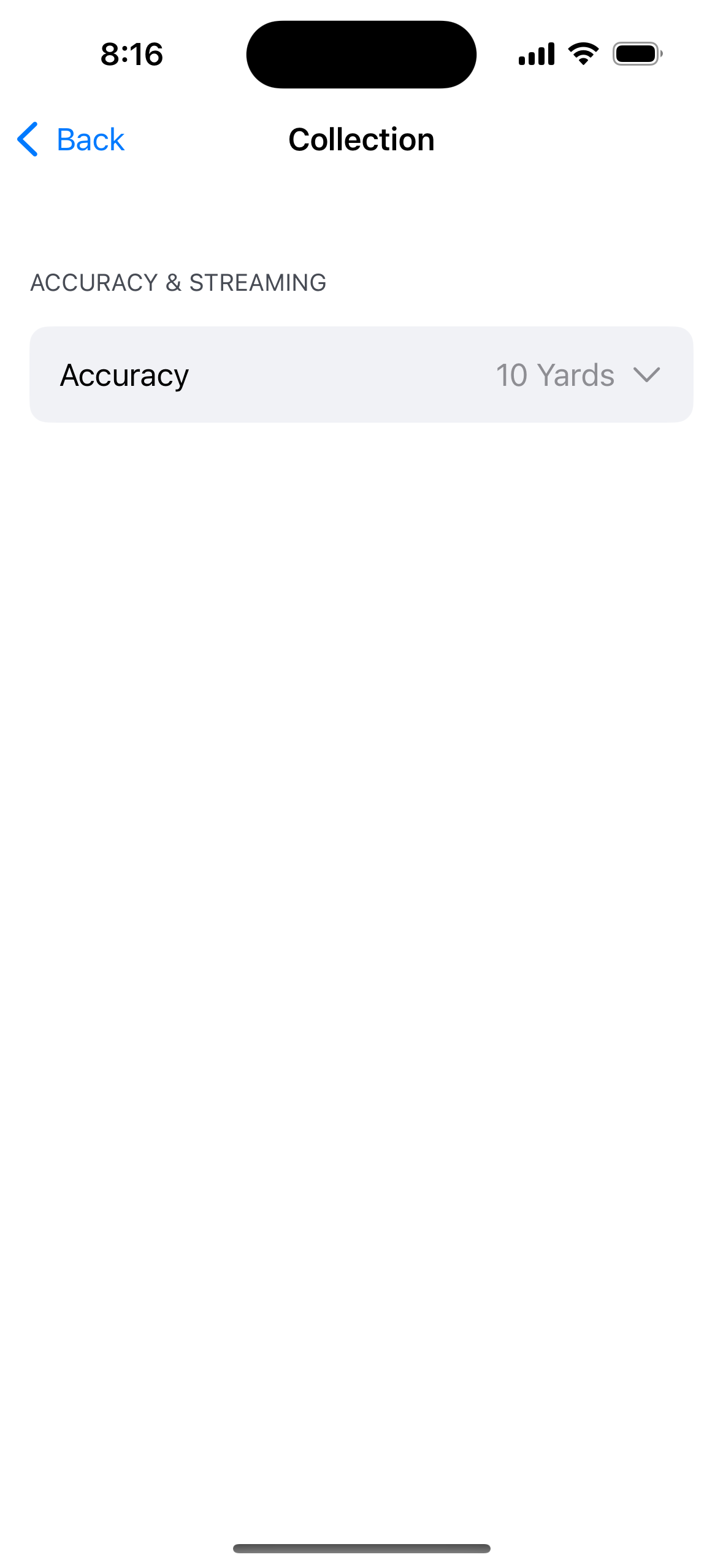
Collection
-
Accuracy: Sets the GPS accuracy threshold for streaming location data.
Help & External Links
-
Quick Start Guide: Links to a quick reference guide for new users.
-
Knowledge Base: Links to this Activity Tracker knowledge base.