
The User Photos layer allows you to view photos that have been added to the map (not attached to a simulation) as well as, photos that have been attached to a simulation. Also, some observations about observed fire behavior can be added.
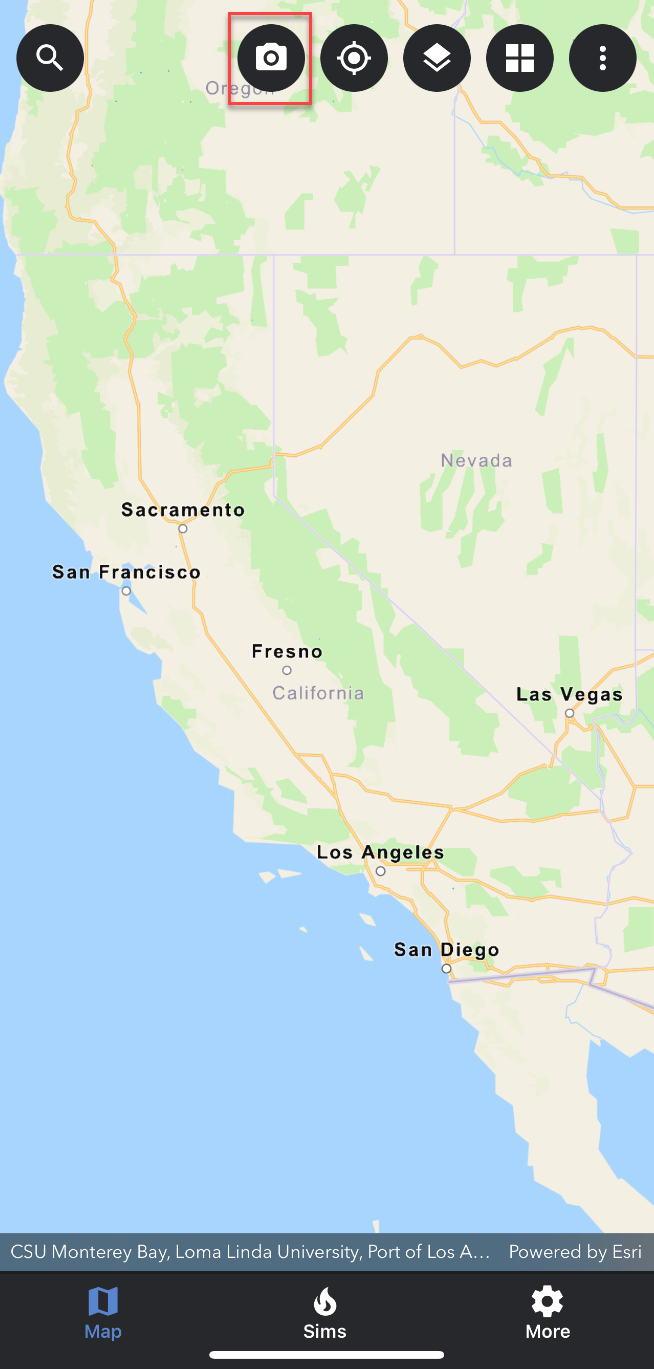
Use the camera icon to upload user photos.
Uploading a User Photo
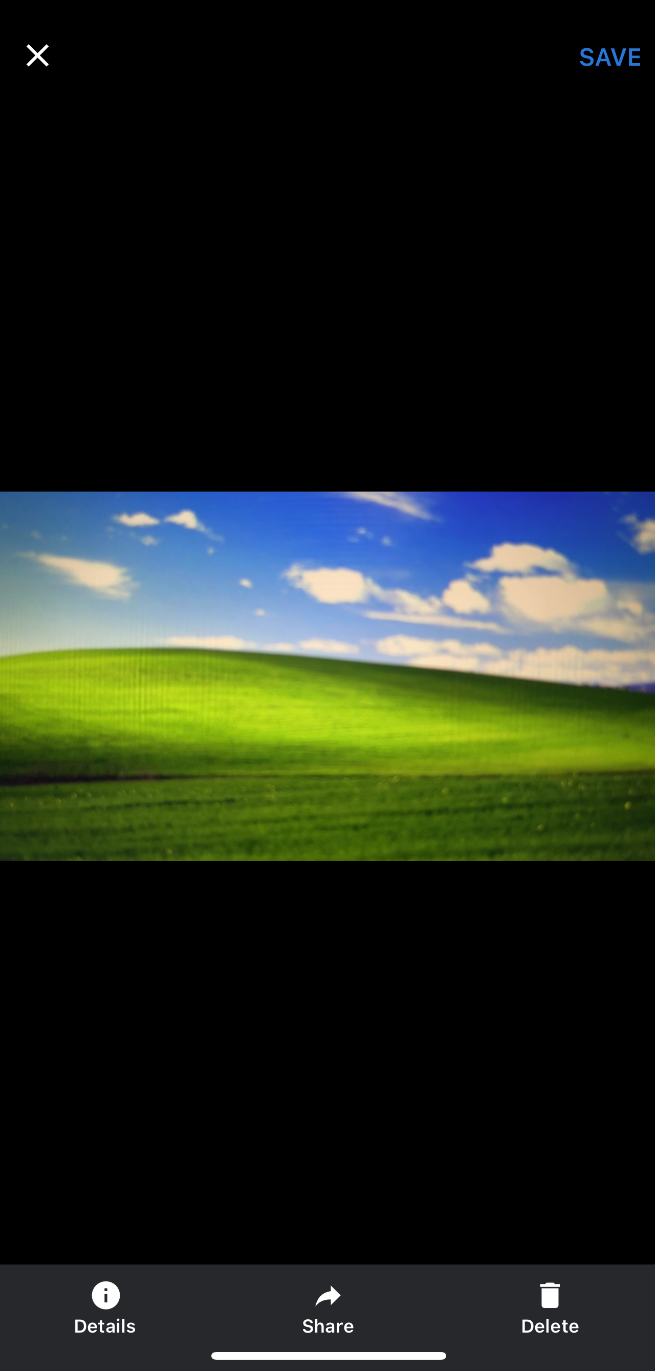
There are 3 distinct options to choose from when uploading a user photo.
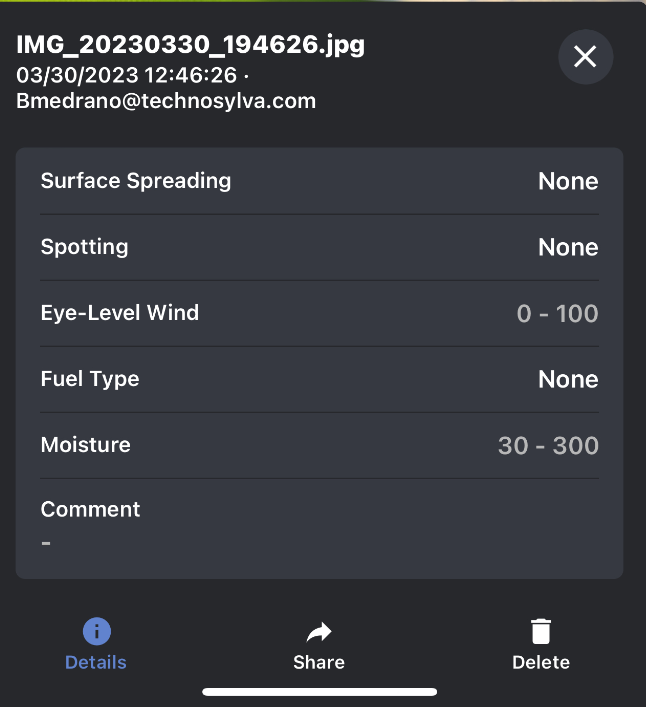
Details: Edit the details of the photo if necessary. The options include surface spreading, spotting, eye level wind, fuel type, and moisture.
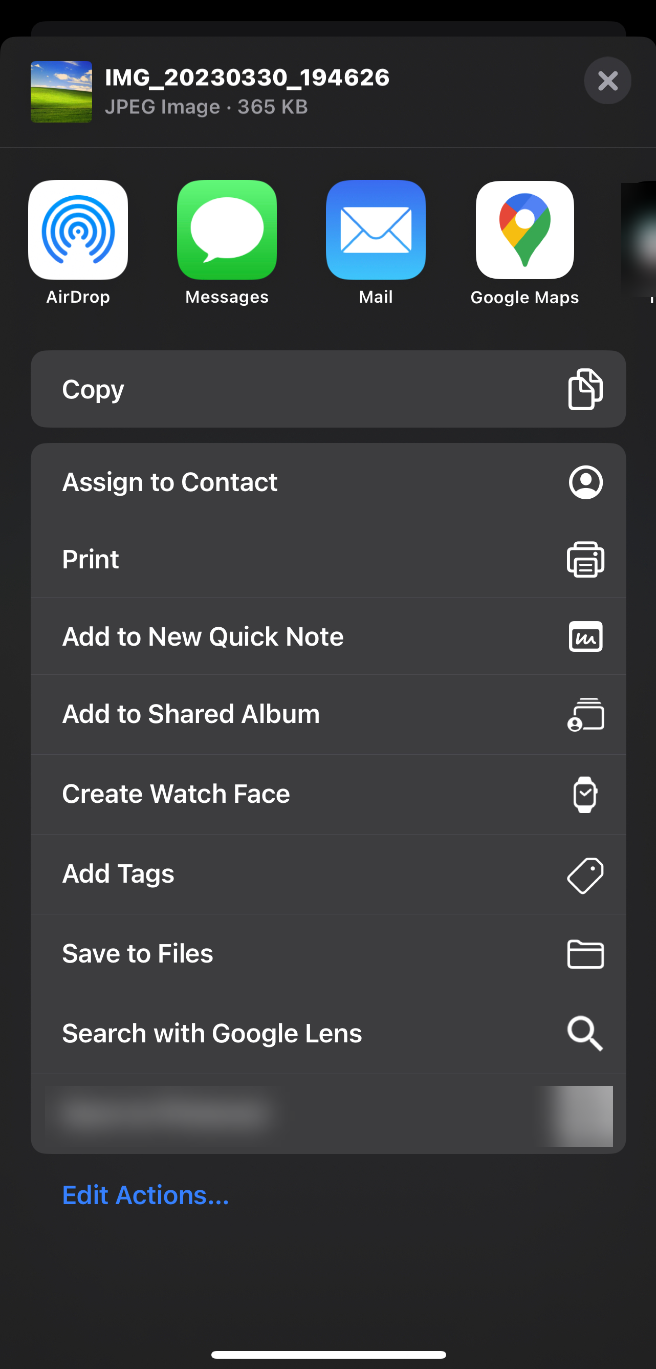
Share: Use the share option to print and save to files on your phone.
Delete: You may delete and re-take the photo if necessary.