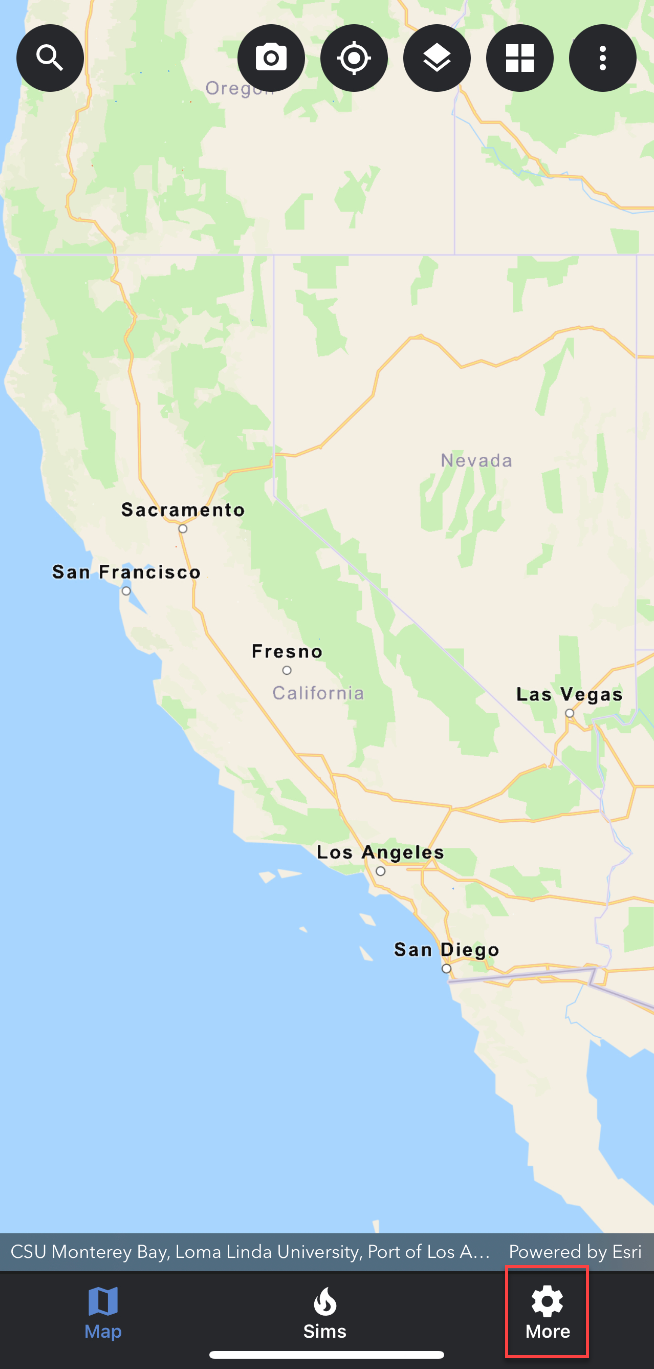
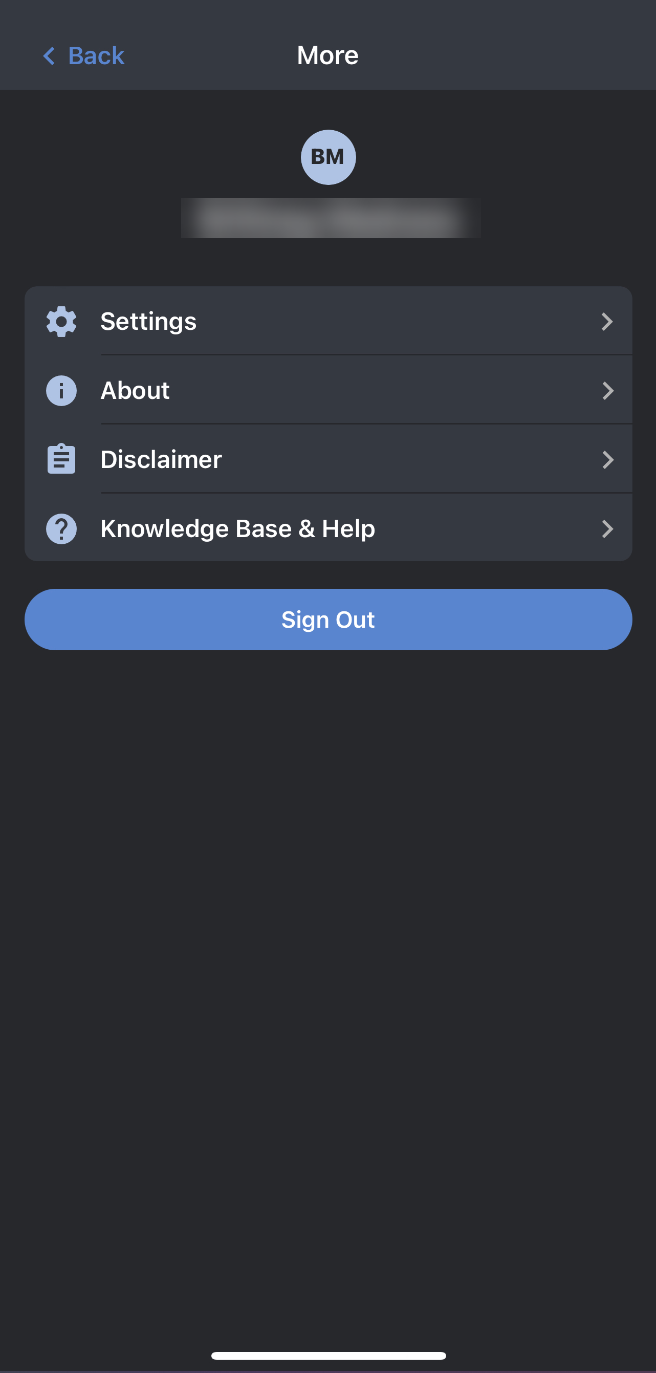
The more tab contains the settings menu where you have the ability to set default values. You also have the ability to view the current application version and development environment (under About). Lastly, you can sign out by tapping on the Sign Out button on the bottom.
Settings - Default Values
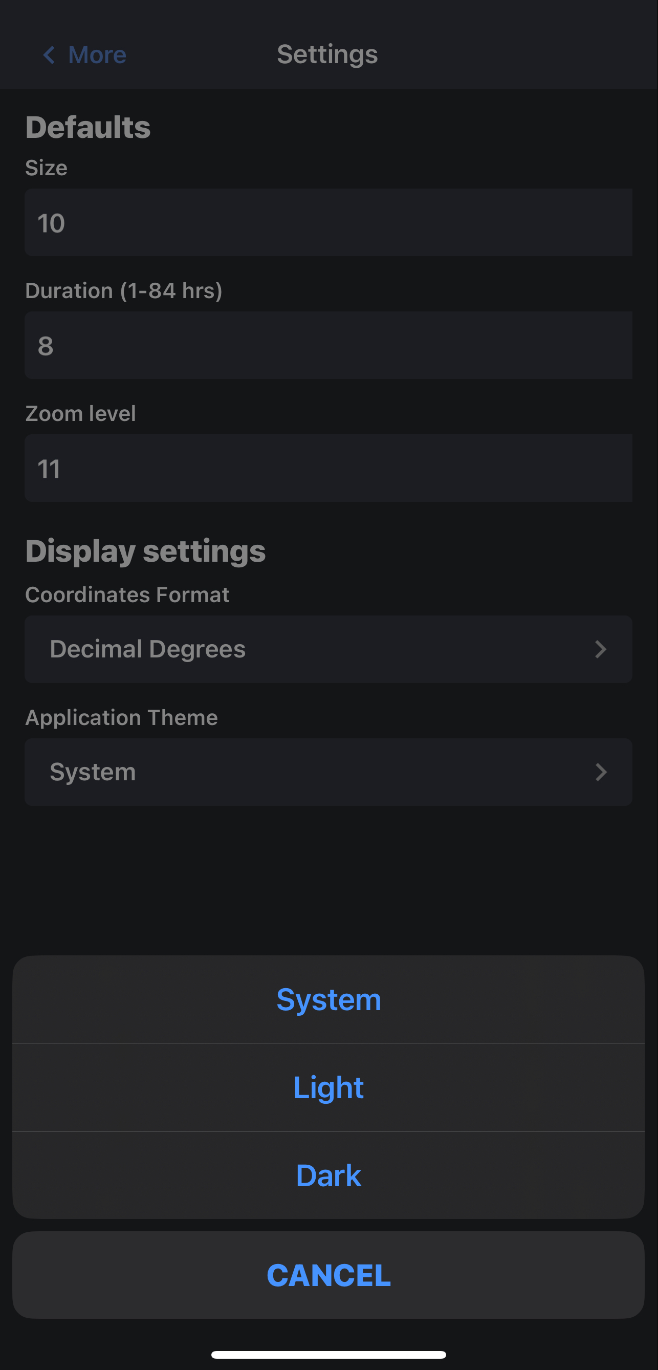
The default values section of the settings menu allows you to set the default values that you would like to use for new simulations. These default values will be reflected in the Simulation Attributes panel when creating a new simulation. You can override these default values when you create a new simulation.
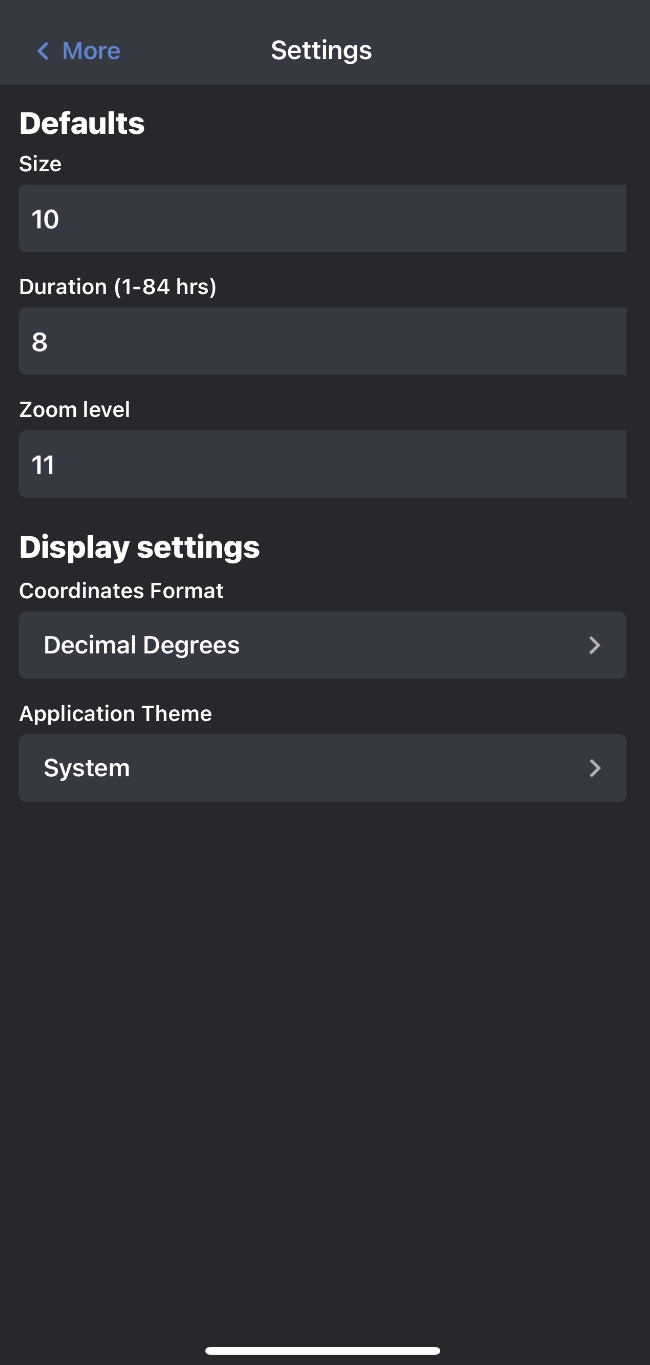
The default values that you can set are:
-
Simulation size (10-40 miles)
-
Simulation Duration
-
Zoom level
Once you have set the default values to your preferred value, tap the back arrow to exit the settings menu and apply the changes.
Application Theme
There are 3 application themes to choose from: system, light, and dark. System will apply the same application theme as your device. Light will apply a light (white) application theme, and dark will apply a dark application theme.
About
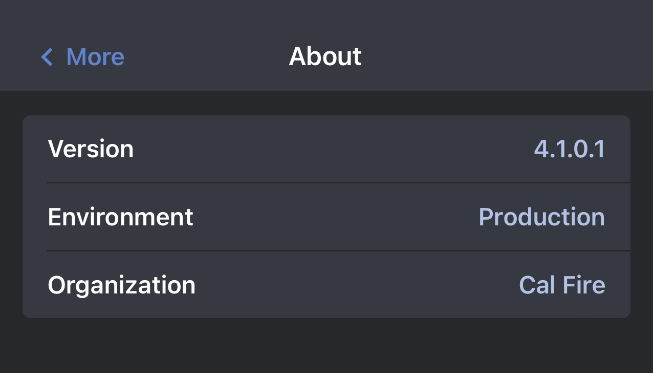
You will find information about the app’s version, environment, and organization in the about section of settings.
Knowledge Base and Help
Use the knowledge base and help link to view the WFA Mobile help links.