
If you have your own layers stored locally on your computer that would would like to add to the application, you can quickly do so.
Layers added are session based, meaning if you log out or close the browser they will be removed and need to be added again.
Supported formats include: KML, KMZ & GeoJSON.
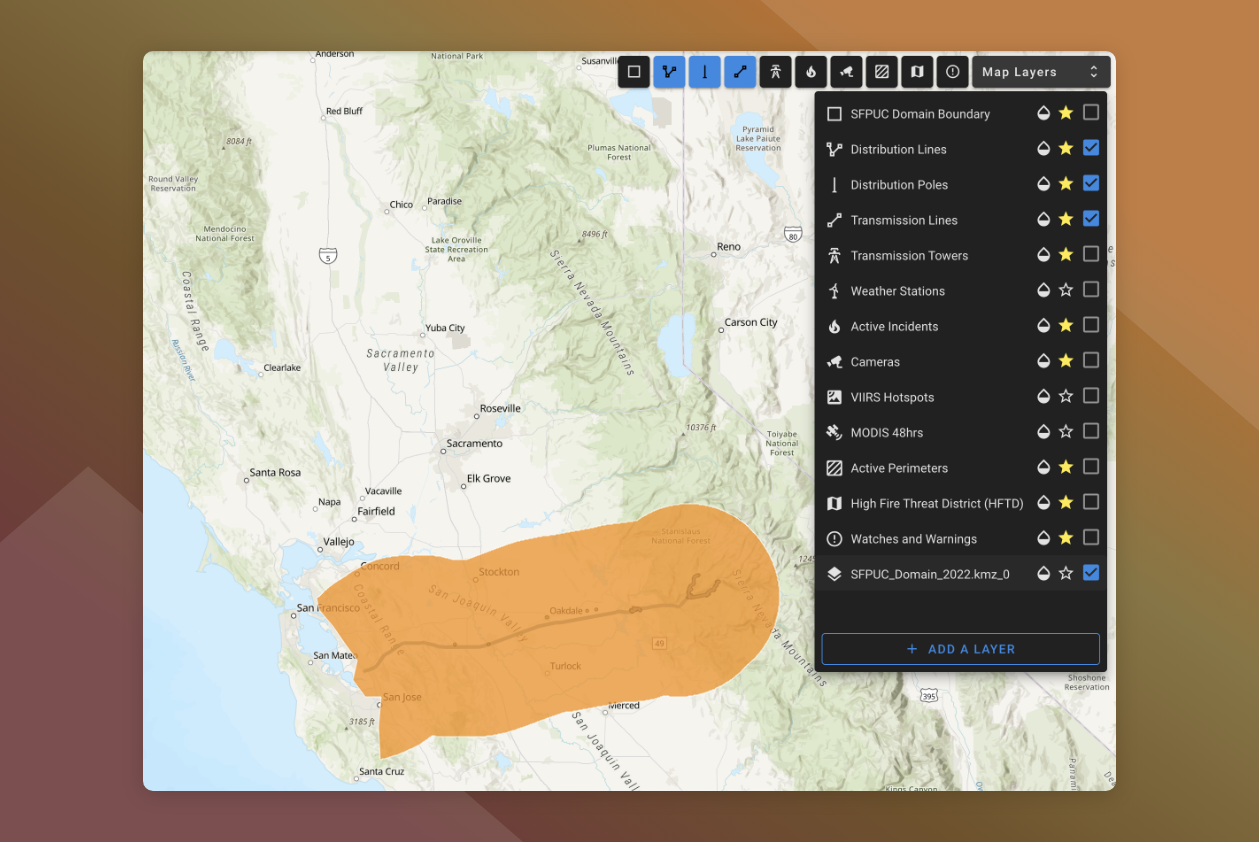
To add your own layers:
-
Open the Map Layers Panel
-
Click Add A Layer
-
Click in Layer Source File field
-
Browse your computer and select the file to upload
The layer will be uploaded and displayed on the map canvas.
The layer will appear at the bottom of the Map Layers list.