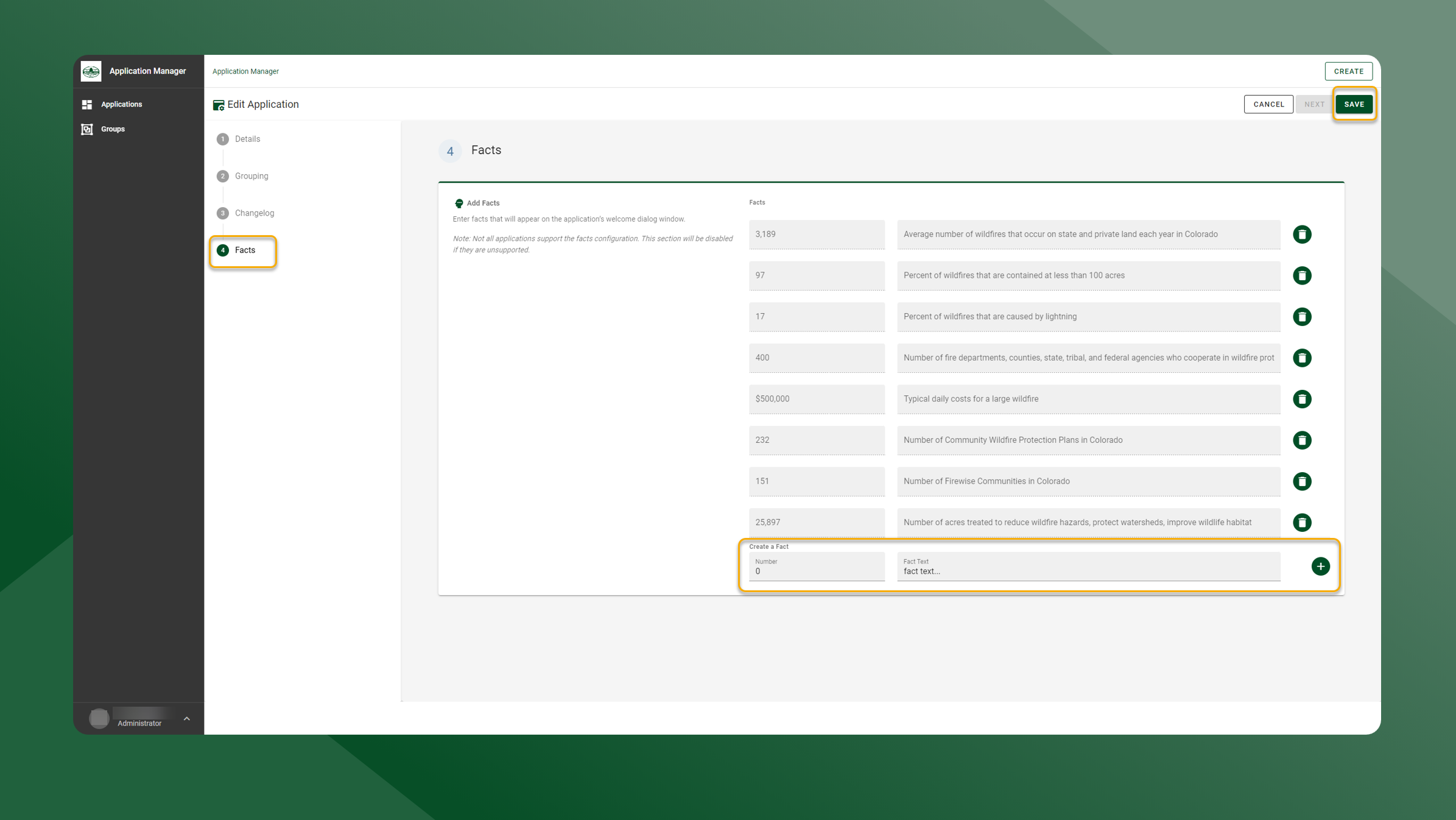
To add a new statistic, follow the steps outlined below:
-
Click the
icon next to the application you want add facts to in the Application List table.
-
Click the Facts under the Edit Application card
-
Enter the new statistics in the Create New Fact section of the Facts Configuration panel.
-
Click the
icon.
-
Click Save at the top of the page to apply the changes.