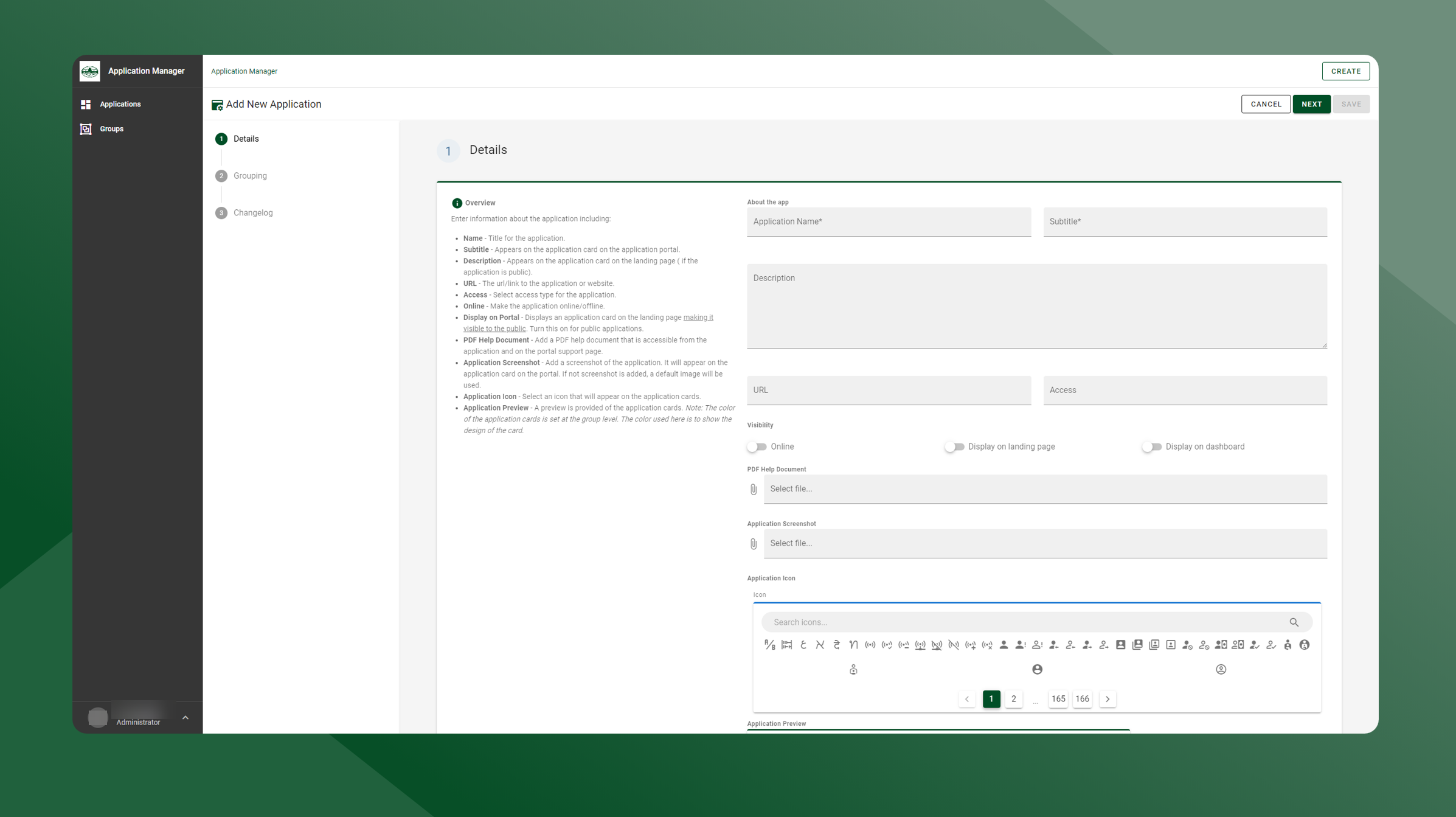
To create a new application, follow the steps outlined below:
-
Navigate to the Application Manager
-
On the Applications page, click Create
-
Click Create Application
-
Fill in the required fields on the Details panel
-
Application Name
-
Subtitle
-
-
Click Next
-
Select the group, the new application will be assigned to
-
Click Next
-
Enter the changelog if necessary
-
Click Save to create application
-
Click Cancel to cancel creating a new application
-