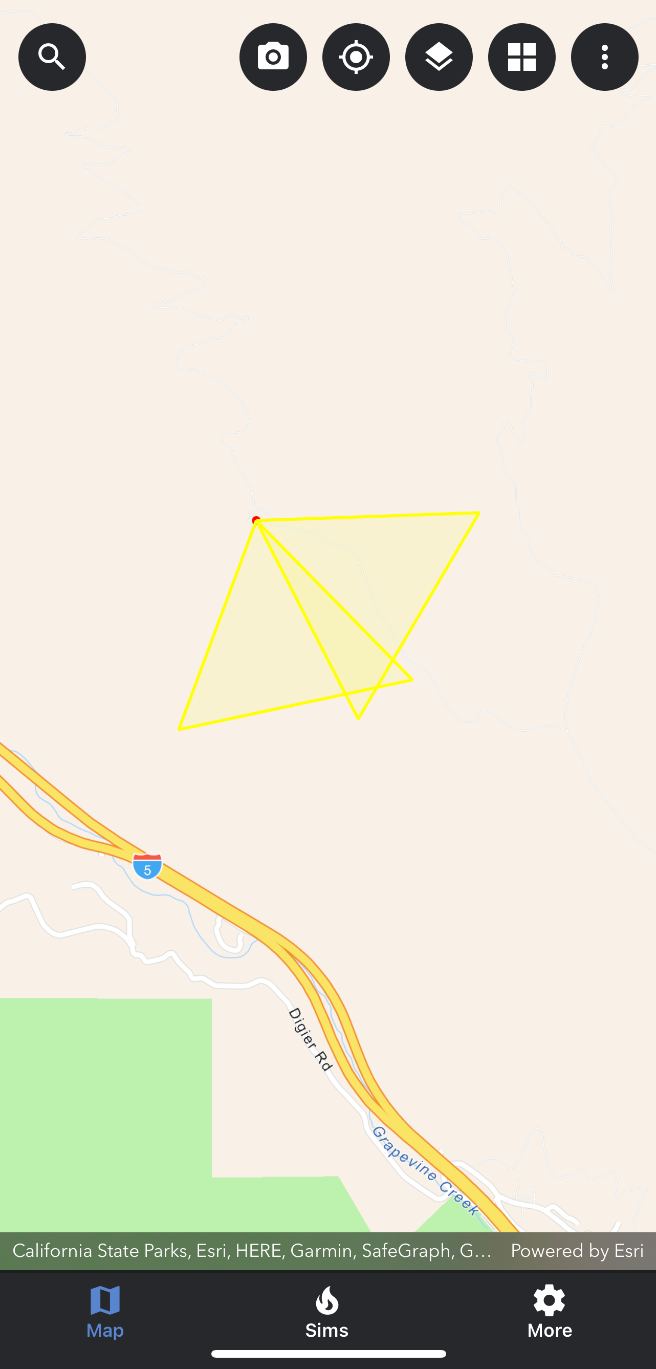
The first way to select a camera is by tapping on a camera on the map. To do this follow the steps below:
-
Open the Map Layers panel and turn on the ALERT Camera reference layer.
-
Close the Map Layers panel.
-
Zoom in to the camera you would like to view.
-
Tap on the camera on the map.
-
Once a camera has been selected, a pop-up card will appear at the top of the map screen.
-
To deselect or close the camera card, tap the x icon located in the top right-hand corner of the camera card.