
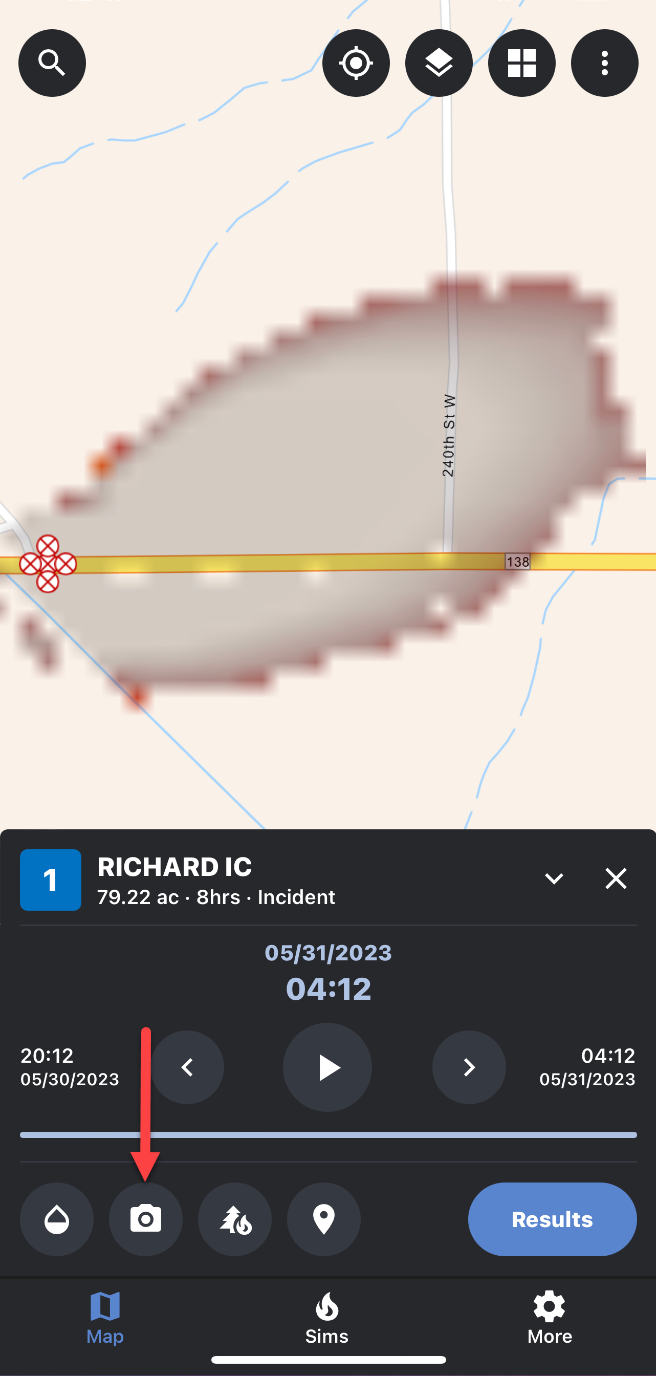
WFA Mobile includes the ability to take photographs in the field and attach them to a simulation. These photographs will be viewable in the FireCast desktop application as well. The first time you open the camera in WFA Mobile, you may be asked to grant FireSim access to the camera. You will need to give FireSim this permission to take photos.
Comments and other field observations can be included with a photo. These comments and field observations will be visible on both desktop and mobile when viewing a photo.