Bug Fixes
1. Updated Interface
The user interface of WFA Mobile has been updated to improve the user experience and increase usability.
Updates include:
-
New map screen layout provides more visualization of simulations with a collapsible sim control panel
-
New extended results screens
-
New media & comment tabs for simulations
-
Dark and light modes
-
Improved layer & basemap lists
-
Separate incident list to make incident selection easier
-
Simulations can now be viewed in 3D
2. FireCast™ Risk & Fuel Layers
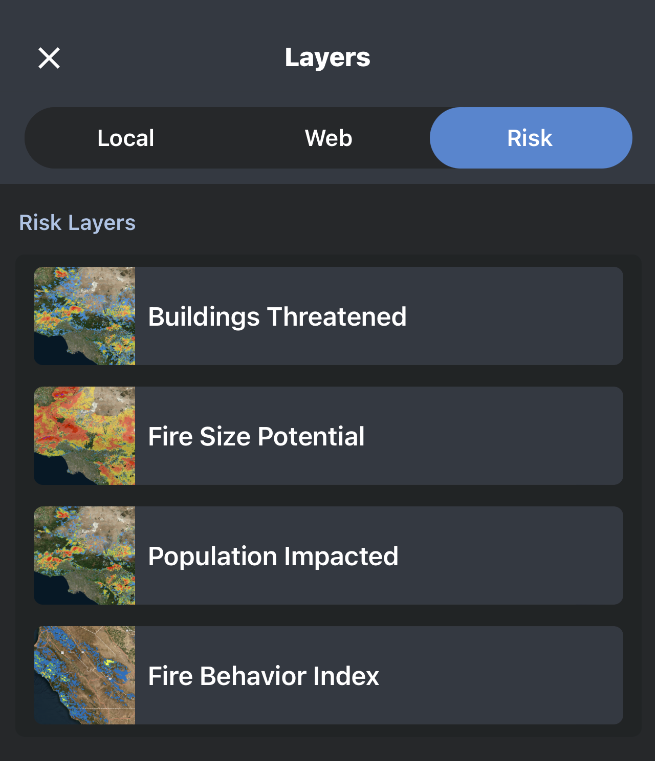
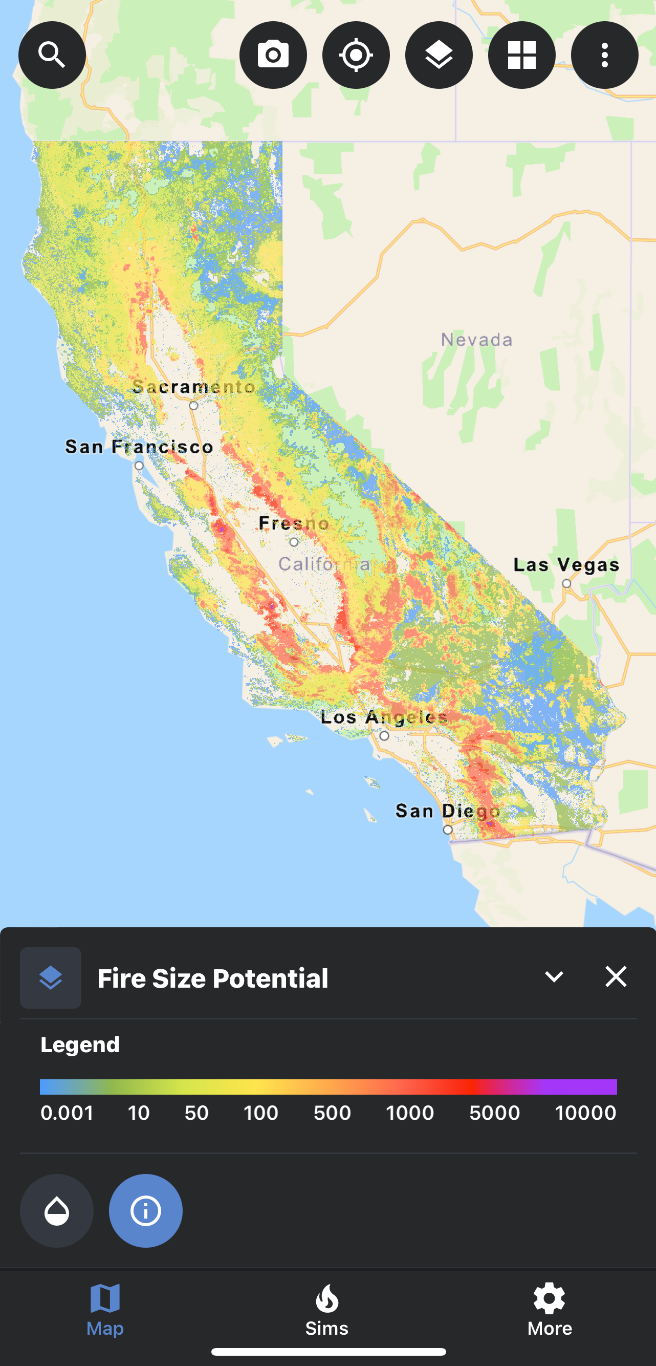
FireCast™ risk layers (Fire Size Potential, Buildings Threatened, Population Impacted & Fire Behavior Index) and Fuels layers can now be viewed on the map.
3. TPK Layers from Tactical Analyst™ Mobile
TPK layers uploaded to the TA Mobile folder can now be downloaded and viewed in WFA Mobile.
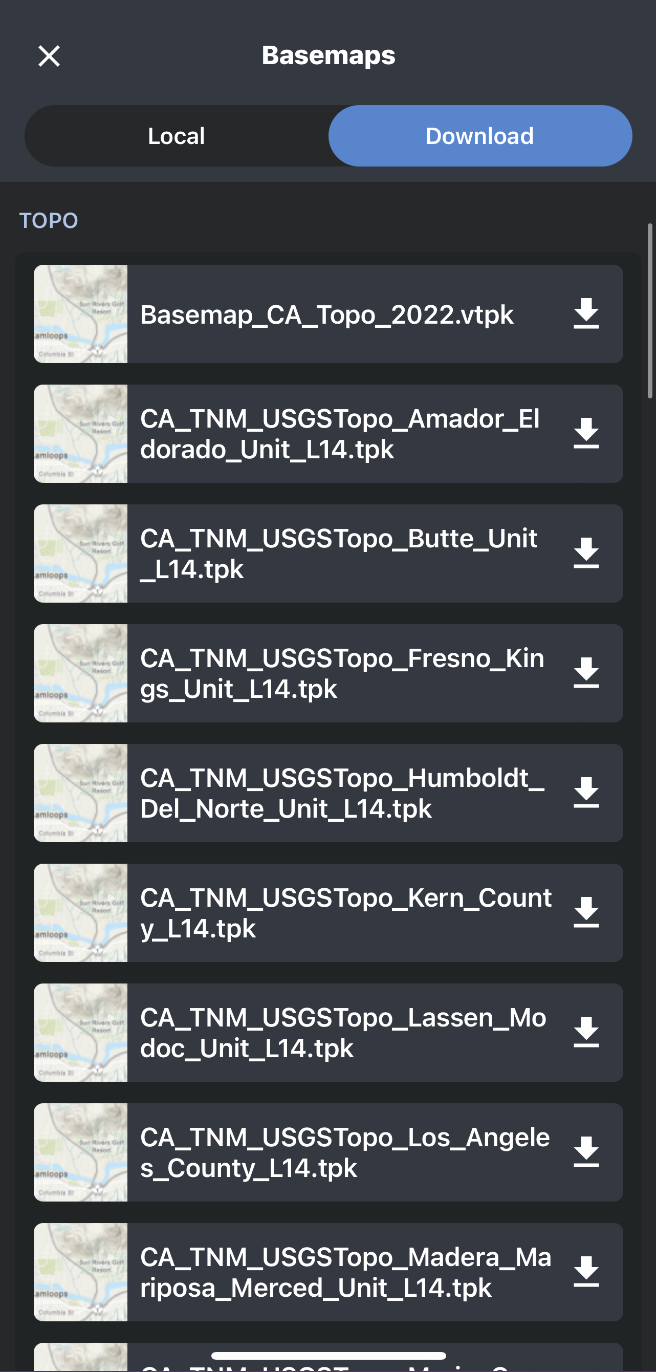
Once downloaded, the TPK file will be stored locally.
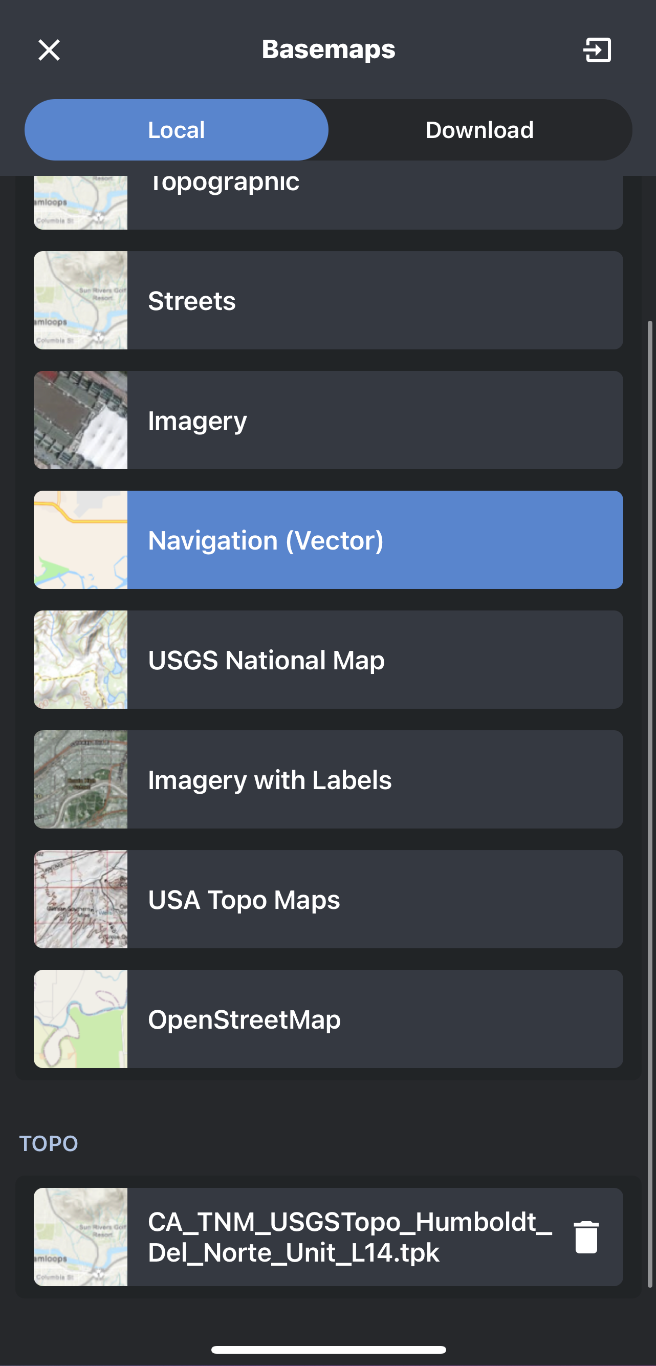
4. Additional Fire Behavior Outputs
Additional fire behavior output layers for simulations are now viewable on the map.
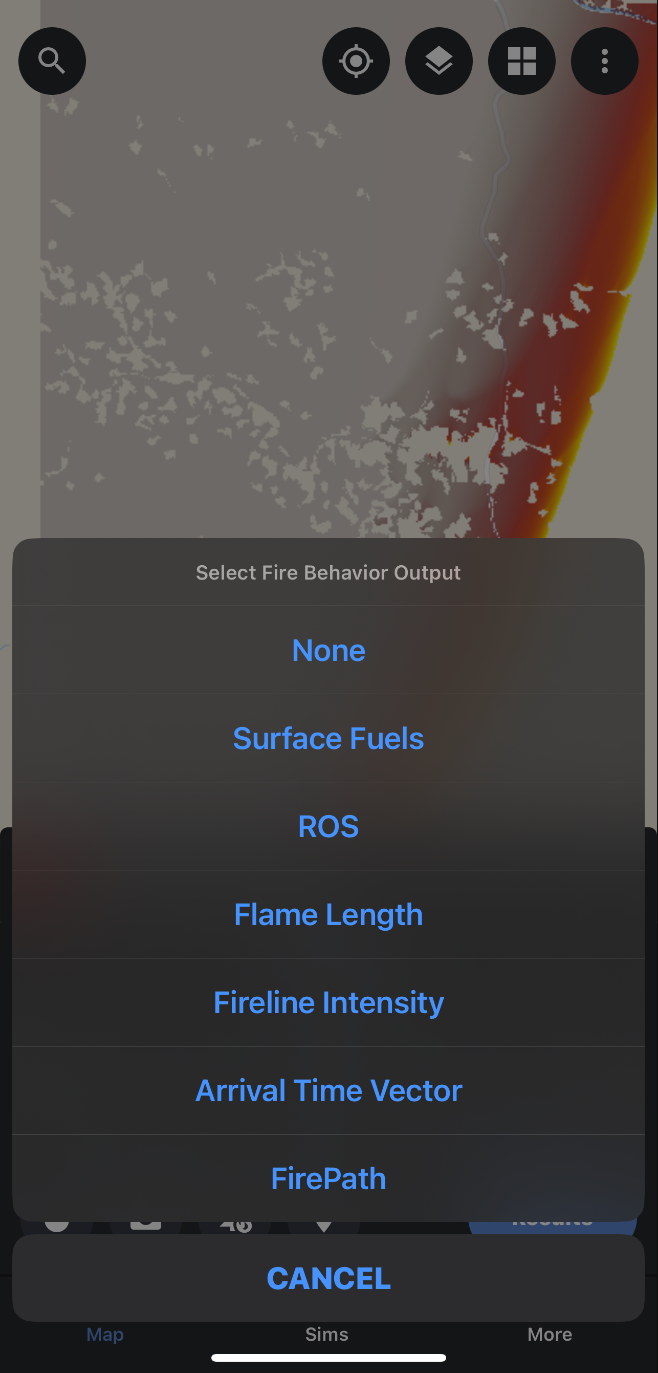
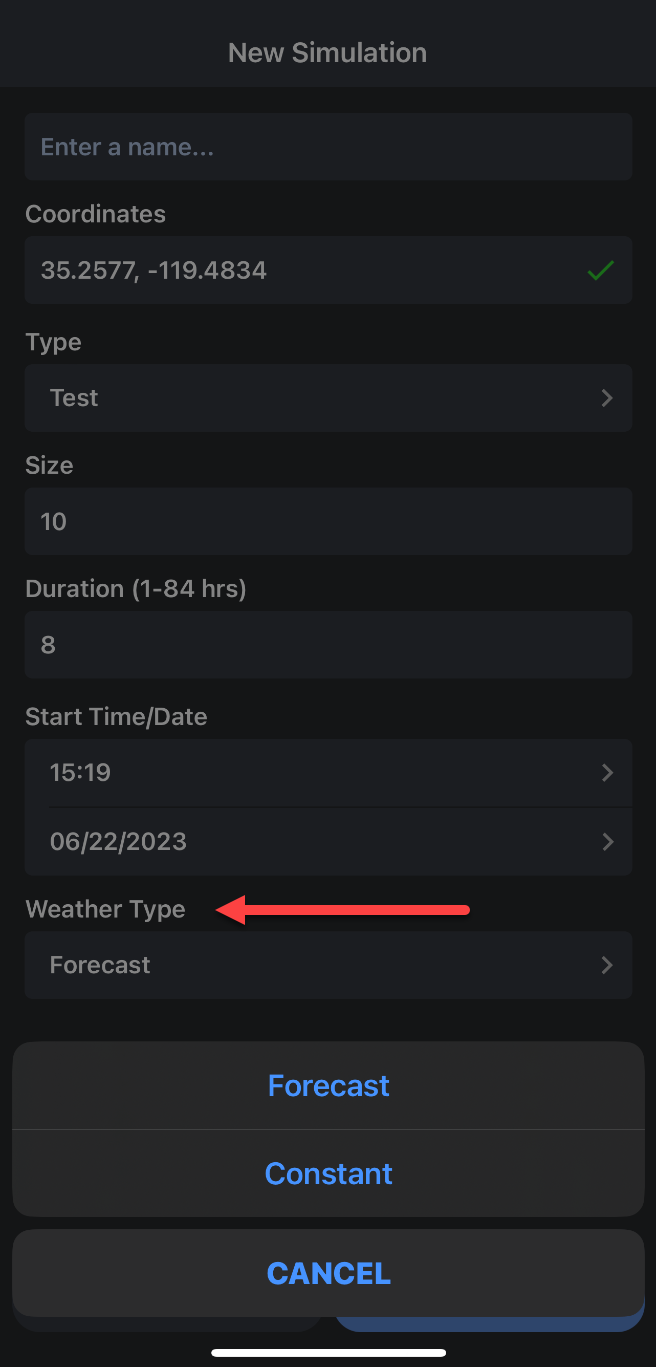
5. Constant Weather Inputs
Constant weather inputs can now be used instead of forecasted weather when creating a simulation.