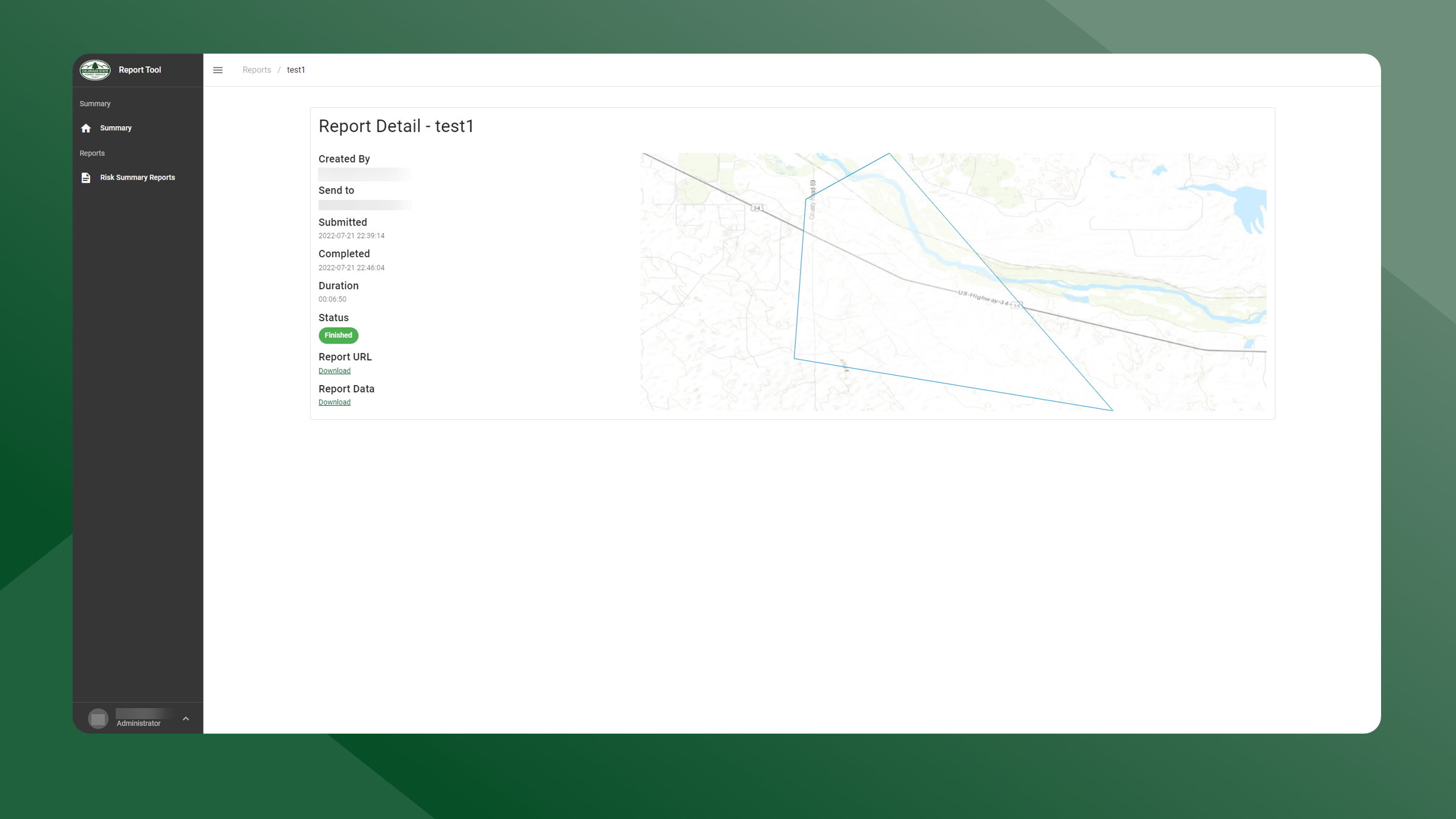
To view previously run report details, follow the steps outlined below:
-
Open the Report Tool application.
-
Select Risk Summary Reports from the left sidebar navigation.
-
Locate the report you would like to re-run in the Report List table.
-
Click the
icon next the report you want to view.
-
The Report Details screen for the selected report will appear.
-
You can download a copy of the report by clicking the Download under Report Data.
-