
-
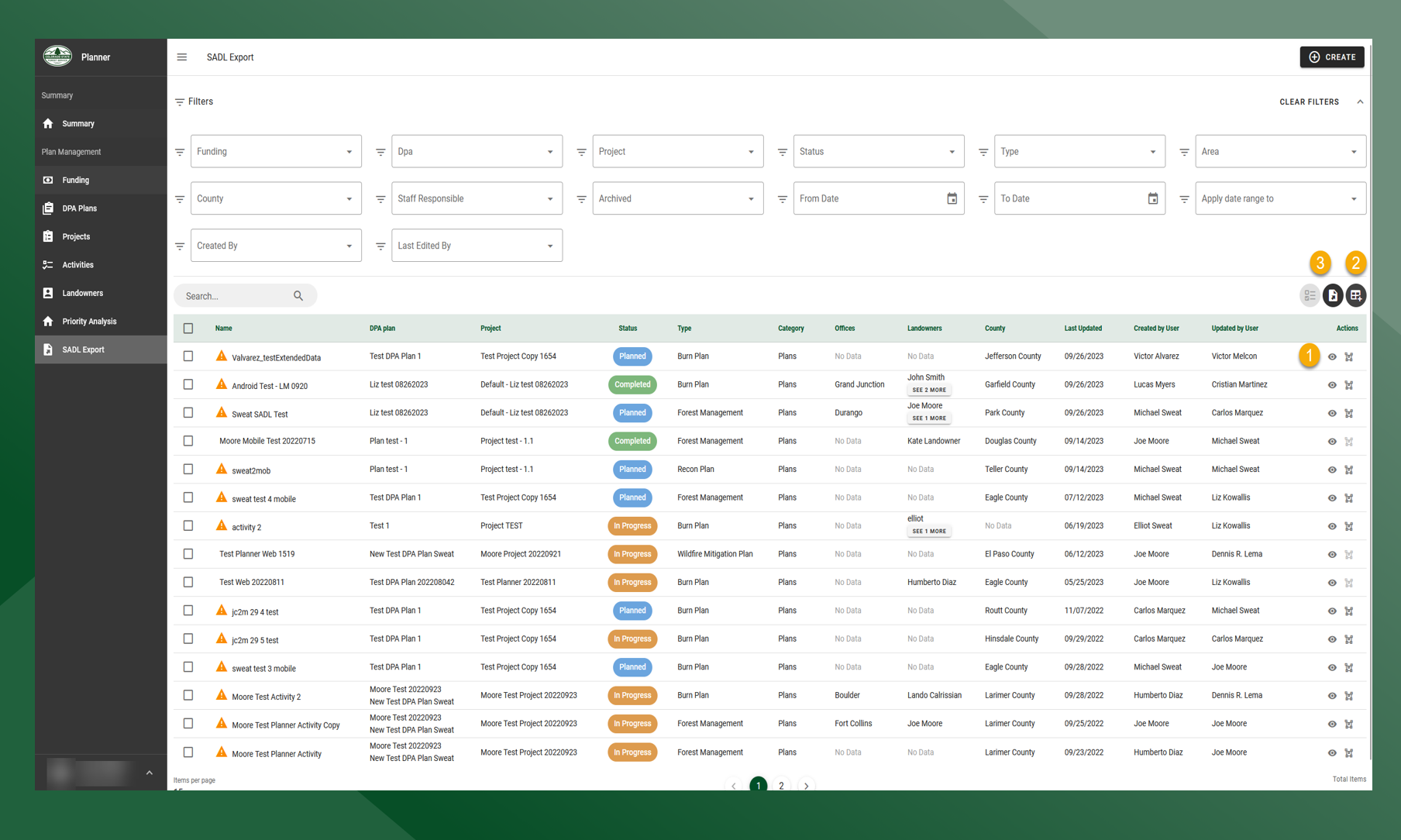
On the SADL Export grid, click
to view the Activity Summary and :geometries: to view the activity geometry
-
Click Choose Columns to change the columns that are displayed on the grid
-
Click :Export_All: to export all activities with planned boundaries to shapefile, click :Export_Selected: to export selected activities to shapefile