
The functionality available to the user is based on the user’s role and permissions.
To run a Priority Analysis, follow the steps outlined below:
-
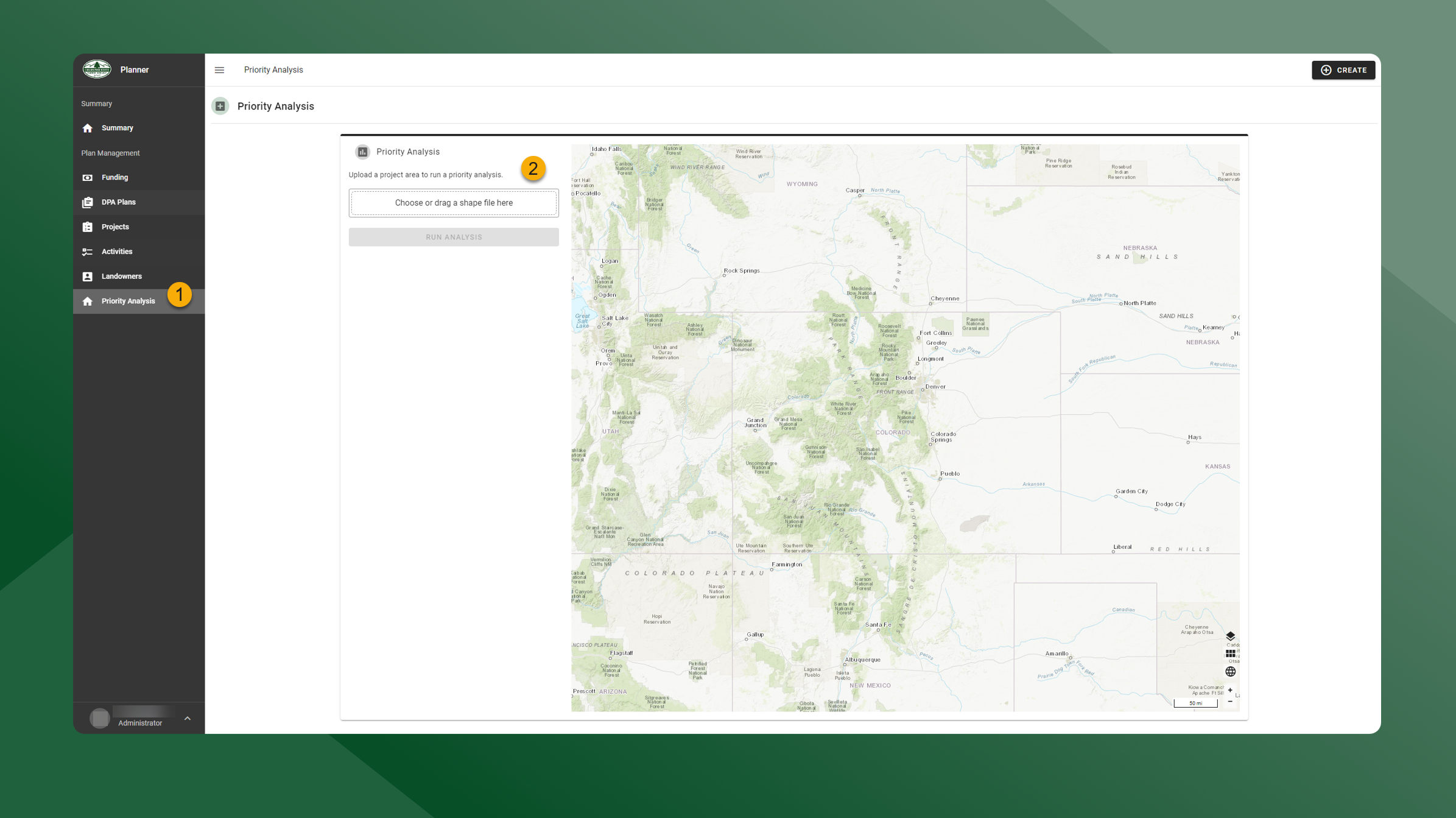
Click Priority Analysis to run a Priority Analysis. A Priority Analysis can be run from this page or from within a Project.
-
Upload a zipped shapefile and click Run Analysis.
The Priority Analysis will display the maximum value for each of the four layers that occurs inside the polygon.