Web Browser - Clearing the Cache
If a user is having issues in Forest Atlas web applications the first step to solving them is clearing the cache and deleting all cookies.
Firefox
-
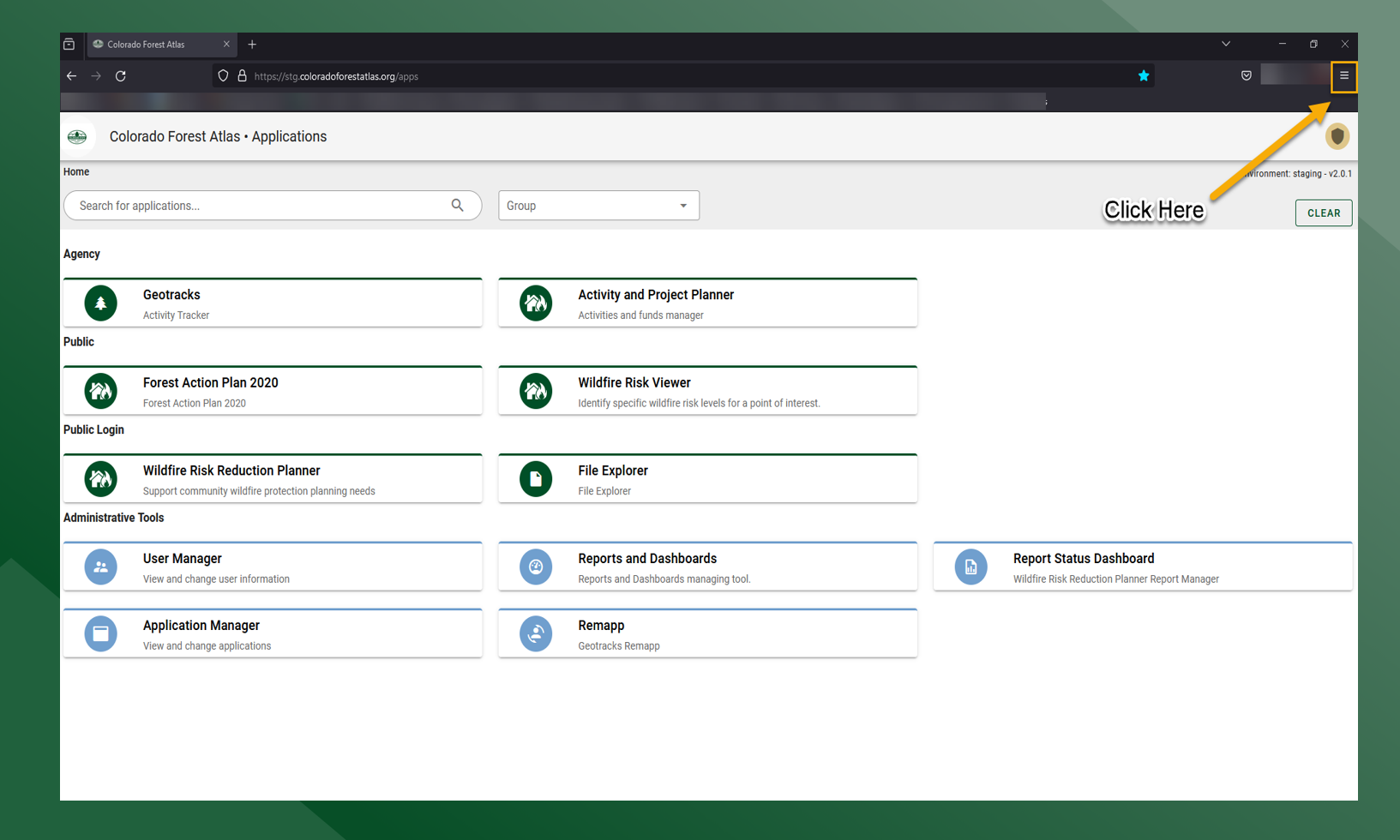
Click on the
in the upper right hand side of the browser and then click on Settings
-
Click Privacy & Security
-
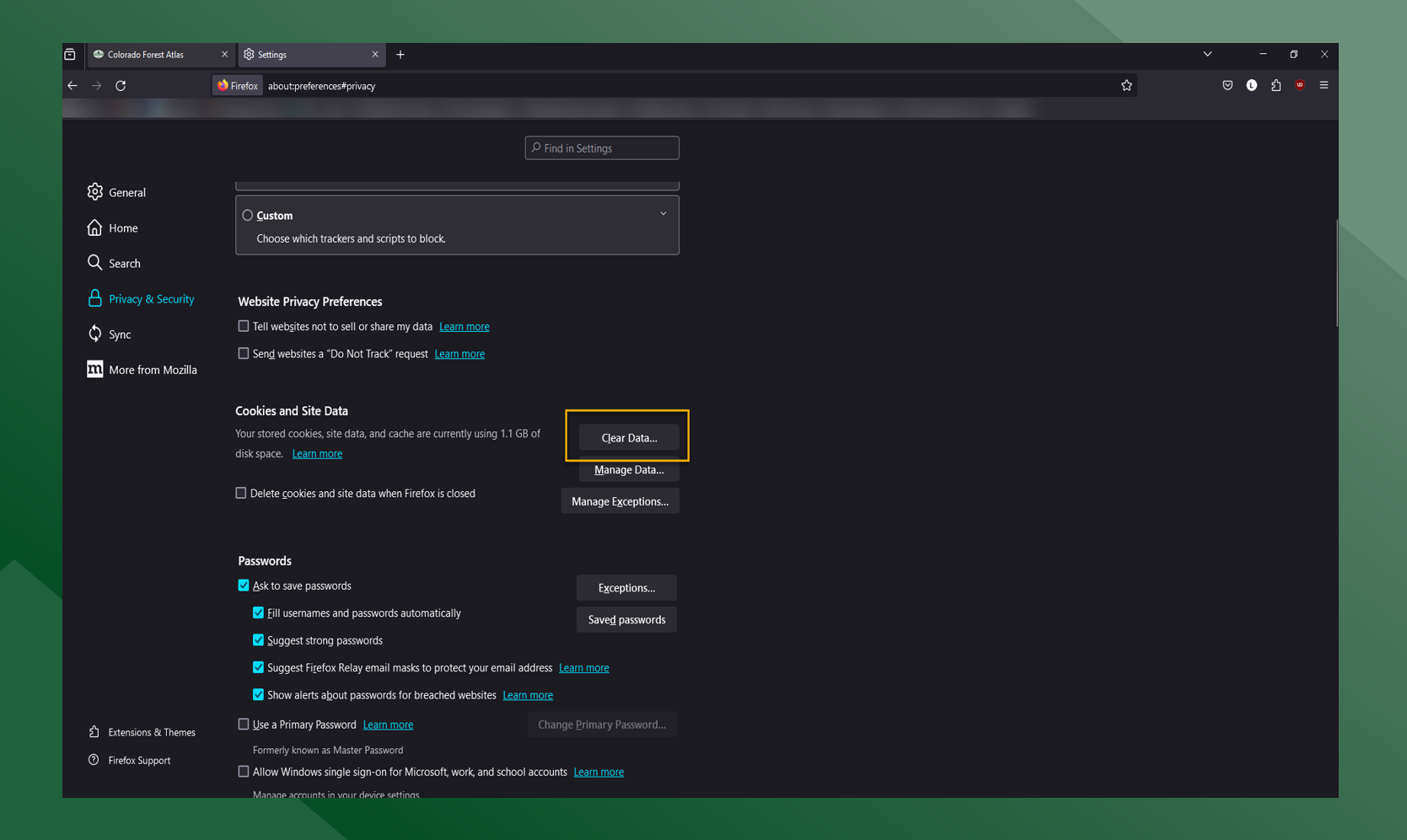
Click on Clear Data
-
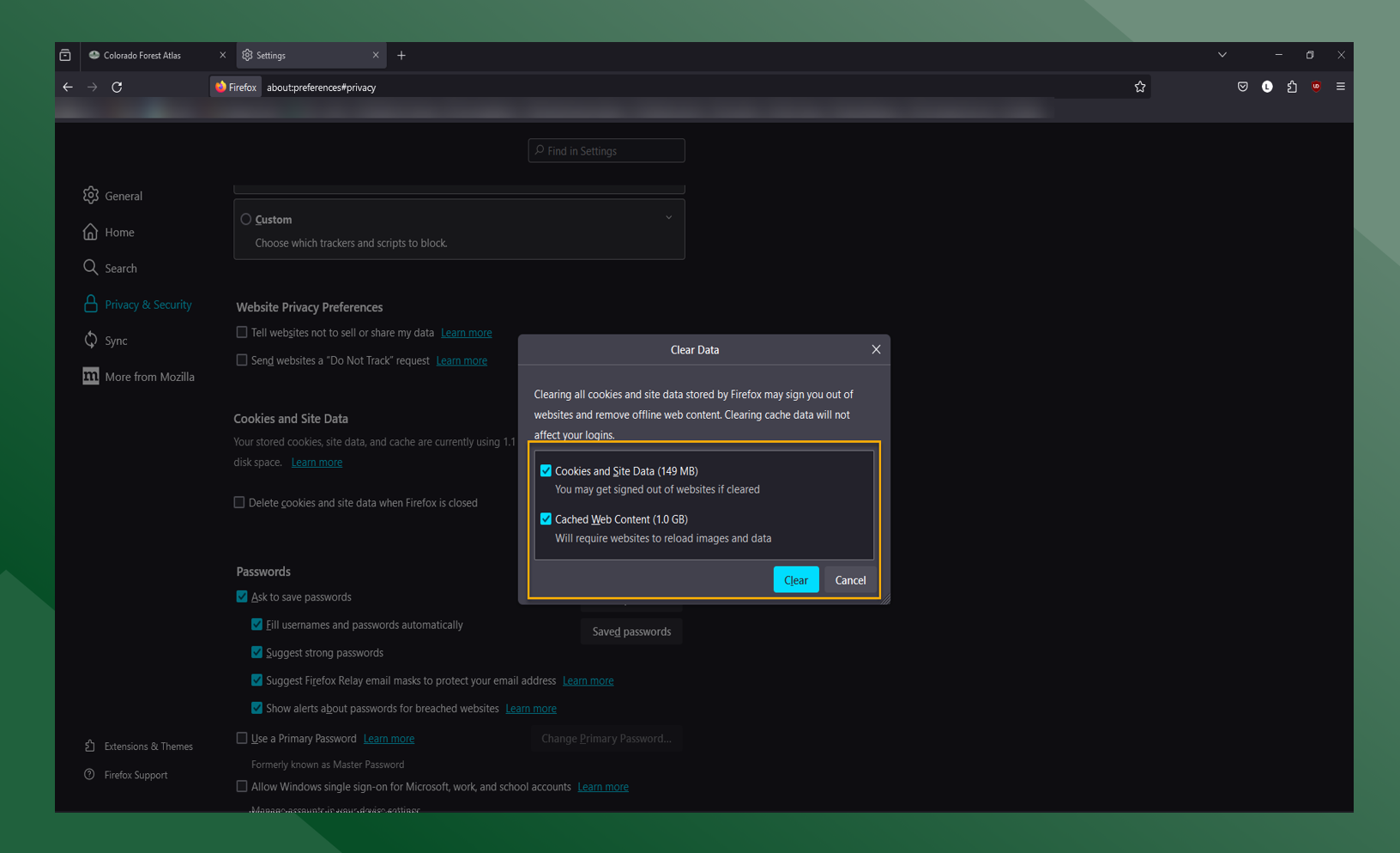
Make sure both boxes are selected and click Clear and then Clear Now on the dialogue box that appears
Chrome
-
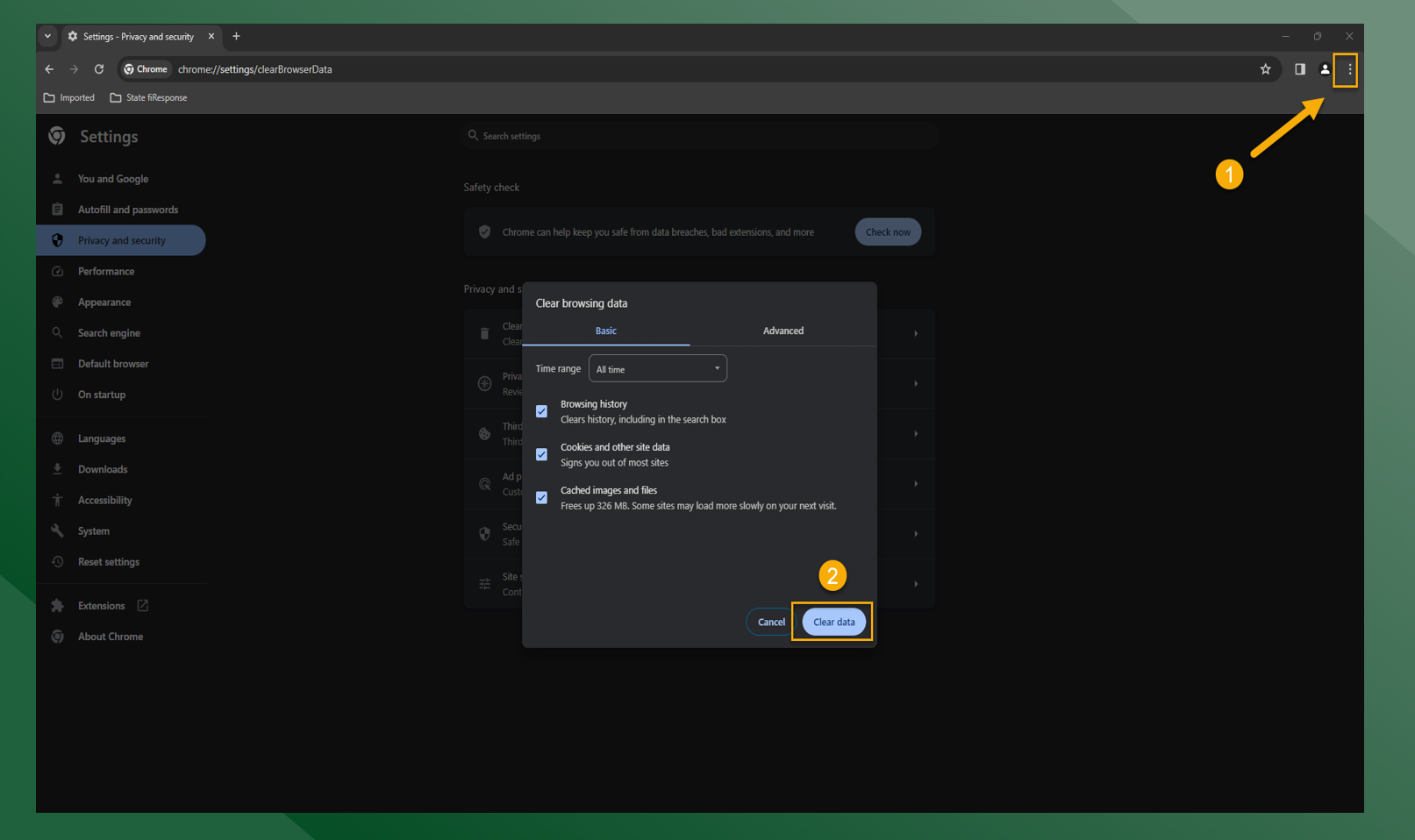
Click
in the upper right hand side of the browser and click “Clear Browsing Data”
-
Click “Clear Data”
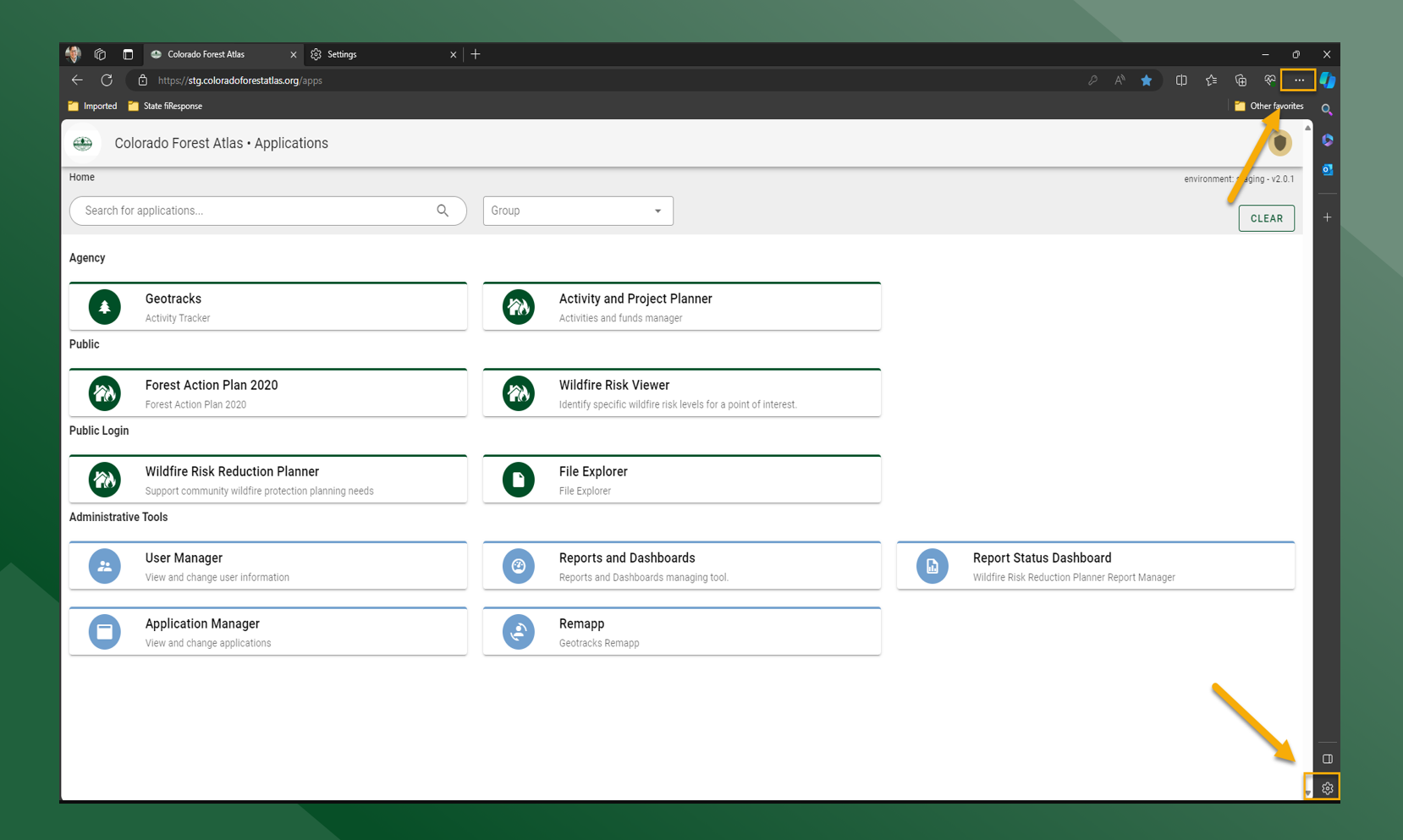
Edge
-
Click either
in the lower right hand side
-
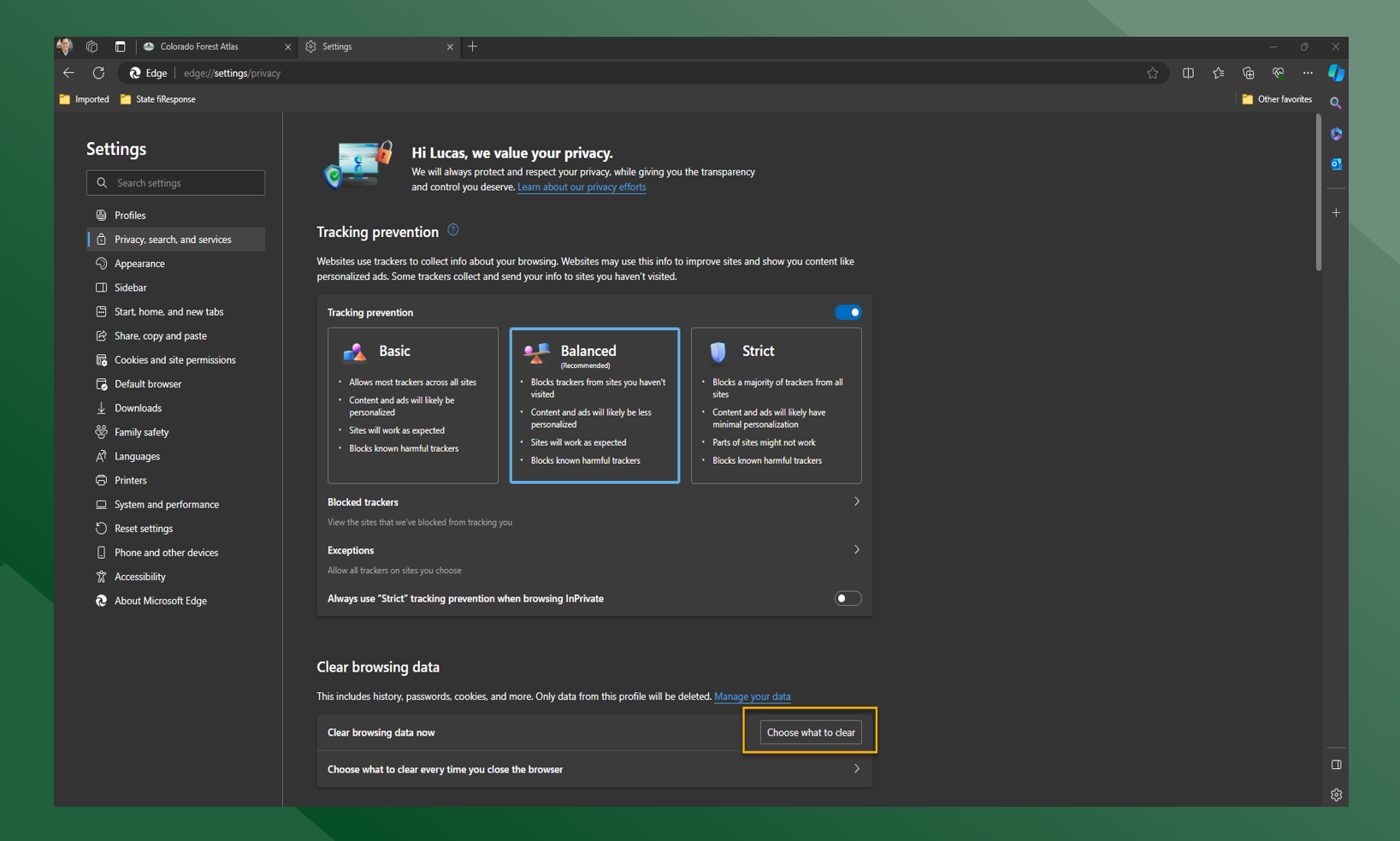
Click Choose What to Clear
-
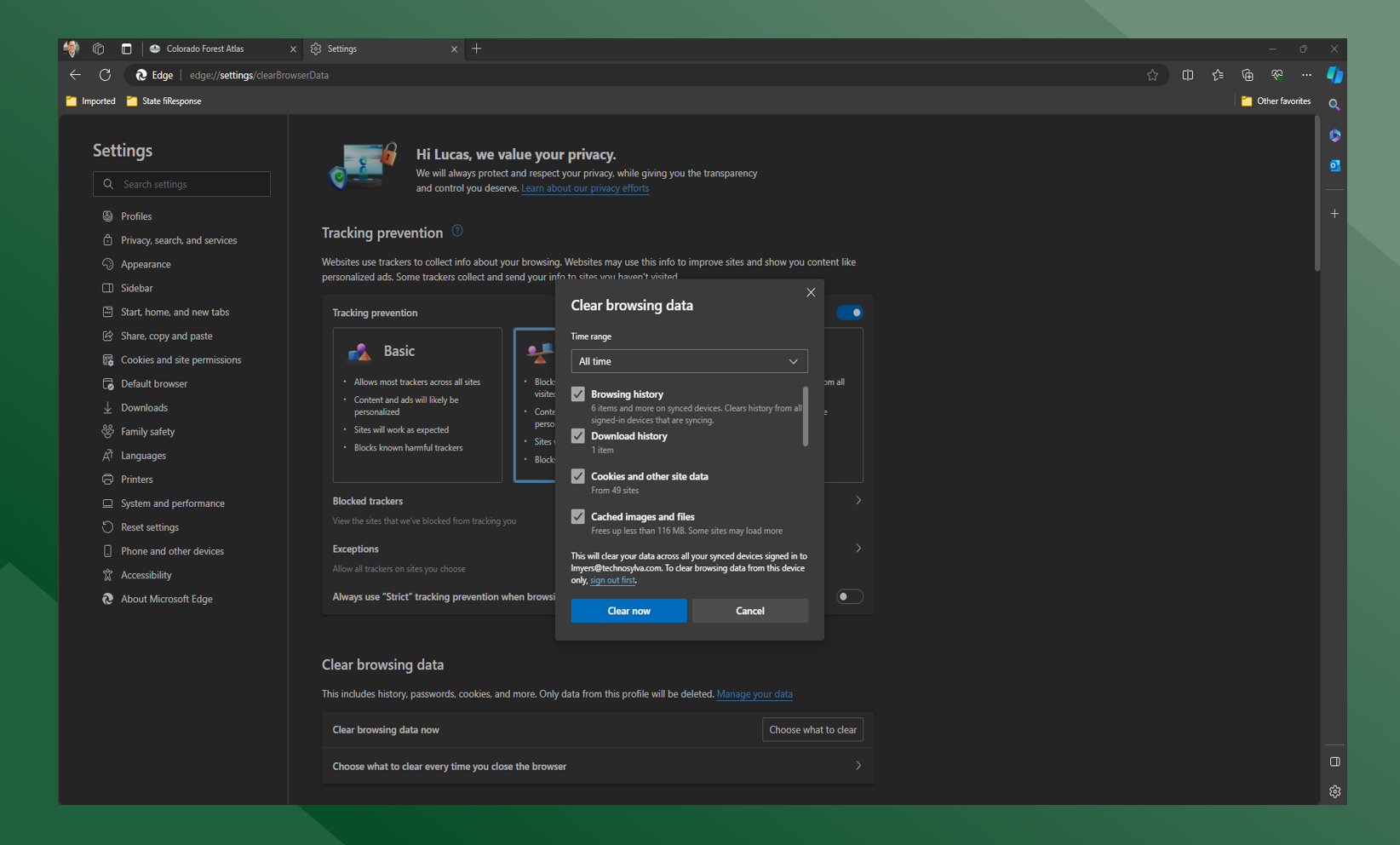
Click the drop down and choose “All Time” and make sure all boxes are checked
-
Click “Clear Now”